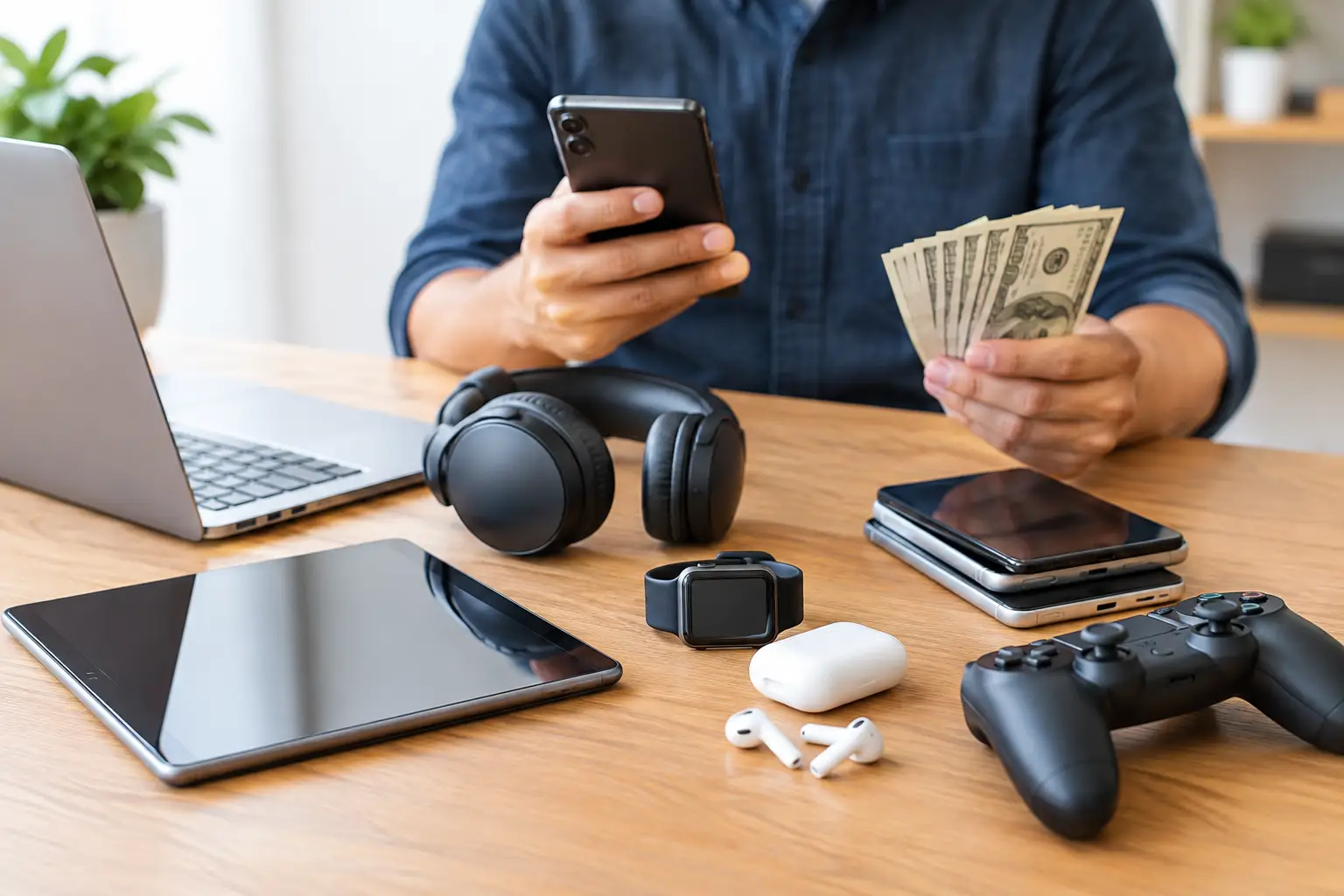

Your old phone is not just sitting in a drawer. It may be worth cash, even if the screen is cracked, the battery drains fast, or the charging port only works at a certain angle. This used electronics selling guide explains how to sell it without handing over your data, accepting a weak offer, or getting stuck with an online buyer who disappears after agreeing on a price.
Selling locally can be simple: know what you have, prepare it properly, understand its condition, and get an offer from someone who can inspect it in person. The best route depends on whether your priority is the highest possible price, the fastest payment, or a buyer who will also take damaged electronics.
Start With the Device You Actually Have
Before checking prices, identify the exact model, storage size, carrier status, and condition. An iPhone 13 with 128GB storage is not valued the same as a 256GB version. A Wi-Fi-only iPad is different from a cellular model. The same goes for MacBooks, Samsung phones, Apple Watches, PlayStations, Xbox consoles, and Nintendo Switch systems.
Find the model number in Settings when the device still powers on. For phones and tablets, you can also check the back casing, SIM tray, or original box. Laptops and consoles often have a model label on the bottom or rear. Bring the charging cable if you have it, but do not worry if it is missing. It can affect the offer, yet the device itself is what matters most.
Be honest about the condition from the beginning. A tiny scratch and a cracked display are not the same thing. Neither are a weak battery and a phone that randomly restarts. Accurate details save time and prevent an offer from changing at the counter after a technician spots an issue you did not mention.
What Changes the Value of Used Electronics?
Age matters, but function usually matters more. A newer device with a locked account can be worth far less than an older device that is clean, fully working, and ready for its next owner. Storage capacity, cosmetic condition, repair history, included accessories, and local demand also affect what a buyer can pay.
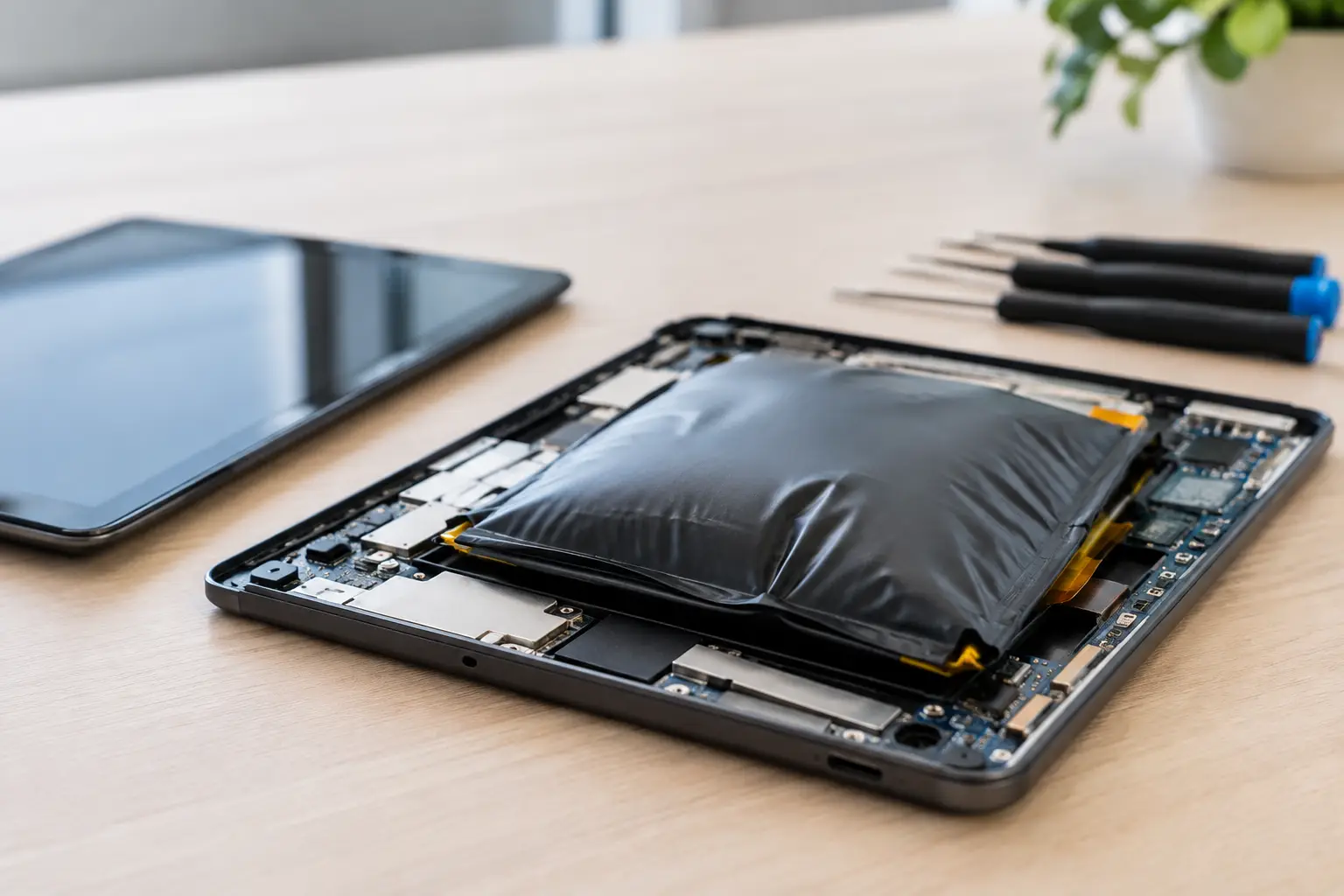
The biggest value killers are account locks and major board-level faults. Find My iPhone or Activation Lock, Google Factory Reset Protection, Samsung account locks, and management profiles can make a device difficult or impossible to resell. A console that will not power on may still have value for repair or parts, but it will not receive the same offer as a tested working unit.
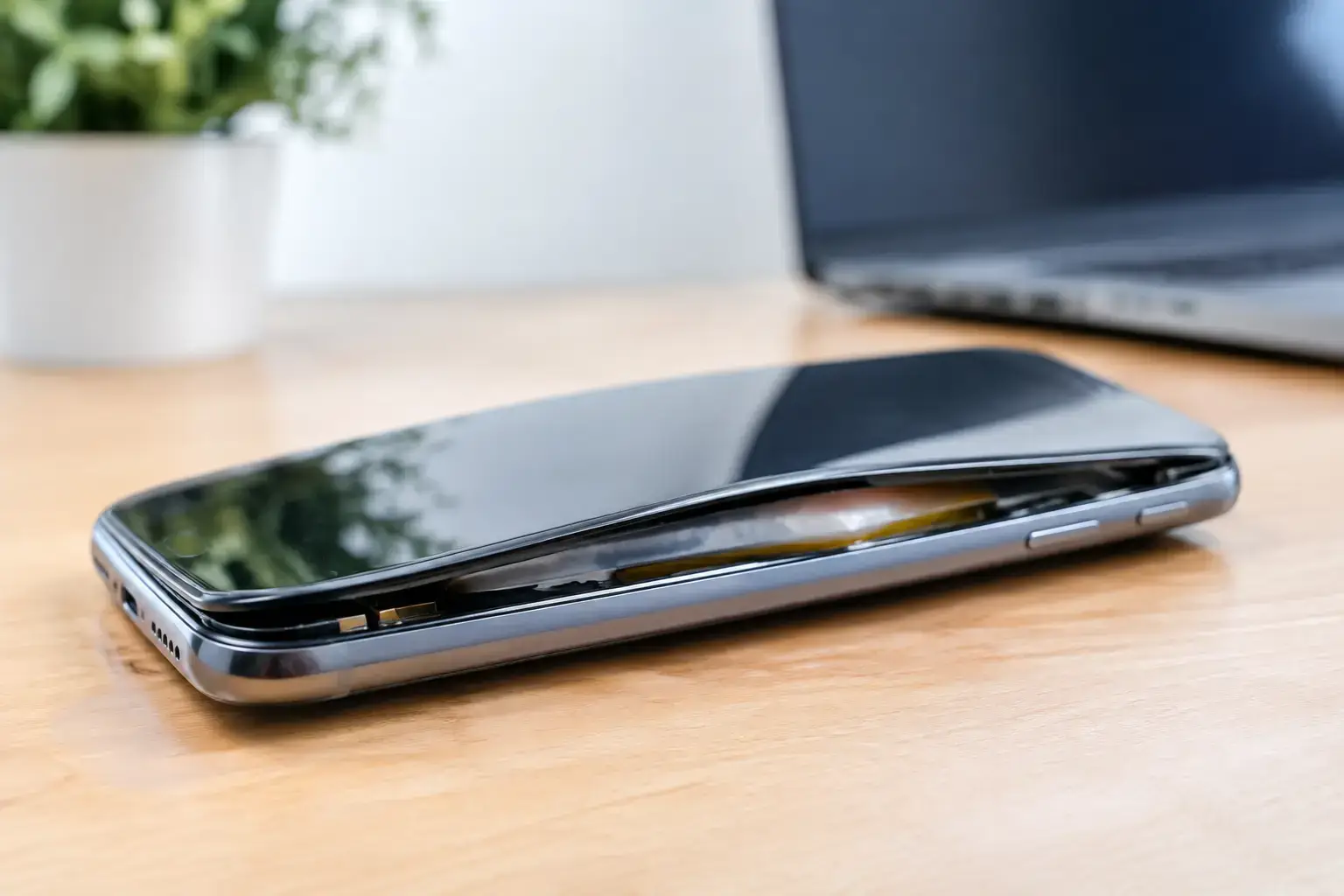
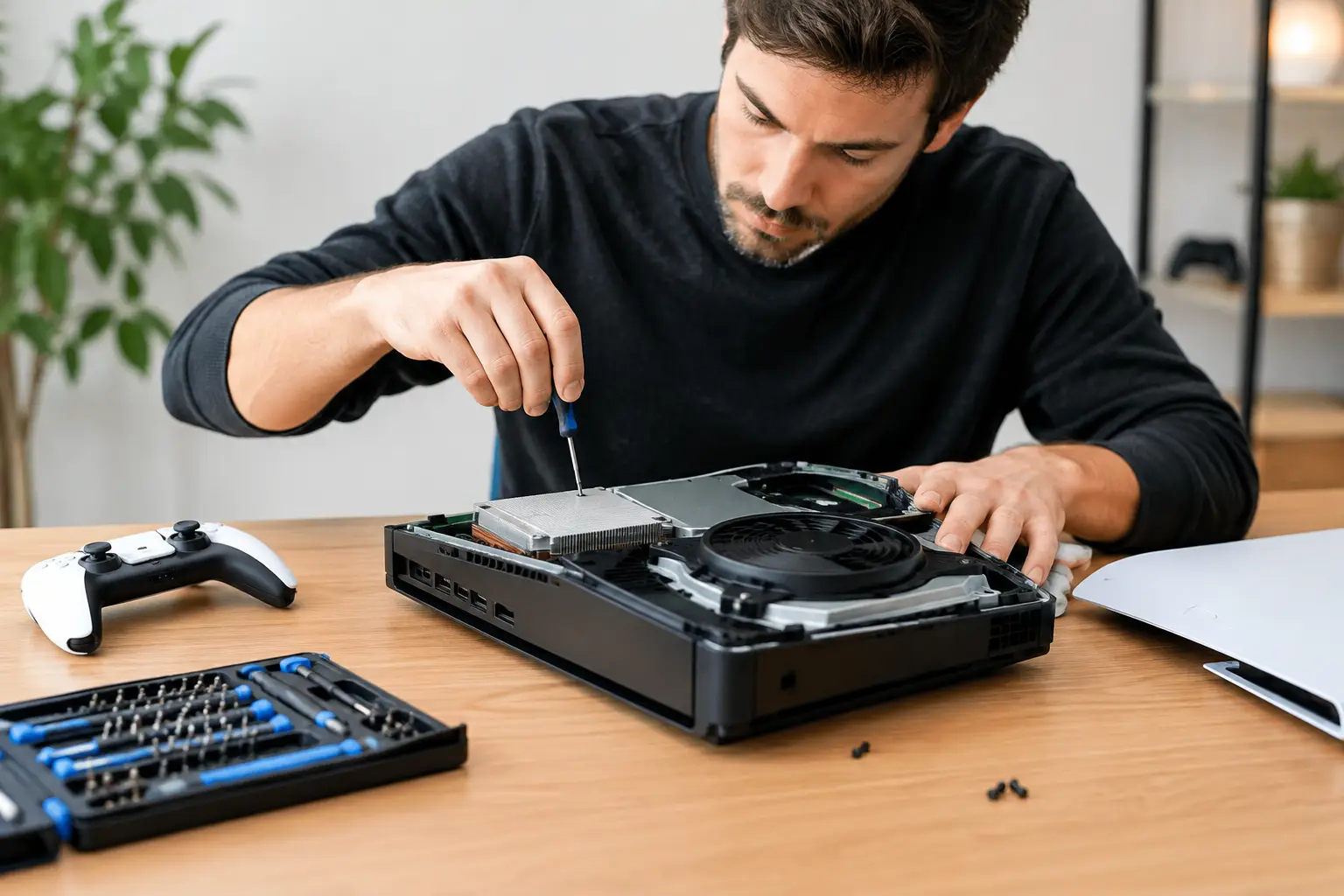
Damage is not always a deal-breaker. A broken iPhone screen, a MacBook with liquid damage, or a PS5 with an HDMI problem can still be sellable. In many cases, the device needs a proper diagnosis, not a trip to the recycling bin. Shops with component-level repair capability can often assess faults that a basic buyback program simply rejects.
Back Up Your Data Before You Sell
Do not factory reset first and hope you saved everything. Back up your photos, messages, contacts, notes, app data, and files before the device leaves your hands. Use your preferred cloud backup, transfer data to a new device, or copy important files to a computer or external drive.
For a phone or tablet, make sure photos have finished syncing. For a laptop, check desktop folders, downloads, browser passwords, and documents stored outside your normal cloud folder. Gamers should confirm that saved game data is backed up or synced to their account before removing a console profile.
If you are selling a device because it no longer works, ask whether the buyer can help verify the issue before you erase it. A phone with a black screen may still be working internally, and data transfer may be possible after a screen repair. Erasing a device too early can make recovery harder.
Remove Accounts the Right Way
A factory reset alone is not enough. You must remove your personal accounts first. This is the step that protects your privacy and allows the next owner to activate the device.
For iPhones and iPads, sign out of your Apple Account and turn off Find My before erasing. For Android phones and tablets, remove Google and manufacturer accounts before resetting. On a Mac, sign out of your Apple Account, turn off Find My, and remove the device from any management or activation system. On consoles, remove your profile, deactivate the system as your primary console when applicable, and reset it after confirming your saved data is secure.
Do not give anyone your passcode, Apple Account password, Google password, or banking credentials. A legitimate buyer may need you to unlock the device or remove an account while you are present, but they do not need permanent access to your personal login information.
Clean It, But Do Not Hide Problems
A quick clean makes a real difference. Wipe the device with a soft microfiber cloth, remove stickers, clear dust from ports gently, and take out the SIM card and memory card. If you have a case on your phone, remove it so the buyer can inspect the frame and back glass.
Skip the risky shortcuts. Do not use household cleaner directly on screens, do not dig into charging ports with metal tools, and do not try to glue down a lifting screen before selling. Those fixes can create more damage, compromise water resistance, or make a straightforward repair more expensive.
If the device was repaired before, say so. A quality screen replacement or battery replacement does not automatically hurt resale value. What matters is whether the repair functions properly and whether the device has new issues afterward, such as touch problems, Face ID failure, overheating, or charging interruptions.
Compare Selling Options Based on Your Priority
Online marketplaces can bring the highest asking price, especially for popular phones, gaming consoles, and newer laptops. The trade-off is time. You need to take photos, answer messages, negotiate, arrange a meeting, and watch for payment scams or buyers who try to renegotiate in person.
Mail-in trade-ins can be convenient, but the quoted amount is often conditional. Once the device arrives, the final offer may drop because of damage, battery health, or an issue you did not know existed. You also wait for shipping and processing before payment.
A local electronics buyer generally offers less than a private sale, but the value is speed, safety, and certainty. You can receive an in-person assessment, see the condition being checked, remove your accounts on the spot, and leave with payment. This is often the smarter choice when you need cash today, have a damaged device, or do not want to meet strangers from an app.
At BuyCellFix, technicians can evaluate phones, tablets, laptops, smartwatches, and gaming consoles in person, including devices with cracked screens, battery faults, charging problems, or more complex hardware damage. That matters because a device that looks dead may still be repairable or valuable for parts.
Ask the Questions That Protect Your Sale
Before accepting an offer, ask how the device is tested, whether the buyer accepts damaged electronics, and whether there are any fees deducted from the quoted amount. A clear buyer will explain what they check: screen function, charging, cameras, biometric features, battery condition, account status, network status, and signs of liquid or board damage.
You should also ask what happens to your data. A responsible local buyer should allow you to remove accounts and reset the device in front of them. For devices that cannot be powered on, ask how data-bearing parts are handled and whether secure data destruction is available.
Bring a government-issued ID if required. Many professional electronics buyers need identification for used-device transactions. That is normal and helps discourage stolen-device resale.
A Quick Used Electronics Selling Checklist
Before heading out, make sure you have handled these essentials:
- Back up photos, files, messages, and game saves.
- Remove SIM cards, memory cards, cases, and personal accessories.
- Sign out of Apple, Google, Samsung, Microsoft, and gaming accounts.
- Turn off activation locks and remove the device from Find My or account device lists.
- Charge the device if possible and bring its charger if you have it.
- Be ready to describe repairs, damage, and any problems honestly.
A few minutes of preparation can prevent an account-lock problem from stopping the sale and can help the buyer give you an accurate offer faster.
Do Not Assume Broken Means Worthless
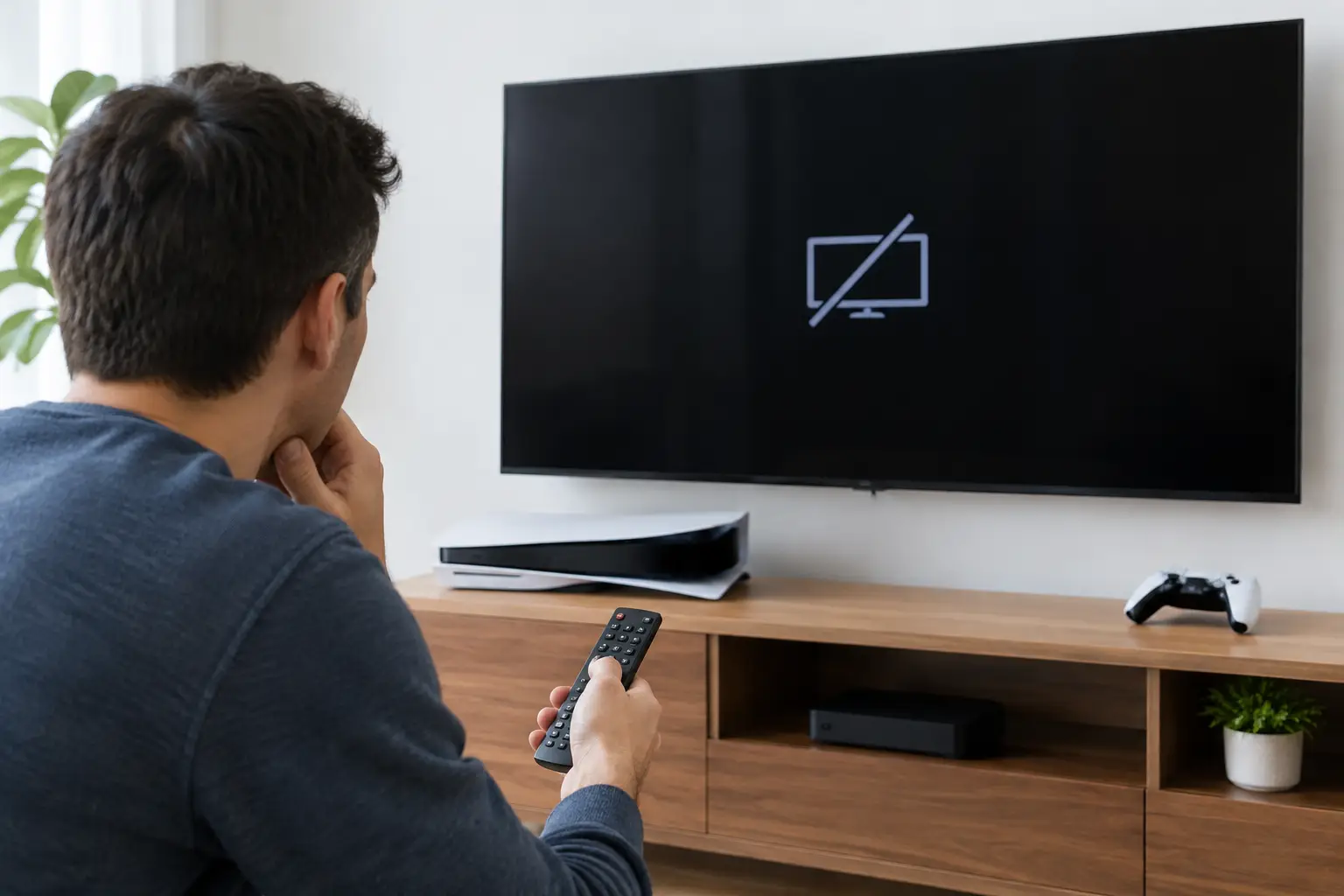
Many sellers make one expensive mistake: they treat a broken device as junk before anyone has diagnosed it. A no-charge phone may need a port repair. A MacBook that will not start may have a board-level issue instead of a failed motherboard. A PS5 with no picture may have a damaged HDMI port, not a dead console.
Repairing first can sometimes raise resale value enough to make sense. Other times, selling as-is is the better move, especially when the repair cost is close to the device’s market value. Ask for a clear diagnosis and compare the repair cost against the difference between the working and damaged-device offer.
Your device has value while it is still identifiable, account-free, and honestly represented. Prepare it, protect your data, and choose the selling option that gets you a fair result without wasting your time.