
A phone screen lifting away from the frame is not just a cosmetic problem. A trackpad that suddenly feels stiff, a tablet case that will not sit flat, or a laptop bottom cover that bulges can all point to the same issue: a swollen lithium-ion battery. If you searched “batterie gonflée dangereuse,” the direct answer is yes. A swollen battery can become a fire and chemical hazard, and it needs professional handling.
Do not keep charging it to see if it improves. Do not squeeze the device back together. The safest move is to stop using it and have it inspected as soon as possible.
Why a batterie gonflée can be dangerous
Lithium-ion batteries store a lot of energy in a small space. They are built in sealed pouches or cells. When a battery degrades, overheats, suffers physical damage, or develops an internal defect, chemical reactions inside the cell can create gas. Because the battery is sealed, that gas has nowhere to go. The cell expands.
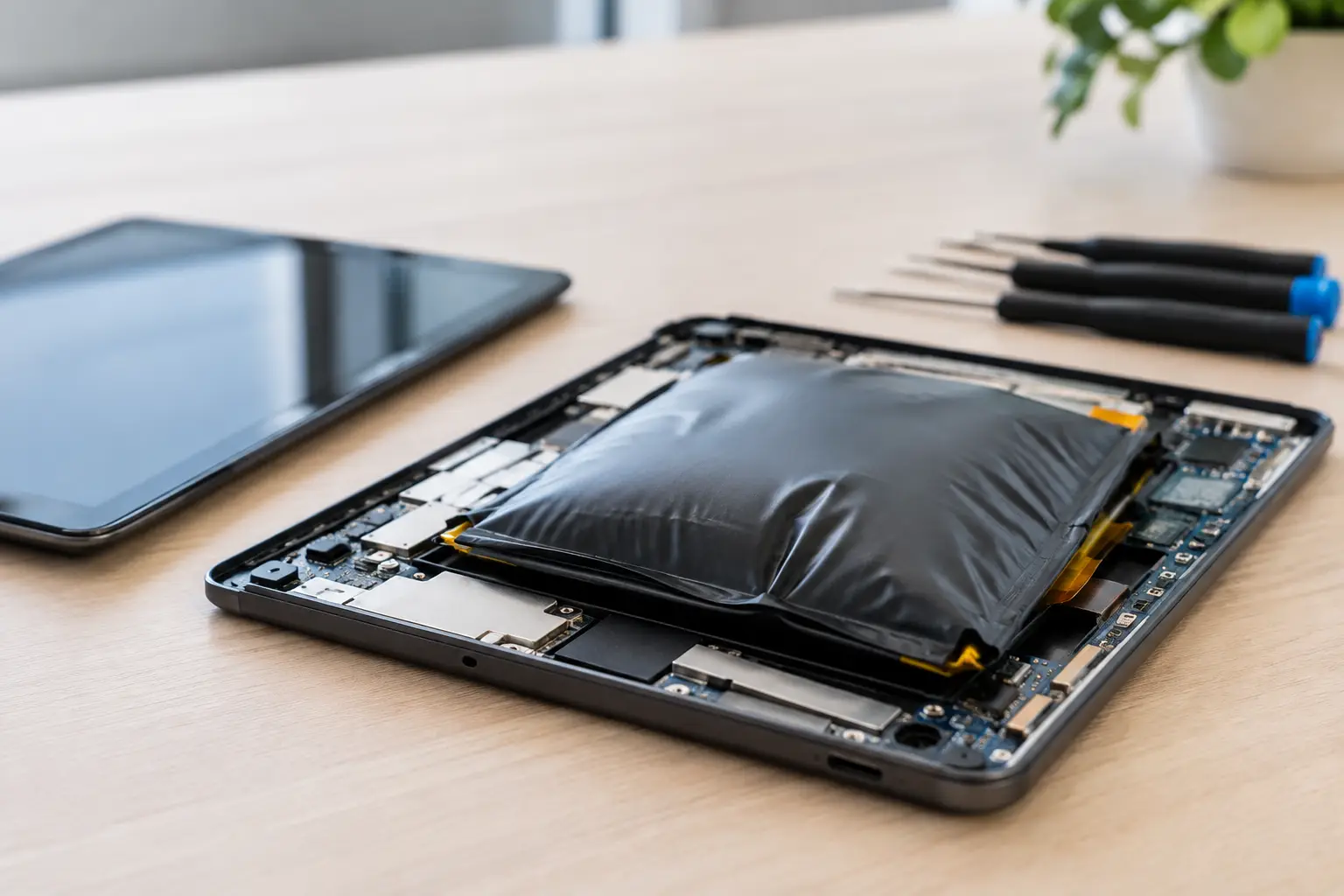
Swelling is a sign that the battery is no longer operating normally. The expanding cell can press against the screen, motherboard, charging port, trackpad, or internal cables. More seriously, the protective layers inside the battery may become unstable. If the pouch is punctured, crushed, overheated, or short-circuited, it can release flammable material and enter thermal runaway – a rapid overheating event that can produce smoke, fire, and toxic fumes.
Not every swollen battery catches fire. But there is no reliable way to predict which one will stay stable and which one will fail under pressure, during charging, or after a drop. That uncertainty is exactly why this is not a repair to postpone.
Signs your battery may be swelling
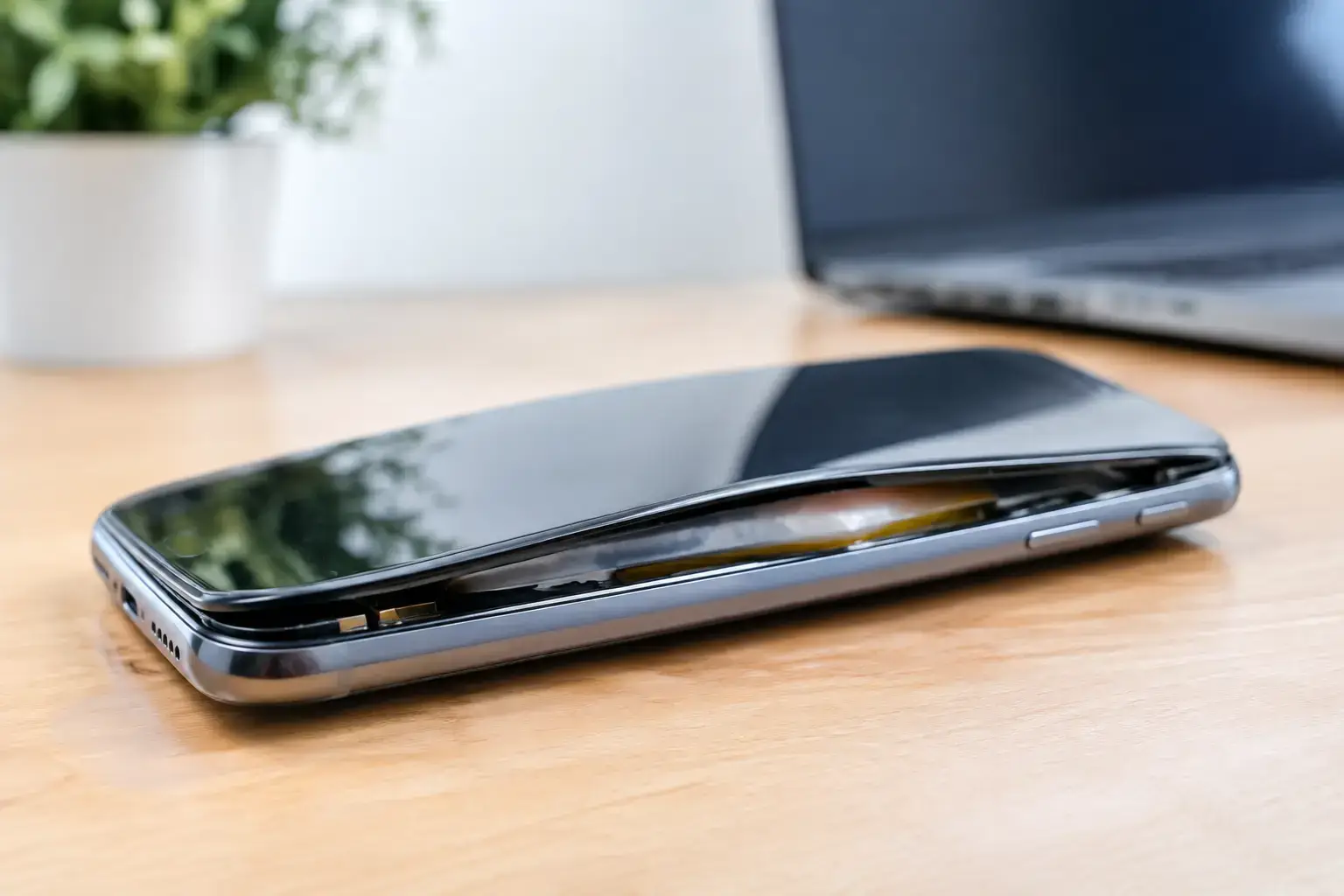
A swollen battery is sometimes obvious, but not always. On a phone, the screen may separate slightly from the frame, creating a visible gap along one edge. On a laptop, the bottom case may rock on a desk, the keyboard may rise, or the trackpad may stop clicking properly because the battery is pushing upward from below.
Tablets can show a bowed display, gaps near the bezel, or a case that will not close evenly. Smartwatches may develop screen separation. In all of these devices, unexpected physical distortion matters more than a battery percentage that seems normal.
Battery swelling can also come with heat, fast battery drain, sudden shutdowns, charging problems, or an unusual smell. Those symptoms alone do not confirm swelling, but they are enough to stop treating the device as business as usual. If the device feels hot while sitting idle, becomes hot while charging, emits smoke, hisses, or smells sharp or sweet, move away from it and contact emergency services if there is an immediate fire risk.
What to do right now
First, unplug the device from its charger. If it is safe to do so without bending, squeezing, or handling a hot device, power it down. Do not turn it back on to back up files, test the battery, or finish one more task. A short period without a backup is better than creating a dangerous situation.
Place the device on a hard, nonflammable surface away from paper, bedding, curtains, pets, and children. A concrete floor, stone surface, or clear metal tray is better than a couch, drawer, backpack, or car. Keep it at room temperature. Do not leave it in direct sunlight, freezing weather, or a hot vehicle.
Then arrange a professional assessment. A qualified technician can open the device safely, inspect for pressure damage, replace the battery when appropriate, and check the charging circuit and nearby components. If the device has been dropped, exposed to water, or repaired before, the diagnosis may go beyond the battery itself.
If you see smoke, flames, or active venting, do not attempt a repair. Get people away from the area and call 911. Do not breathe the fumes. A damaged lithium battery can reignite, so the priority is personal safety, not saving the device.
What not to do with a swollen battery
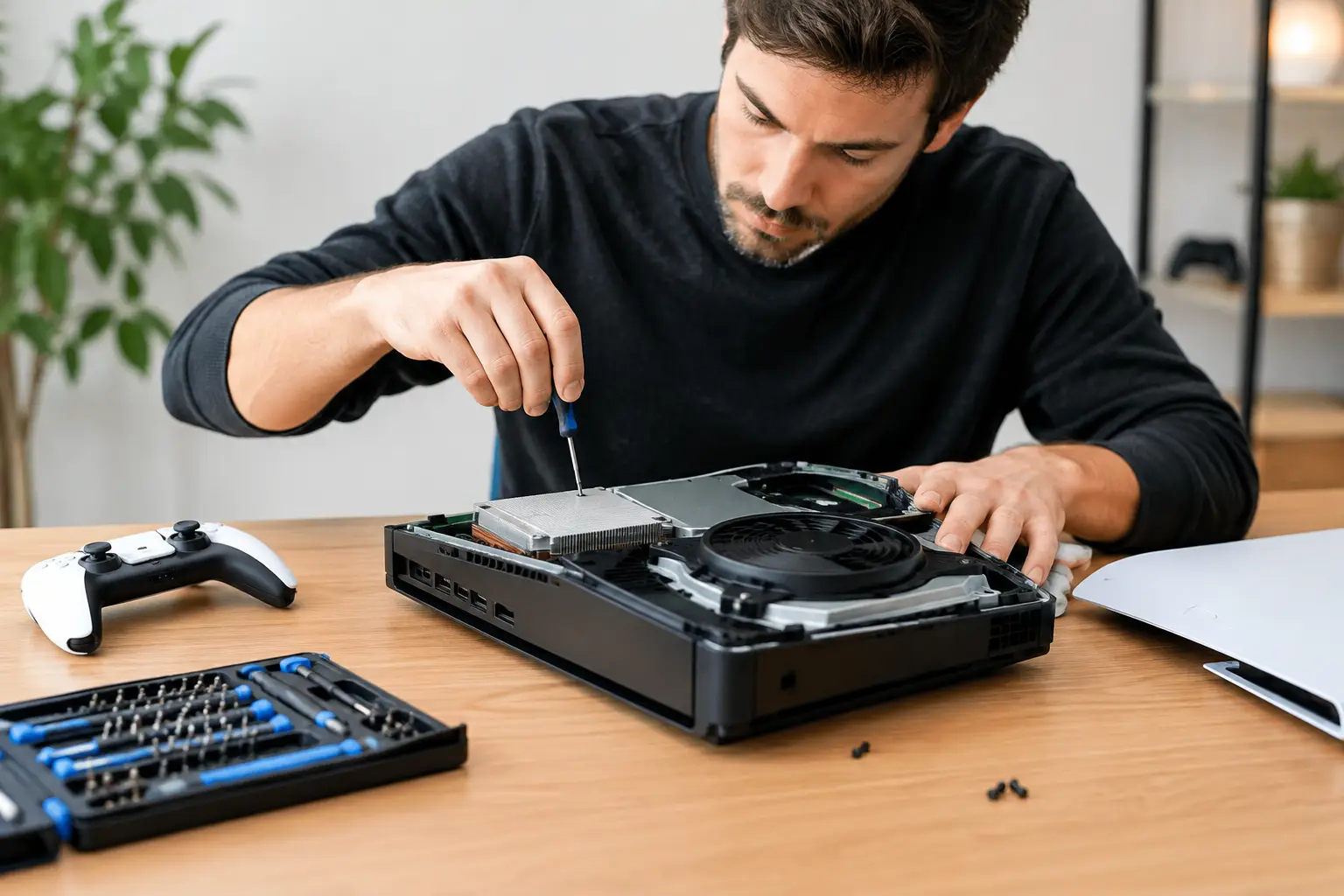
The wrong response can turn a contained problem into a serious one. Never puncture, cut, bend, crush, or pry open a swollen battery. Online videos may make battery removal look simple, but the pouch can be damaged by a tool, a screw, or even pressure from an uneven surface.
Do not tape the screen down or force the phone case shut. That only adds pressure to a compromised cell. Do not put the device in a freezer, microwave, oven, or water. Extreme temperatures and improvised “fixes” do not reverse swelling.
Avoid shipping a visibly swollen device through regular mail unless the carrier and packaging process explicitly permit it. Lithium battery transport rules are strict for good reason. A local repair counter or approved electronics recycling program is usually the safer next step.
Finally, do not throw it in household trash or a curbside recycling bin. Damaged lithium-ion batteries can cause fires in garbage trucks and recycling facilities. They require a proper battery recycling or hazardous electronic waste channel.
Can the device still be repaired?
Often, yes. A swollen battery does not automatically mean the phone, tablet, or laptop is finished. If the battery is removed before it damages other parts, a battery replacement may be all that is needed. The outcome depends on how long the device has been under pressure and whether the swelling has affected the display, frame, charging assembly, trackpad, or internal board.
This is where a real diagnostic matters. Some shops treat every battery issue as a quick parts swap. That can miss a bent frame, damaged screen adhesive, a charging fault that caused excess heat, or corrosion from earlier liquid exposure. On laptops and higher-value devices, board-level testing can make the difference between a sensible repair and an unnecessary replacement recommendation.
At BuyCellFix, technicians can inspect the device, explain what is damaged, and give you an upfront repair option before work starts. If the repair does not make financial sense, you still have a clear answer instead of guessing with a potentially unsafe device at home.
Why batteries swell in the first place
Age is the most common reason. Every lithium-ion battery has a limited number of charging cycles, and its internal chemistry changes over time. Heat speeds up that aging process. A phone repeatedly left in a hot car, a laptop used on blankets that block ventilation, or a device charged with a failing cable or adapter can all face extra stress.
Physical damage is another cause. A hard drop may damage the battery internally even when the outside of the phone looks fine. Water exposure can create corrosion or electrical problems that show up later. In some cases, a manufacturing defect or a faulty charging circuit is responsible.
Charging overnight is not automatically dangerous when the device, charger, and battery are in good condition. Modern devices manage charging intelligently. The concern is a battery that is already damaged, overheating, or visibly swelling. Once swelling begins, normal charging habits no longer apply.
Protect your next battery
You cannot prevent every battery failure, but you can reduce the stress that makes one more likely. Use quality charging cables and adapters, avoid sustained high heat, and replace batteries that drain unusually fast or cause frequent shutdowns before they reach the swelling stage. Keep laptop vents clear and avoid charging damaged devices after a major drop or liquid spill.
Most of all, trust visible changes in the device. A lifting screen, warped case, or stuck trackpad is your device telling you something has changed inside. Stop using it, keep it away from heat and flammable materials, and get it checked. A quick diagnostic now can protect your data, your device, and the space where you live or work.