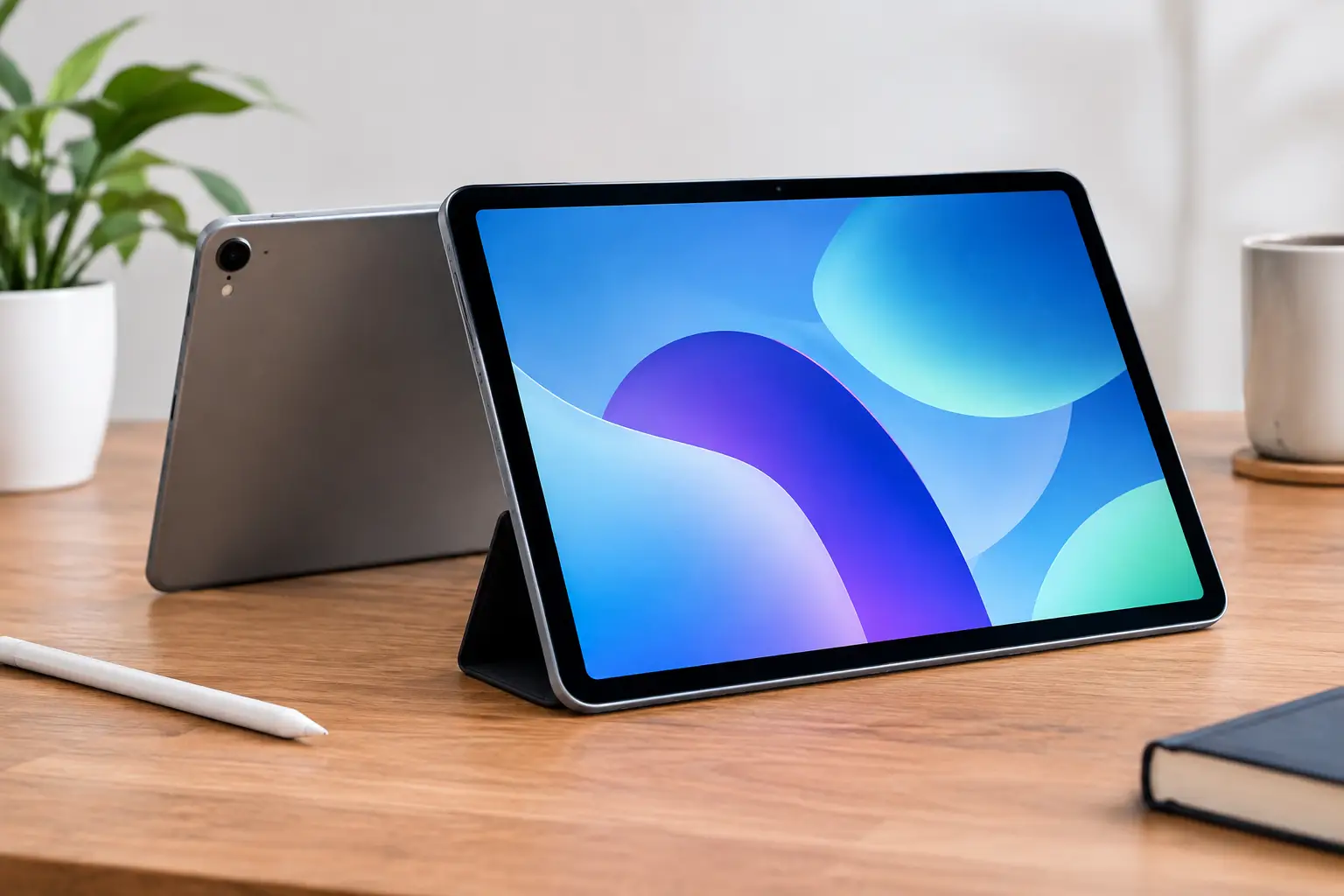

A refurbished iPad can be a smart way to get the screen size, performance, and Apple ecosystem you need without paying new-device pricing. But the savings only matter if the tablet is actually dependable. When shoppers ask about fiabilité iPad reconditionné, the real question is simple: has someone done more than wipe it down, turn it on, and put it back in a box?
A reliable refurbished iPad should be inspected by a technician, tested feature by feature, cleared of activation and blacklist issues, and sold with warranty coverage you can use if something goes wrong. Anything less can turn a good deal into a battery problem, a charging issue, or an iCloud lock waiting to happen.
What makes a refurbished iPad reliable?
The word refurbished gets used loosely. One seller may mean a tablet that was professionally tested, repaired when needed, and reset for its next owner. Another may mean a used iPad that powers on and has a clean-looking case. Those are not the same product.
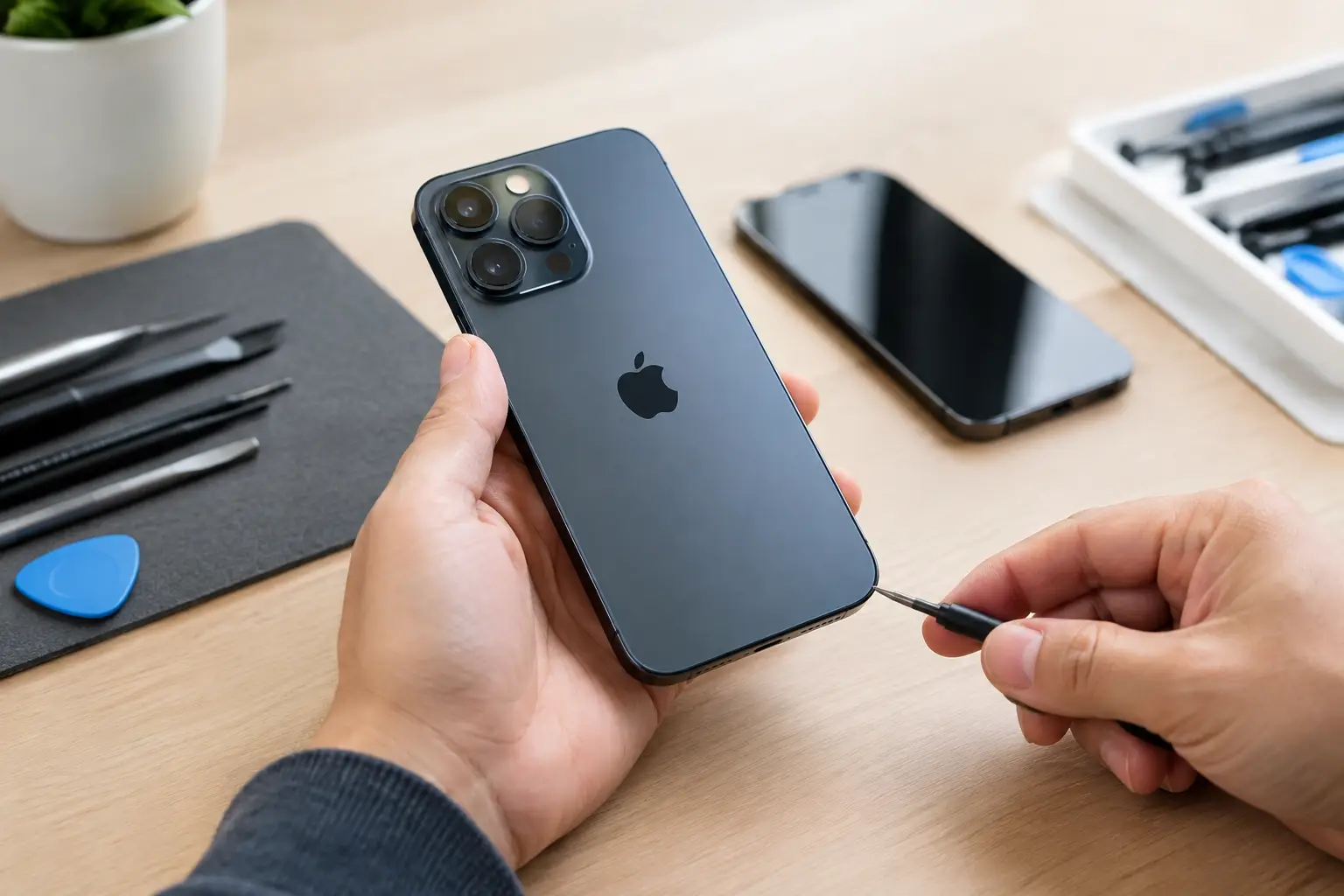
Reliability starts with the condition of the device before it is listed for sale. A proper inspection checks the display for touch accuracy, dead areas, brightness problems, and image defects. It also checks the cameras, speakers, microphones, buttons, Wi-Fi, Bluetooth, charging port, battery behavior, and biometric features when the model includes them.
The less visible checks matter just as much. A tablet can look nearly perfect while hiding a weak charging port, liquid-damage corrosion, a failing battery, or a previous repair that was not done correctly. These problems may not show up in a quick marketplace handoff. They often appear after a few days of schoolwork, video calls, gaming, or streaming.
A technician-tested iPad has an advantage because the goal is not just to confirm that it boots. The goal is to make sure it performs normally under everyday use.
Fiabilité iPad reconditionné: the checks that matter
Before buying, ask what was tested and what was repaired. A trustworthy seller should answer directly, without vague promises or pressure to buy first and ask questions later.
The most useful checks include:
- Activation status: The iPad must be removed from the previous owner’s Apple Account and Find My service. If Activation Lock is active, you may not be able to set up or use it.
- Serial number and blacklist status: A legitimate seller verifies that the device is not reported lost, stolen, or tied to an unpaid account issue where applicable.
- Battery performance: iPads do not always display battery health as clearly as iPhones. That makes real-world charging and discharge testing especially valuable.
- Screen and touch function: The display should respond across the full panel, without ghost touches, pressure marks, flickering, or dead zones.
- Charging and connectivity: The port should hold a cable securely and charge consistently. Wi-Fi, Bluetooth, cameras, speakers, and microphones should all work as expected.
These checks are not fancy extras. They are the difference between buying a working tablet and taking on someone else’s problem.
Battery condition deserves extra attention
Battery wear is one of the most common trade-offs with any older iPad. A tablet can still turn on, browse the web, and look fine while draining much faster than it should. A worn battery is not always a reason to avoid a device, but it should affect the price and your expectations.
Consider how you will use it. For occasional browsing, recipes, streaming, or a child’s apps, moderate battery wear may be acceptable. For a student taking notes all day, a professional using it on the road, or a family relying on it during travel, battery performance matters more.
Ask whether the iPad was tested through charging and regular use, not simply plugged in long enough to show a charging icon. If battery replacement is needed later, a local repair shop can often assess the device and give a clear quote instead of pushing you straight into replacement.
Repaired does not automatically mean unreliable
Some buyers hear that an iPad had a screen, battery, or charging-port repair and assume they should walk away. That depends on the repair and how it was performed.
A professionally repaired iPad can be a solid purchase. In fact, replacing a damaged part before sale can make more sense than selling a device with a known issue. The concern is poor-quality parts, incomplete testing, or damage that was hidden rather than repaired.
Ask whether replacement parts were tested after installation and whether the seller stands behind the work. A warranty is not just a nice add-on here. It is evidence that the seller expects the device to keep working after you leave.
Choose the right model for the job
Even a perfectly tested iPad will feel unreliable if it cannot run the apps or accessories you need. The right model is about compatibility as much as physical condition.
Check the iPadOS version it supports and whether your essential apps still run on that version. This matters for banking apps, school platforms, work tools, games, and newer accessories. Older iPads may be excellent for video streaming, web browsing, reading, and basic home use, but they may have a shorter useful life for software updates.
Storage is another common regret. A lower-storage iPad can be fine if you stream most media and keep files in cloud storage. It becomes frustrating if you download games, edit video, save class material, or share the device with several family members. Buying the next storage tier can be a better value than buying the cheapest option and running out of space immediately.
Also think about the accessories you actually need. If you plan to use an Apple Pencil, keyboard case, or cellular service, confirm compatibility with the exact iPad generation. Do not rely on the general name alone. An iPad Air, iPad Pro, iPad mini, and standard iPad can have very different accessory support.
Why local accountability changes the purchase
Buying from an anonymous online seller may save a few dollars, but it can leave you handling the risk alone. Photos do not prove that every microphone, camera, button, and charging function works. A listing that says excellent condition does not explain how the condition was verified.
A local technician-backed seller gives you a place to ask questions before you buy and return to if there is a problem. You can inspect the screen in person, test the feel of the buttons, and confirm that the tablet has been reset properly. That is especially valuable when you are buying for a child, replacing a device needed for school, or choosing a tablet for work.
At BuyCellFix, refurbished devices are technician-tested, checked for blacklist issues, and backed by warranty options of up to one year. The point is not to make a used iPad look new. The point is to make sure you walk out with a working device and a clear path to help if it does not perform as expected.
A low price is not always the best deal
The cheapest refurbished iPad is not automatically the best value. Compare the total package: model year, storage, cosmetic condition, battery performance, test process, return policy, and warranty. A slightly higher price can be worth it when it includes real inspection and local support.
Be cautious when a deal seems far below the normal price for that model. It may be a legitimate quick sale, but it can also signal a locked device, a damaged screen, a weak battery, missing features, or no support after payment. Ask direct questions. If the answers are unclear, keep looking.
A dependable refurbished iPad should feel like a practical purchase, not a gamble. Check the model, verify the testing and activation status, and buy from a seller willing to stand behind the device after the sale.