

Your laptop quits charging the night before an assignment is due, the screen starts flickering during a client call, or a coffee spill turns an ordinary morning into a panic. The repair versus replace laptop question gets real fast when your work, school files, photos, and passwords are trapped inside the device.
A new laptop can look like the easy answer. It is not always the smart one. Many problems that appear terminal are limited to a battery, charging port, screen, keyboard, fan, or a small component on the logic board. On the other hand, putting money into an aging laptop that is already too slow for your needs can become a frustrating cycle.
The right decision comes down to the actual fault, the total cost, the laptop’s age and performance, and what you need it to do next. Start with a real diagnosis, not a guess and not a sales pitch.
Repair Versus Replace Laptop: Start With the Failure
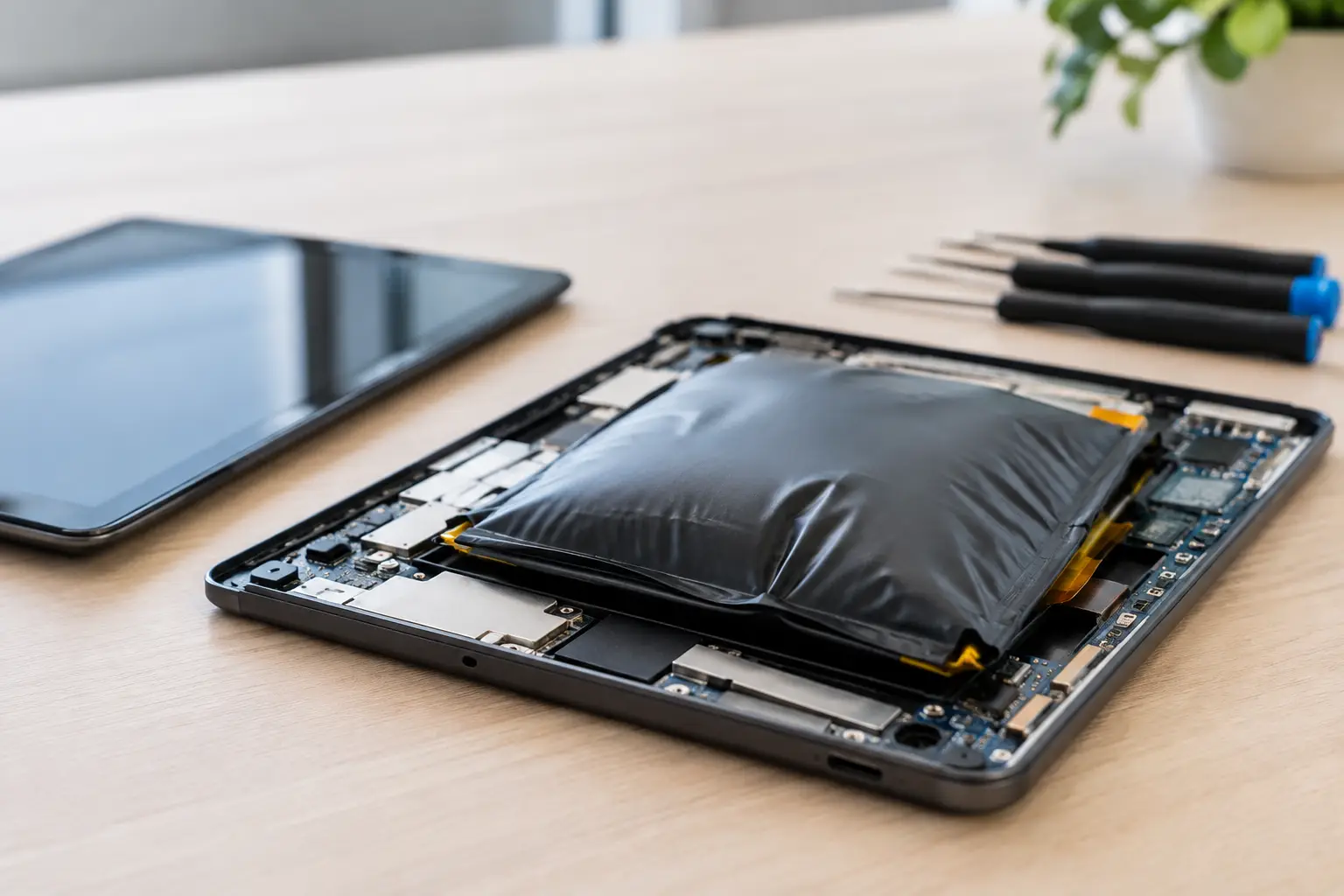
The symptom is not always the failed part. A laptop that will not power on may have a worn-out battery, a damaged charger, a broken DC-in port, liquid damage, or a board-level power issue. Those are very different repairs with very different price ranges.
For example, a MacBook that does not charge is often written off as a logic board failure before anyone checks the charging circuit. In some cases, a technician can repair the failed component on the board instead of replacing the entire board. That is where micro-soldering matters. It is detailed board-level work that can save a laptop that a parts-swapping shop may simply label unrepairable.
A proper diagnostic should identify the fault, explain the repair path, and give you an upfront quote. If the quote is vague or keeps changing after work begins, stop and ask what is actually being replaced and why. You should know whether you are paying for a new battery, a display assembly, a charging port, or advanced board repair.
Use the Cost Rule, But Do Not Use It Blindly
A common rule is to repair a laptop only when the repair costs less than half the price of a comparable replacement. It is a useful starting point, not a final answer.
Compare the repair quote to the cost of a comparable laptop, not the cheapest new model you can find. A low-cost replacement may have less storage, less memory, a weaker processor, or a lower-quality screen than the laptop you already own. If your current laptop is a well-equipped model and needs a battery or screen, repair can be the better value by a wide margin.
Also account for the hidden cost of replacement. A new machine means moving files, reinstalling programs, signing back into accounts, setting up printers, and recovering licenses. If you use specialized school, work, music, design, or gaming software, that setup time has value.
Repair is usually worth serious consideration when the issue is isolated and the laptop still meets your needs. Common examples include a cracked screen, failing battery, loose charging port, damaged keyboard, overheating fan, worn hinge, or storage drive failure. These repairs can restore years of useful life when the processor, memory, and overall condition are still solid.
Replacement makes more sense when multiple expensive failures are stacking up. A laptop with liquid damage, a failing screen, a weak battery, broken hinges, and performance problems may be technically repairable, but it may not be financially sensible. The same goes for a device that cannot run the software, operating system, or security updates you need.
Age Matters, But Specs Matter More
Do not replace a laptop just because it is several years old. A well-built laptop with enough memory and a fast solid-state drive can still handle browsing, video calls, office work, school projects, and streaming without trouble.
Look at how the laptop performs on a normal day. Does it boot in a reasonable time? Can it handle the programs you actually use? Does it have enough storage? Does the battery last long enough after a replacement? If the answer is yes, one targeted repair can be a practical move.
Performance limits are a different story. If your laptop freezes while running required apps, cannot support current software, or has too little memory for modern multitasking, a screen or battery repair will not solve the larger problem. Repairing hardware does not turn an entry-level five-year-old laptop into a current editing workstation or gaming machine.
For many users, upgrades can change the equation. Replacing a failing hard drive with a solid-state drive, adding memory where the model allows it, or cleaning out dust and renewing thermal material can make an older computer feel dramatically better. Not every laptop is upgradeable, especially thin modern models, but it is worth asking before you retire a device that is simply slow.
Consider the Repair’s Expected Life
Ask one direct question: after this repair, what is likely to fail next?
A battery replacement on an otherwise healthy laptop can provide several more years of reliable use. A screen repair can do the same if the hinges and chassis are in good shape. But if a laptop has extensive corrosion from liquid damage, even a successful repair may come with a less predictable future. Corrosion can continue affecting nearby components over time.
This does not mean liquid-damaged laptops should automatically be replaced. Fast assessment and board-level repair can save data and restore many devices. It means you deserve an honest explanation of the risks, not a promise that every repair has the same outlook.
Do Not Let a Hardware Problem Become a Data Loss Problem
Your files may be more valuable than the laptop itself. Before deciding to replace a dead device, find out whether the data can be recovered. A failed display does not mean your documents are gone. A charging issue does not mean the storage drive has failed. Even some no-power cases are repairable enough to recover critical files.
Avoid repeatedly forcing a damaged laptop to start, especially after a spill. Do not keep connecting chargers if the port is loose, hot, or visibly damaged. Power cycling a device with a shorted board can make the damage worse.
If your laptop still turns on, back up important files immediately. Use an encrypted external drive or a trusted cloud service, then bring the device in for a diagnostic. If it does not turn on, explain what happened, when it happened, and whether it was exposed to liquid. Details help technicians narrow down the fault.
Data privacy should be part of the service conversation. You should know who will handle your device, whether a password is needed for testing, and how your information is protected. A reputable local shop can test the hardware while respecting the fact that your laptop contains personal and work data.
Compare Replacement Options Honestly
If replacement is the better call, you still have choices beyond buying the newest model at full retail price. A technician-tested refurbished laptop can be a strong option for students, families, and professionals who want reliable hardware without paying premium-new pricing.
The key word is tested. A used laptop sold privately may have a weak battery, hidden liquid damage, an activation lock, or a problem that appears only after a few days. Look for clear condition details, confirmed device status, and a warranty. The price matters, but so does knowing there is a real business behind the sale if something goes wrong.
When choosing a replacement, buy for your actual workload. Email, documents, online classes, and streaming need far less power than video editing, coding, architecture software, or modern gaming. Spending more than necessary is no better than buying a laptop that cannot keep up.
If your old laptop is not worth repairing, do not leave it in a drawer with your data still on it. Have it securely erased, then consider selling it for cash or recycling it through a responsible electronics program. Even damaged devices may retain value for parts recovery.
Get a Diagnosis Before You Spend
The fastest way to make the wrong choice is to replace a laptop based on a symptom alone. Get the device checked, get a clear quote, and compare that number with a replacement that matches your real needs. At BuyCellFix, the goal is straightforward: identify whether a practical repair will get you back to work, school, or gaming, or tell you plainly when your money is better spent on another device.
A good decision should leave you with more than a working laptop. It should leave you with a clear repair price, no surprise upsells, a plan for your data, and confidence that the device will handle what tomorrow asks of it.