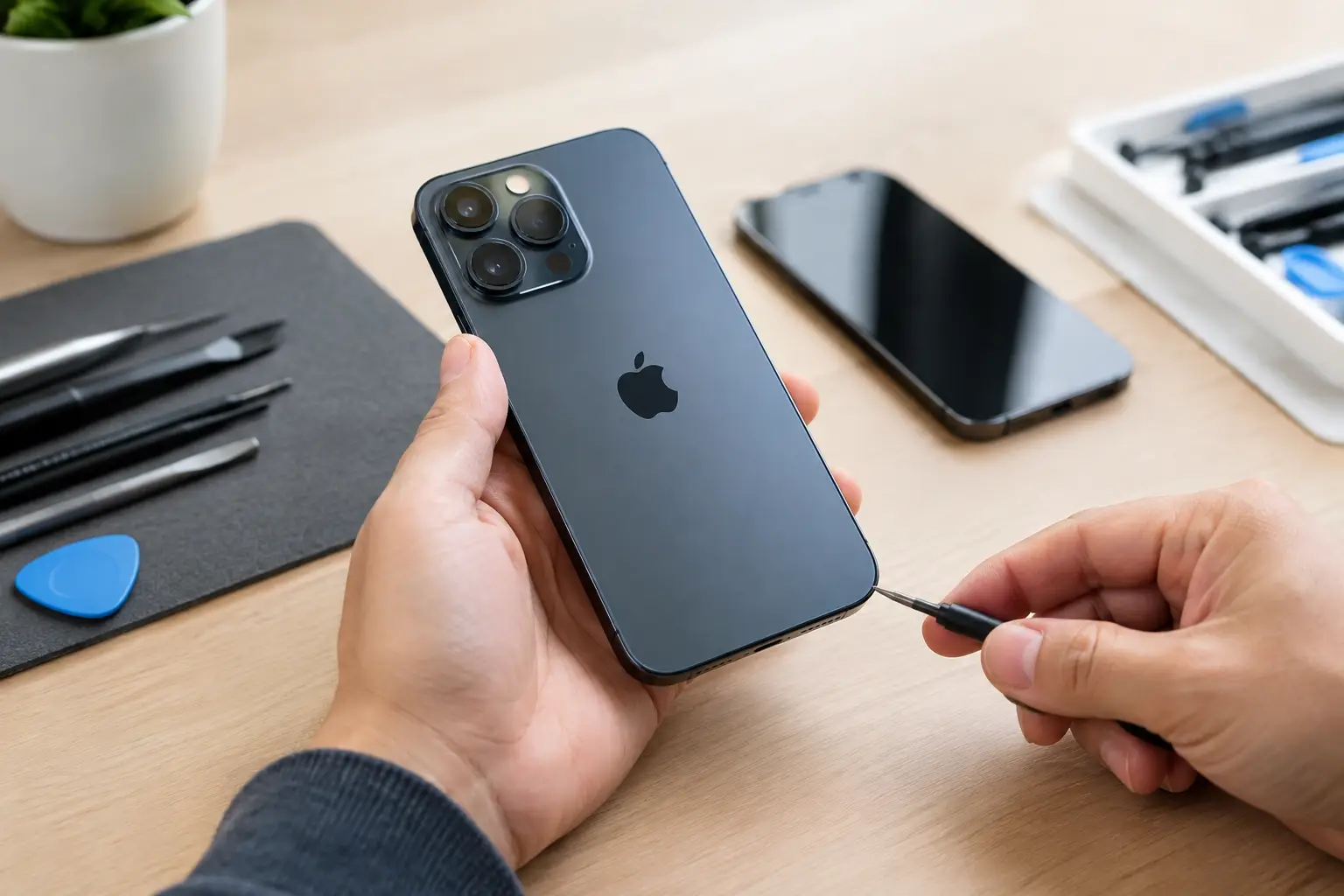


A refurbished tablet should save you money, not hand you someone else’s battery problem, locked account, or damaged charging port. This guide achat tablette reconditionnée gives you the checks that matter before you hand over your money. The goal is simple: walk away with a device that works for school, work, streaming, gaming, or the kids – without the new-device price.
A lower price is only a good deal when the tablet has been tested properly and backed by a real warranty. Cosmetic wear is one thing. A weak battery, unresponsive touchscreen, or activation lock is another.
Guide achat tablette reconditionnée: start with your actual needs
Do not begin with the newest model or the biggest discount. Start with what you need the tablet to do. A basic iPad or Android tablet can handle web browsing, video calls, recipes, streaming, and light schoolwork. Digital artists, students taking handwritten notes, and people editing photos need more storage, better stylus support, and a screen that is comfortable to use for hours.
Screen size changes the experience more than many buyers expect. An 8-inch model is easy to carry but can feel cramped for documents and split-screen use. A 10- or 11-inch tablet is the practical middle ground for most people. Larger models are excellent for drawing and laptop-style productivity, but they cost more and are less convenient to hold.
Storage is another place where a cheap price can become expensive later. For simple streaming and browsing, 64GB may be enough if you use cloud storage. For downloaded shows, games, photos, school files, or creative apps, 128GB is a safer minimum. Some Android tablets accept microSD cards, while iPads do not. Check this before buying, not after you run out of space.
Refurbished is not the same as used
A used tablet may simply be sold as-is after a quick wipe. A properly refurbished tablet should be inspected, tested, cleaned, and prepared for resale. The exact process varies by seller, which is why the word “refurbished” alone is not proof of quality.
Ask what was actually tested. A technician should be able to verify the display, touchscreen, cameras, speakers, microphones, buttons, Wi-Fi, Bluetooth, charging function, battery behavior, and biometric features where applicable. On cellular models, the device should also be checked for blacklist status and clean activation eligibility.
A device with a replaced screen or battery is not automatically a bad purchase. In fact, replacement can be a benefit when quality parts and proper repair methods were used. The issue is whether the repair was done correctly. A poorly installed screen can have weak touch response, gaps around the frame, poor brightness, or Face ID and fingerprint problems. A rushed battery replacement can create charging or overheating issues.
Check the screen, body, and ports in person
Photos can hide a lot. If you can inspect the tablet in person, turn it on and spend a few minutes using it before paying. A clean-looking device is nice, but function comes first.
Open a white image and then a dark image on the display. Look for bright spots, dark patches, lines, flickering, discoloration, or burn-in. Run your finger across the entire screen, including edges and corners, to confirm touch response. If the tablet supports a stylus, test that too. Dead zones are easy to miss until you are trying to type or draw.
Check the frame for bends and the screen for separation from the housing. A bent tablet can signal a hard drop, and a lifting screen may point to battery swelling. Neither is something to ignore. Plug in a charging cable and gently check that the port holds it securely. A loose port may charge only at certain angles, which usually gets worse over time.
Then test the basics: raise and lower the volume, lock and unlock the screen, play audio through the speakers, open both cameras, and connect to Wi-Fi. These are quick checks, but they catch problems that a vague listing will not mention.
Battery health matters more than a small scratch
Tablets often look fine long after their batteries have started to fade. A worn battery may drain quickly, shut down under load, charge slowly, or make the device feel sluggish. This is especially common on older iPads and tablets that have spent years plugged in.
Battery health information is not equally available on every model, so ask the seller direct questions: How long does it last during normal use? Has the battery been tested? Was it replaced? Is there a warranty if it drains abnormally or fails to charge?
Be realistic about age. An older premium tablet may still outperform a brand-new budget model, but support life matters. Check whether the model can run current operating system updates and the apps you need. A bargain tablet that cannot install your school app, banking app, or work software is not a bargain.
Confirm it is unlocked, erased, and ready to activate
This is the check that protects you from the worst kind of secondhand purchase: a tablet you cannot use. Before payment, make sure it has been factory reset and is not tied to the previous owner’s Apple Account, Google account, or enterprise management system.
For an iPad, go through the setup process far enough to confirm there is no Activation Lock. For an Android tablet, confirm it does not request the former owner’s Google credentials after a reset. If it is a cellular model, verify that the IMEI is clean and that it can be activated with your carrier. A blacklisted device can have a perfectly working screen and still be worthless on a mobile network.
Avoid sellers who say they will remove the account later, cannot show the device powered on, or want to meet without a chance to test it. Those are not minor inconveniences. They are reasons to walk away.
Do not treat a warranty as fine print
A warranty is one of the clearest differences between a tested refurbished tablet and a gamble from an online marketplace. Read what it covers, how long it lasts, and who handles the problem if the device fails.
A useful warranty should cover functional defects such as charging failure, touchscreen issues, battery problems beyond normal wear, or hardware faults that were missed during testing. It will not usually cover accidental drops, liquid damage, or new physical damage after purchase. That is fair, as long as the terms are clear before you buy.
Ask whether service is handled locally or requires shipping the device away. Local support is easier when you need answers quickly. BuyCellFix tests refurbished devices and backs eligible devices with up to a one-year warranty, giving buyers a real place to return to if something is not right.
Watch for these deal-breakers
A few signs should stop the purchase, even when the price looks tempting:
- The tablet is locked to an Apple Account, Google account, carrier, school, or business management system.
- The screen is lifting, the case is bent, or there are signs of battery swelling.
- Charging works only when the cable is held in one position.
- The seller cannot explain the condition, testing process, return policy, or warranty.
- The price is far below comparable models with no clear reason.
A small dent or light scratch can be an acceptable trade-off if the device has passed functional testing and the savings are meaningful. A damaged port, account lock, or swollen battery is not a cosmetic compromise.
Compare the total value, not just the sticker price
When comparing two refurbished tablets, look beyond the model name. A slightly higher-priced device with more storage, a healthier battery, a charger, a tested screen, and a longer warranty is often the better buy. The same goes for condition grades. “Excellent” should describe the cosmetic appearance, but ask whether the functional testing is the same across all grades.
Accessories matter based on how you will use the tablet. A charger is essential, but a keyboard case or stylus can add real cost. Confirm whether accessories are original, compatible third-party products, or not included at all. Do not assume a tablet includes cellular service just because it has a SIM tray, either. Verify the exact model.
The right refurbished tablet is the one you can use confidently on day one. Test it, confirm it is unlocked, get the warranty details in writing, and choose a seller who can explain what was checked. Saving money feels a lot better when the device keeps working after you get home.