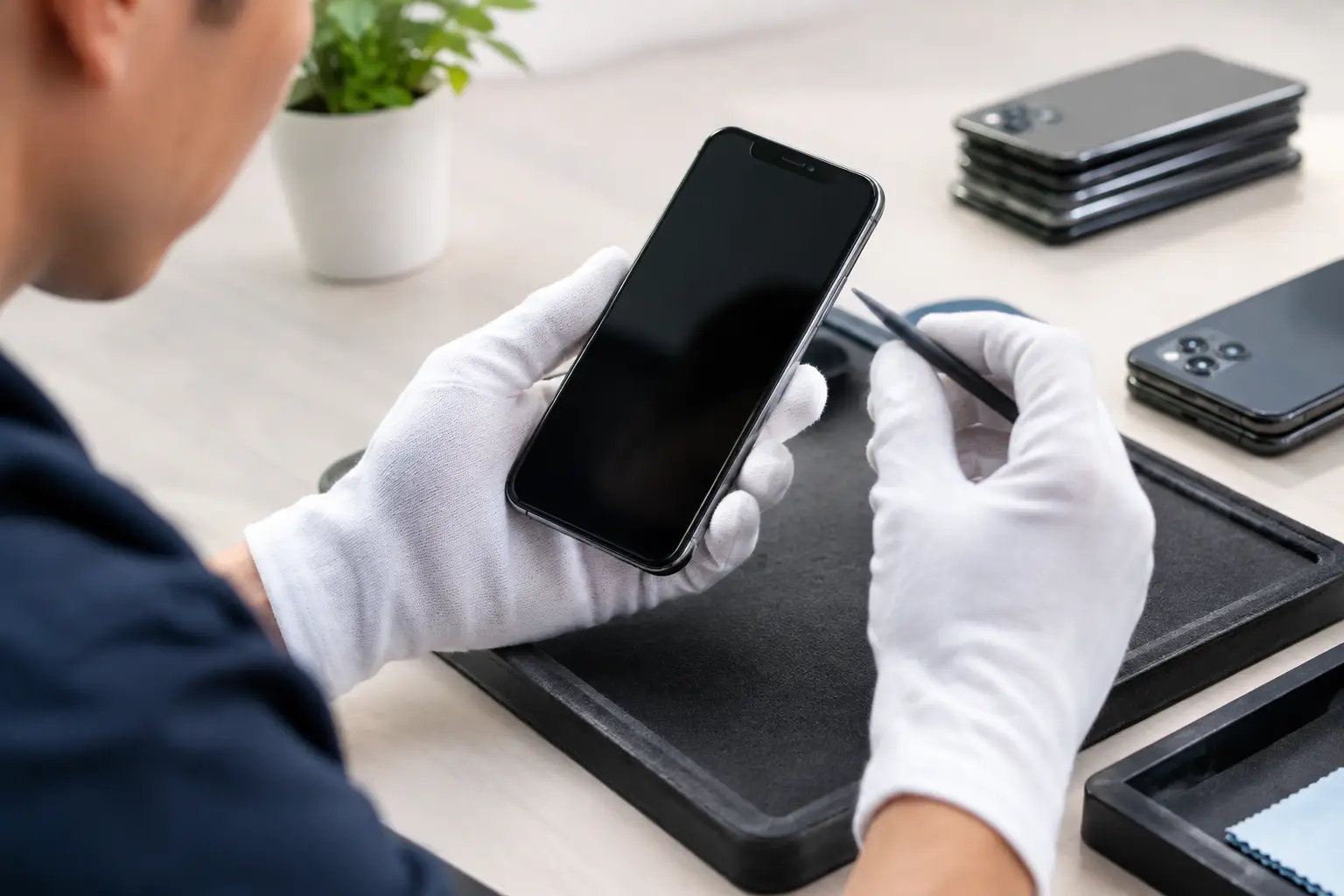

A refurbished phone should save you money, not hand you somebody else’s problems. Before you move your SIM card, download your apps, and trust it for work or school, use this refurbished phone inspection guide to confirm the device is clean, functional, and worth the price.
A few cosmetic marks are normal on a pre-owned device. A weak battery, blacklisted IMEI, hidden account lock, or charging problem is not. The good news is that most serious issues can be caught quickly when you know where to look.
Start With the Device Identity
Before checking cameras or opening apps, make sure the phone is the model you were promised. Go to Settings and review the model name, storage capacity, color, and serial or IMEI number. Compare those details to the listing, receipt, or box if one was included.
The IMEI is especially important. It is the phone’s unique network identifier. A device reported lost, stolen, or tied to unpaid financing can be blacklisted, which may prevent it from working properly with a carrier. A refurbished phone should be sold with a clean IMEI and no activation restrictions.
For iPhones, check Settings, then General, then About. On many Android phones, the IMEI appears under Settings, About Phone, or Status Information. You can also usually dial *#06# to display it. If the seller will not let you verify this information, stop there.
Confirm There Are No Account Locks
A phone can look perfect and still be unusable if it is locked to the previous owner’s account. This is one of the biggest risks with person-to-person marketplace purchases.
On an iPhone, look for signs of Activation Lock or an Apple Account still attached to the device. The phone should be erased and ready for your own setup. If it asks for another person’s Apple Account password during setup, it is not ready to buy.
On Android, make sure the previous Google account has been removed. Factory Reset Protection can require the old account credentials after a reset. Do not accept a promise that the seller will “sort it out later.” The phone needs to be fully cleared before money changes hands.
A technician-tested refurbished device should arrive reset, unlocked from previous user accounts, and ready for activation. That is basic buyer protection, not a premium extra.
Inspect the Screen Beyond the Glass
A screen can be free of cracks but still have costly problems. Turn the brightness up, then display a white background and a dark background. Look for dead pixels, uneven backlighting, lines, flickering, colored spots, burn-in, or a display that lifts away from the frame.
Test the touchscreen across the full panel. Move an app icon slowly around the screen or type across every row of the keyboard. Dead zones often show up near the edges, where a drop or poor-quality replacement screen may have caused damage.
On phones with Face ID, fingerprint recognition, or an under-display fingerprint sensor, test that feature before buying. These functions can be affected by damage, water exposure, or improper repair. A lower price may be fair if a cosmetic feature is missing. It is not a good deal if the seller never disclosed it.
Check for repair warnings
Some newer phones can show a message when a screen, battery, or camera has been replaced. A warning does not automatically mean the phone is bad. It does mean you should ask what part was installed, whether all functions were tested, and whether the repair is covered by a warranty.
The real question is not whether the phone has ever been repaired. It is whether it was repaired correctly.
Test Battery Health and Charging
Battery condition shapes the daily experience more than most buyers expect. A phone that drops 20 percent in an hour, overheats during normal use, or shuts down unexpectedly will not feel like a bargain.
On iPhones, check Settings, Battery, then Battery Health & Charging. Battery capacity closer to 100 percent generally means more usable time between charges, although actual performance also depends on the model and your usage. A battery below 80 percent is usually near replacement territory.
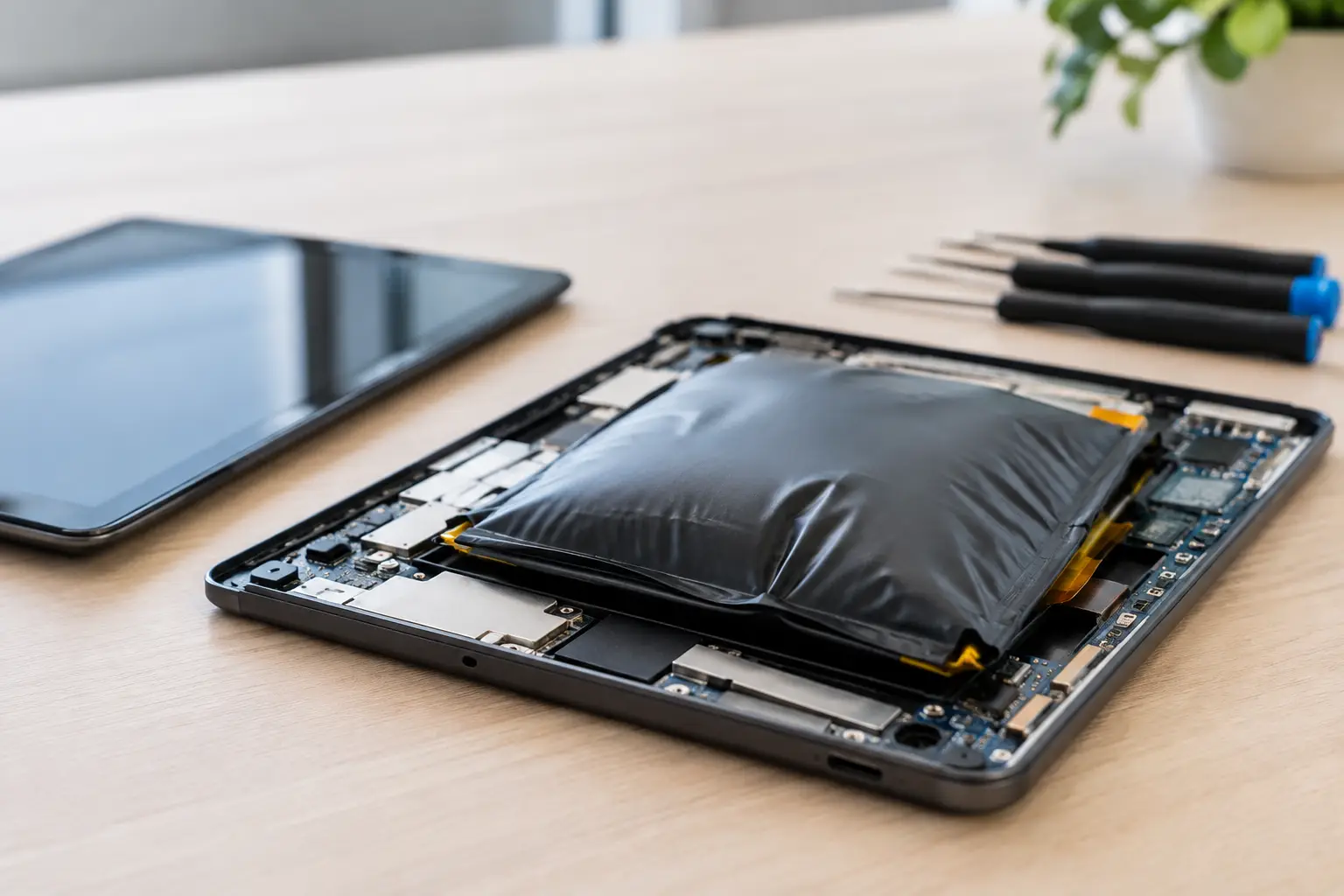
Android battery health information varies by manufacturer. Watch for rapid percentage drops, unusual heat, swelling, or a phone that only charges when the cable is held at a certain angle. Those signs may point to a worn battery, damaged charging port, or board-level issue.
Plug in a cable and confirm that charging starts right away. Gently move the connector without forcing it. If charging cuts in and out, the port may be packed with debris or damaged. Test wireless charging too if the phone supports it and that feature matters to you.
Put Every Camera and Speaker to Work
Do not settle for opening the camera app and taking one photo. Switch between front and rear cameras, test each lens, use video mode, focus on close and distant objects, and turn the flash on. Check for blurry images, dark spots, rattling lenses, focus hunting, or camera errors.
Then make a test call if possible. Confirm that the earpiece, microphone, speakerphone, and vibration motor work. Play music at moderate volume and listen for crackling. Record a short voice memo and play it back. These simple tests can expose water damage or a failed component that is easy to miss at the counter.
Also test Bluetooth, Wi-Fi, cellular signal, GPS, and NFC if you use tap-to-pay. You do not need a lab full of equipment. You just need proof that the functions you rely on actually work.
Examine the Frame, Back Glass, and Buttons
Small scratches are one thing. Gaps in the frame, bent corners, separating back glass, or loose buttons are another. Look closely around the charging port, camera housing, SIM tray, and screen edges. Those areas can reveal previous drops, rushed repairs, or moisture exposure.
Press the power and volume buttons several times. They should feel consistent and respond immediately. Check the mute switch or action button on compatible iPhones, plus any dedicated assistant or camera buttons on Android models.
If the phone has a removable SIM tray, inspect it for corrosion. Red or white residue around openings can indicate liquid exposure. Water-resistant phones are not permanently waterproof, and their seals can be compromised after impact or repair.
Ask What “Refurbished” Actually Means
The word refurbished is not a universal standard. One seller may mean the phone was wiped down and reset. Another may mean it was professionally tested, repaired with appropriate parts, cleaned, graded, and backed by a warranty.
Ask direct questions: Was the battery tested? Were any parts replaced? Is the IMEI clean? Is the phone carrier unlocked? What happens if a hidden defect appears after purchase? A clear answer is a good sign. Vague language and pressure to buy immediately are not.
At BuyCellFix, refurbished devices are technician-tested before resale, with clean-device checks and a 90-day warranty. That kind of local accountability matters when you need a real answer, not a marketplace message that goes unanswered after the sale.
Check the Warranty and Return Terms Before Paying
A warranty is only useful if you understand what it covers. Ask how long it lasts, whether battery performance is included, and whether accidental damage, liquid damage, or physical damage are excluded. Confirm what you need to bring back if there is a problem, such as the receipt or original packaging.
A short warranty can still be worthwhile on an older budget phone if the price reflects the risk. For a newer flagship device, stronger coverage and a documented inspection are usually worth paying a little more. Price matters, but so does the cost of being without a working phone next week.
The Final Five-Minute Check
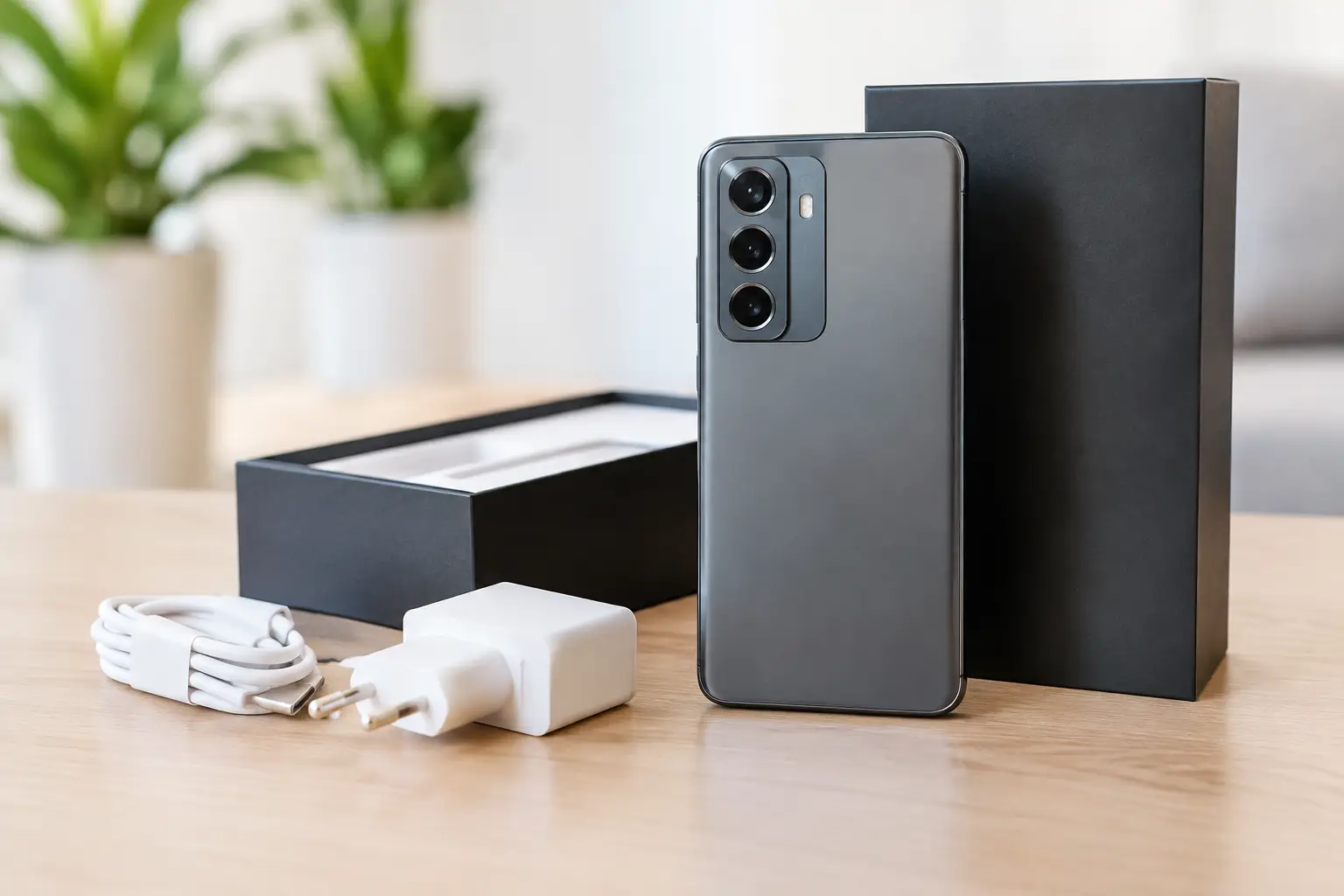
Right before you pay, restart the phone and make sure it powers back on normally. Connect to Wi-Fi, place a call, charge it, test the screen, and verify that it is ready for your account. This is also the time to check that the included cable, charger, or case matches what was promised.
A good refurbished phone should not require guesswork. Take five extra minutes in the store, ask the uncomfortable questions, and choose a seller who can stand behind the device after you walk out with it.