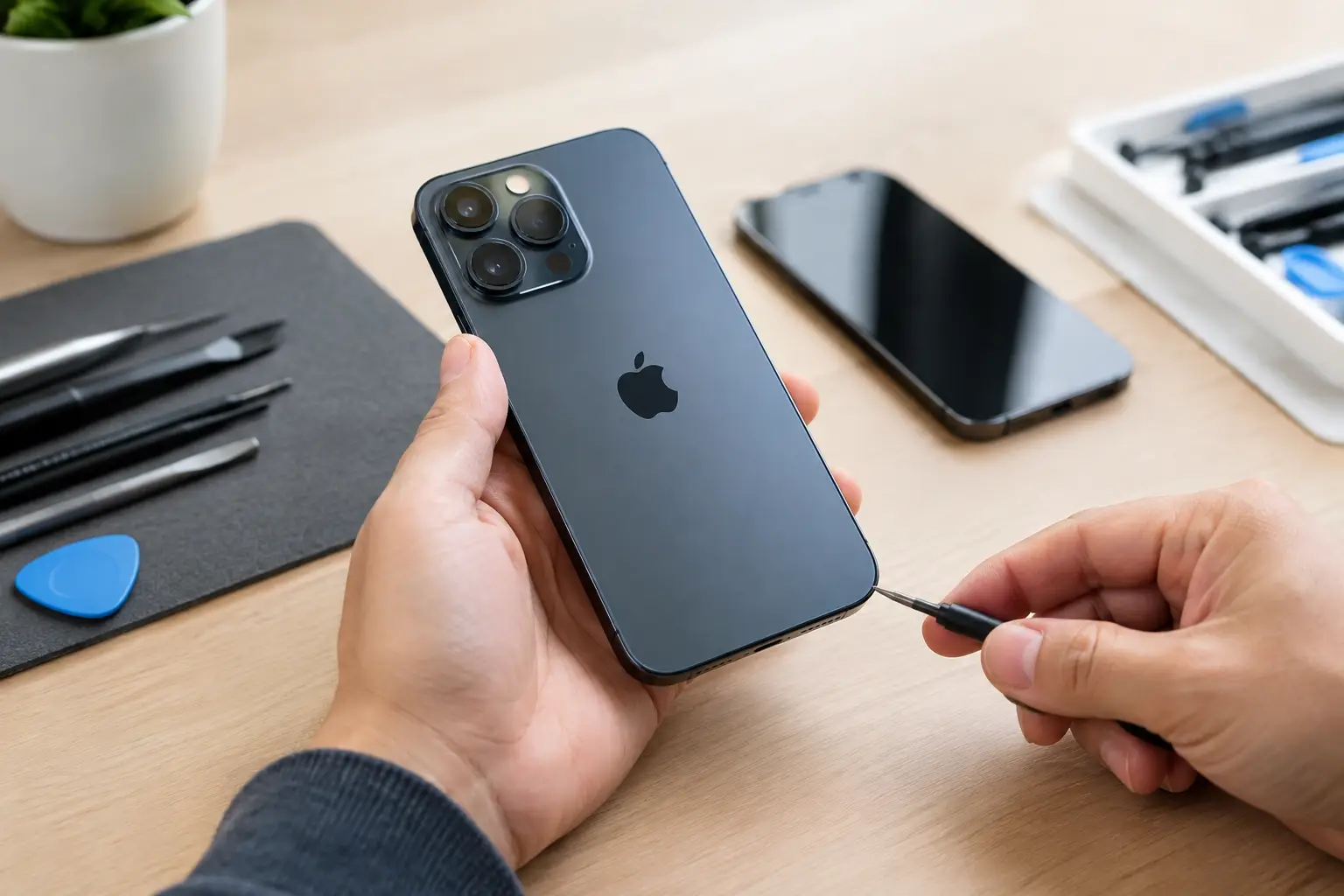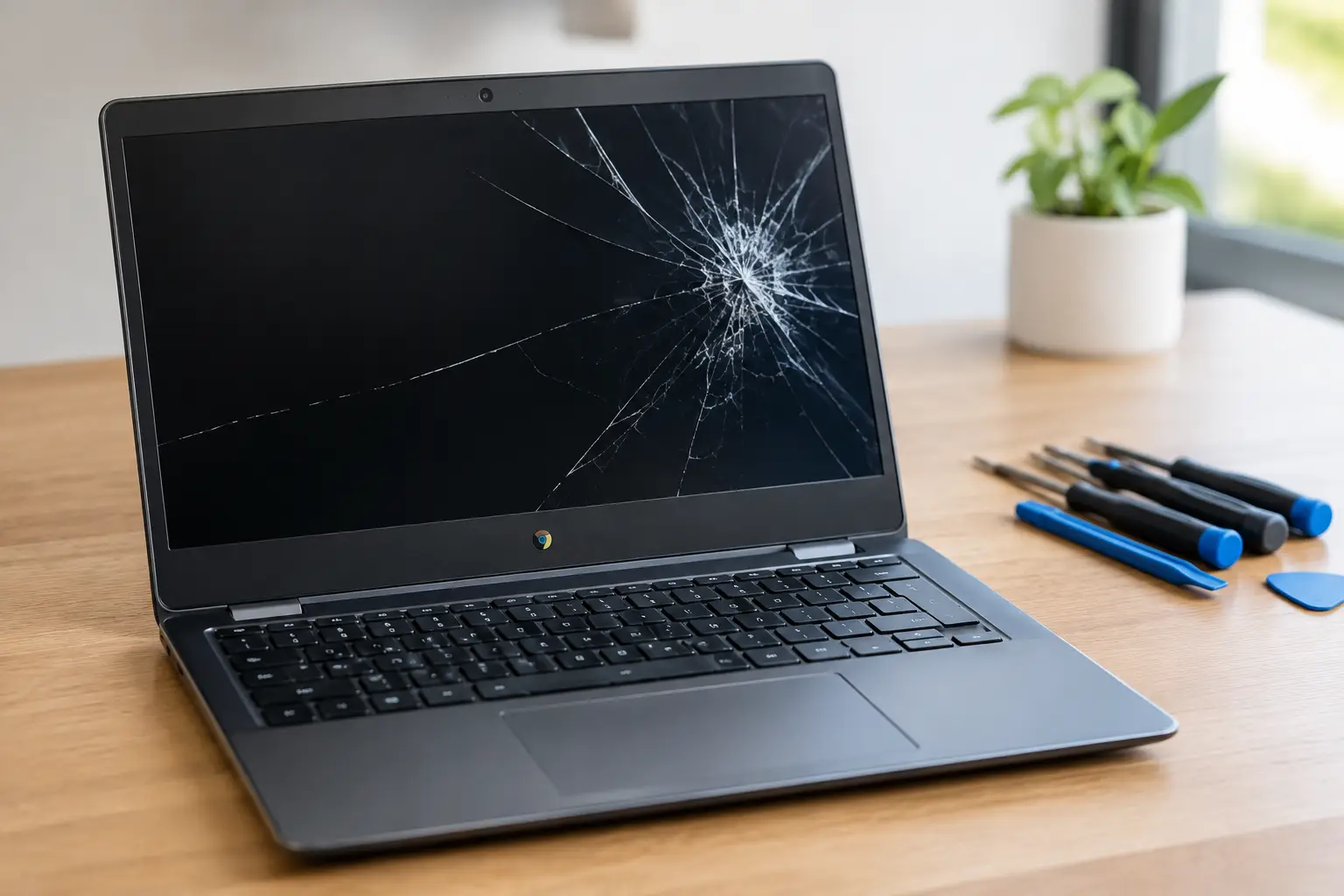


Your phone screen is fixed, your laptop charges again, or your PS5 finally displays a picture. Then the question comes up: what happens if the same problem returns next week? A garantie réparation électronique is the repair shop’s answer. It is a warranty on the work performed and, in many cases, the replacement part installed.
That sounds simple, but warranty terms matter. Not every new issue is related to the original repair, and not every shop defines coverage the same way. Before you hand over a device that holds your work files, photos, game saves, and daily communication, know what a repair warranty should protect and where its limits begin.
What a Garantie Réparation Électronique Usually Covers
A legitimate repair warranty generally covers defects connected to the specific repair. If a technician replaces a faulty battery and that battery fails prematurely under normal use, the warranty should address it. If a new screen develops touch issues because of a defective replacement part or an installation problem, that should also be covered.
The key phrase is the specific repair. A warranty on an iPhone screen replacement is not a blanket warranty for the entire phone. It does not automatically cover a battery that was already weak, a charging port damaged later, or a motherboard issue that was not part of the original diagnosis.
At BuyCellFix, repairs include a 30-day warranty. That gives customers a clear window to test the repaired function in real use: make calls, charge the device, use the touchscreen, connect a controller, or run the laptop through a normal workday. If the same repaired component has a problem during that period, bring the device back for inspection instead of paying for the same repair twice.
What a Repair Warranty Does Not Cover
A repair warranty is not insurance against the next accident. This is where clear expectations prevent frustration at the counter.
For example, a screen replacement can be covered for a defective display or touch failure. If the phone is dropped after the repair and the new screen cracks, that is fresh physical damage. The original warranty cannot reasonably cover it. The same logic applies if water reaches a device after a repair, if a charging cable damages a port, or if a game console suffers a power surge.
Most repair warranties also exclude unrelated faults. A MacBook may come in for a battery replacement and later develop a logic board issue. Those are different components with different causes. A reliable shop should explain whether the second issue is connected to the first repair or requires a separate diagnostic.
The most common exclusions are straightforward:
- New drops, cracks, liquid exposure, crushing, or impact damage after pickup
- Problems unrelated to the original repair or replacement part
- Damage caused by unauthorized work performed after the repair
- Software issues, malware, account locks, or data loss unless a service specifically covers them
- Devices with pre-existing board damage or corrosion that develops into a separate failure
These limits are not hidden fine print when the shop is being transparent. They are the difference between a meaningful warranty and a vague promise that disappears when something goes wrong.
Why Diagnostics Matter Before Warranty Terms
A good warranty starts with a correct diagnosis. Parts swapping can solve obvious problems, such as a shattered screen or worn battery. But it does not solve every device failure.
Take a phone that will not charge. The issue could be lint in the port, a damaged charging port, a bad cable, a depleted battery, or a fault on the motherboard. Replacing the port without testing the charging circuit may produce a temporary answer or no answer at all. The same applies to a PS5 with no signal. The HDMI port may be physically damaged, but the issue can also involve nearby components or board-level damage.
This is why free diagnostics and upfront quotes are useful. They give the technician a chance to identify the failed component before recommending a repair. They also give you a chance to decide whether the repair makes financial sense before work begins.
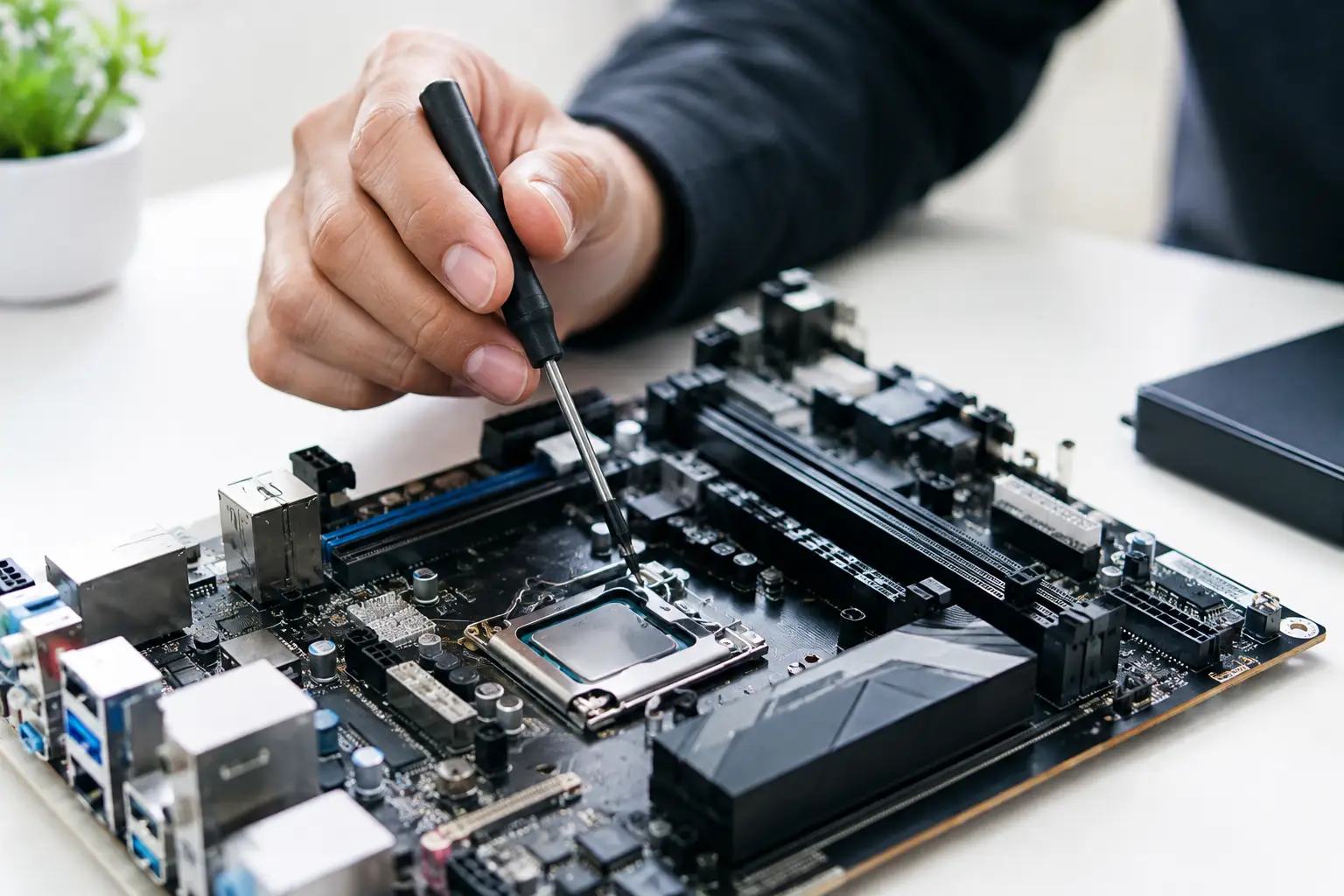
For complex failures, ask whether the shop performs board-level repair. Micro-soldering is not a buzzword for basic repairs. It means working directly on tiny components and damaged traces on a motherboard or logic board. In the right situation, it can save a MacBook logic board, phone motherboard, or console HDMI circuit that another shop might label as unrepairable or recommend replacing entirely.
Questions to Ask Before You Approve a Repair
You do not need technical training to evaluate a repair warranty. Ask direct questions and expect direct answers.
First, ask how long the warranty lasts and whether it covers both labor and the installed part. Next, ask what is excluded. A shop should be able to explain this in plain language, not point you toward unclear terms after the repair is complete.
Then ask what happens if the issue returns. Will the device be re-diagnosed? Is there a charge if the problem is determined to be unrelated? This matters because electronics can have more than one fault, especially after liquid exposure, hard impacts, or failed DIY repairs.
Finally, confirm the repair details on your receipt. It should identify the device, the service completed, and the date. Keep it. If you need warranty service, that record makes the process faster and cleaner.
Warranty Length Is Not the Only Sign of Quality
A longer warranty can be valuable, but duration alone does not prove that a shop does careful work. A 90-day or one-year warranty sounds great until you learn it excludes the part most likely to fail, requires mailing the device away, or makes you pay a diagnostic fee before anyone will look at it.
What matters is whether the warranty is specific, usable, and backed by a local business that will inspect the device. Walk-in service has a practical advantage here. You can show the issue to the technician, explain when it happens, and get an answer without packing up your device and waiting through a mail-in process.
Speed matters too, but it should not mean rushed work. Same-day repair is ideal for common jobs when the correct part is available and the device has no hidden damage. Board repairs, liquid damage recovery, and intermittent failures may take longer because they require testing. A trustworthy technician will tell you that upfront rather than promise an unrealistic turnaround.
Protect Your Device and Your Warranty After Repair
Once the repair is complete, test the function before leaving if possible. Check screen brightness and touch response, cameras, speakers, microphones, buttons, charging, Face ID or fingerprint functions when applicable, and wireless connections. For a console, test the HDMI output, controller connection, charging, and gameplay. For a laptop, test charging, keyboard input, trackpad, display, and ports.
Use a protective case and screen protector after a phone or tablet screen repair. They do not make a device indestructible, but they reduce the chance that a small fall turns into another repair. Use a good-quality cable and charger as well. Cheap or damaged accessories can create charging problems that look like a repair failure when they are not.
Back up your data regularly. Repair shops can take precautions, but no electronic device is immune to storage failure, liquid damage, or an unexpected board issue. A current backup protects your photos, messages, schoolwork, and business files far better than any repair warranty can.
Choose a Shop That Will Stand Behind the Work
The best repair experience is not just getting a device to power on again. It is getting a clear diagnosis, a fair quote, a repair that addresses the actual problem, and a warranty you can use if the repaired issue returns.
Do not settle for vague promises like “we guarantee our work” without asking what that means. Choose a shop that gives you the terms before the repair, documents the service, and has technicians capable of handling more than simple part swaps. When your device is essential to your day, clarity is worth as much as speed.