
A device that will not turn on is frustrating. A device that turns on, crashes, stops charging, loses its signal, or works only when it feels like it is worse. Those symptoms can point to several parts, which is why knowing how to identify motherboard failure starts with ruling out the simple problems before assuming the most expensive one.
The motherboard is the main circuit board inside your phone, laptop, tablet, or game console. It connects the processor, storage, charging system, display, cameras, ports, wireless radios, and other components. On Apple devices, it is often called a logic board. When it fails, the device can act completely dead or show a strange mix of problems that a screen, battery, or charging-port replacement will not solve.
What Motherboard Failure Actually Looks Like
A failed motherboard does not always mean visible damage or a total blackout. A board has many tiny circuits and components. One damaged chip, corroded connector, broken solder joint, or shorted power line can affect only one function at first.
That is why the pattern matters. A cracked screen is usually obvious. Board trouble is more likely when multiple unrelated functions fail together, especially after a drop, liquid exposure, overheating, or a bad charging event.
For example, a phone may charge but never boot past the logo. A laptop may power on with its keyboard lights active but show no image on either its built-in display or an external monitor. A console may turn on briefly and shut down before reaching the home screen. These are not automatic proof of motherboard failure, but they are strong reasons for a proper diagnostic.
How to Identify Motherboard Failure: Key Warning Signs
It will not power on after basic checks
Start with the basics. Try a known-good charging cable and power adapter, inspect the port for lint or damage, and leave the device connected for at least 20 to 30 minutes. On laptops and consoles, test another outlet and power cable if possible.
If the device remains unresponsive after confirmed power is reaching it, the issue could be a dead battery, a damaged charging port, or a motherboard power fault. A board-level problem becomes more likely if the device gets unusually warm while charging, repeatedly vibrates without starting, or draws power but never fully boots.
It powers on but has no image
A black screen does not always mean a failed screen. Listen and look for signs the device is actually running: notification sounds, vibration, keyboard backlighting, fan movement, charging sounds, or incoming calls. If those signs are present, the display itself or its connection may be at fault.
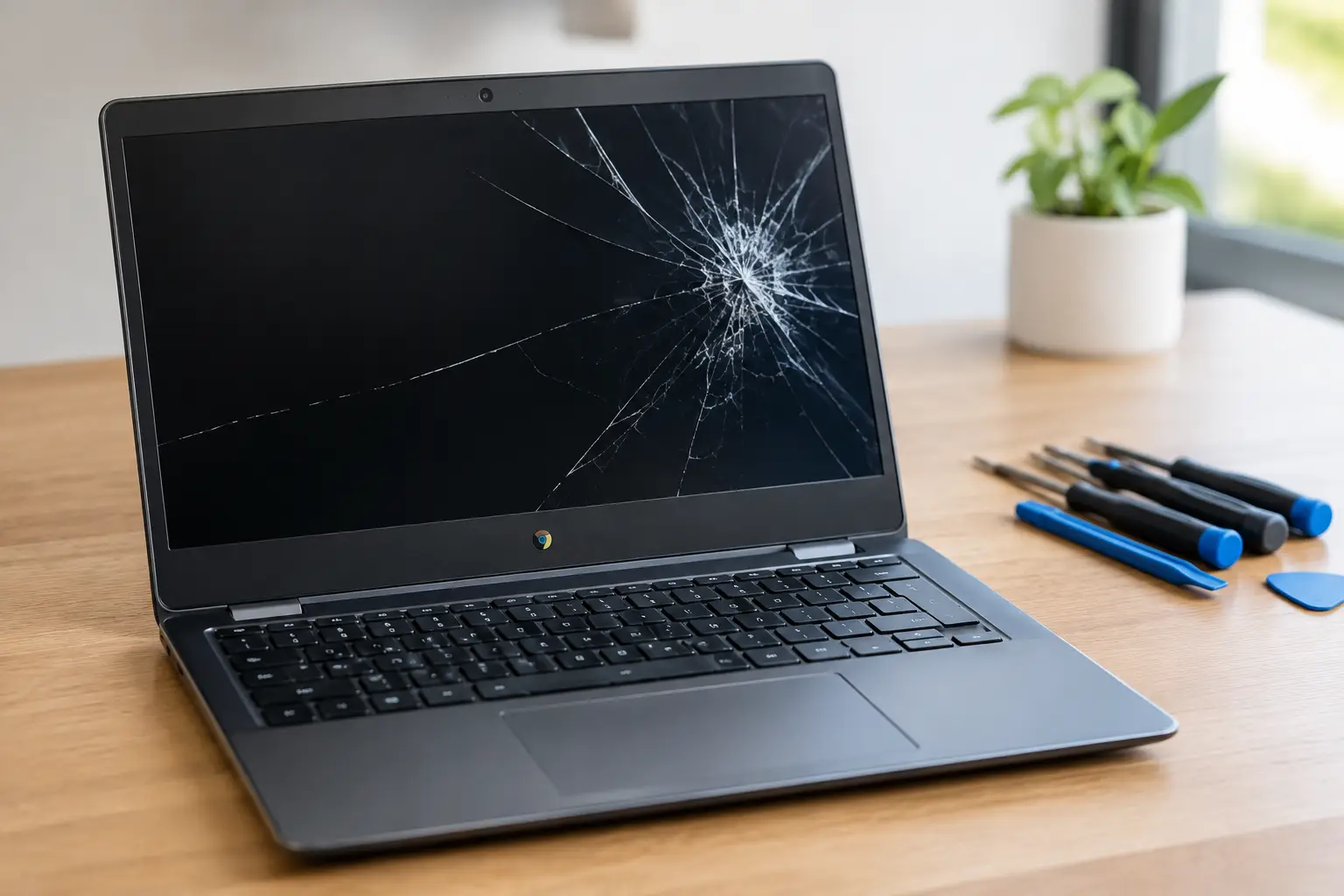
But if a laptop has no image on its internal screen or an external display, or a phone remains black while failing to respond normally to calls and buttons, the graphics circuit, display power line, or another section of the motherboard may be involved.
It restarts, freezes, or gets stuck on the logo
Random restarts can come from a worn battery, full storage, corrupted software, or an app problem. If a device freezes during normal use, first back up your data if you still can, update the software, and check available storage.
The warning sign is persistence. A phone that loops on the startup logo after an update, a laptop that crashes even in recovery mode, or a console that shuts down as soon as a game loads may have a deeper hardware fault. If a software reset does not change the behavior, a technician needs to test the board rather than keep reinstalling the operating system.
Several features fail at the same time
One failed feature often points to one part. Several failed features can point to the board that controls them.
Watch for combinations such as Wi-Fi and Bluetooth disappearing together, cameras failing after a drop, touch input and display brightness acting erratically, or USB accessories no longer being recognized. On phones, cellular service that drops despite a working SIM card can involve the modem section of the board. On laptops, dead USB ports, missing audio, and unreliable charging may share a board-level cause.
This is where guessing gets expensive. Replacing a battery because the phone also restarts, then replacing the charging port because it also will not charge, can waste money if both symptoms came from one power-management issue on the motherboard.
The device overheats while doing very little
Some heat is normal during charging, gaming, video calls, or heavy processing. Heat is not normal when a device is sitting idle, charging slowly, or unable to start.
A board short can pull constant power and create concentrated heat in one area. You may notice a phone warming near the camera, a laptop getting hot near the charging port, or a console fan racing immediately after startup. Stop charging and using the device if it is hot enough to be uncomfortable. Continuing can cause more damage, especially if a battery is also affected.
The problem began after water, impact, or a power surge
The timing tells a useful story. Liquid can corrode tiny board components even if the device works for a day or two afterward. A drop can crack a solder connection beneath a chip without leaving major exterior damage. Cheap or damaged charging accessories can also cause power-related faults.
If a device begins acting strangely after an accident, do not assume that the damage is limited to what you can see. A new screen may be needed after a drop, but the same impact may have damaged the board underneath. After liquid exposure, avoid rice, heat guns, and repeated charging attempts. Power it off and have it inspected as soon as possible.
Problems That Can Look Like a Bad Motherboard
Motherboard failure is serious, but it is not the answer to every issue. A good diagnosis protects you from replacing a board when a simpler repair will do.
A weak battery can cause shutdowns and boot loops. A clogged or worn charging port can prevent charging. A damaged display can create a black screen on a device that is otherwise operating. Storage issues can cause freezing, and software corruption can mimic hardware trouble. On consoles, an HDMI port issue can look like a graphics-board failure because there is no image on the TV.
That is why a technician should test power delivery, charging current, display output, battery health, ports, and software behavior before calling a motherboard dead. The right repair is based on evidence, not a quick guess from one symptom.
What a Proper Board-Level Diagnostic Involves
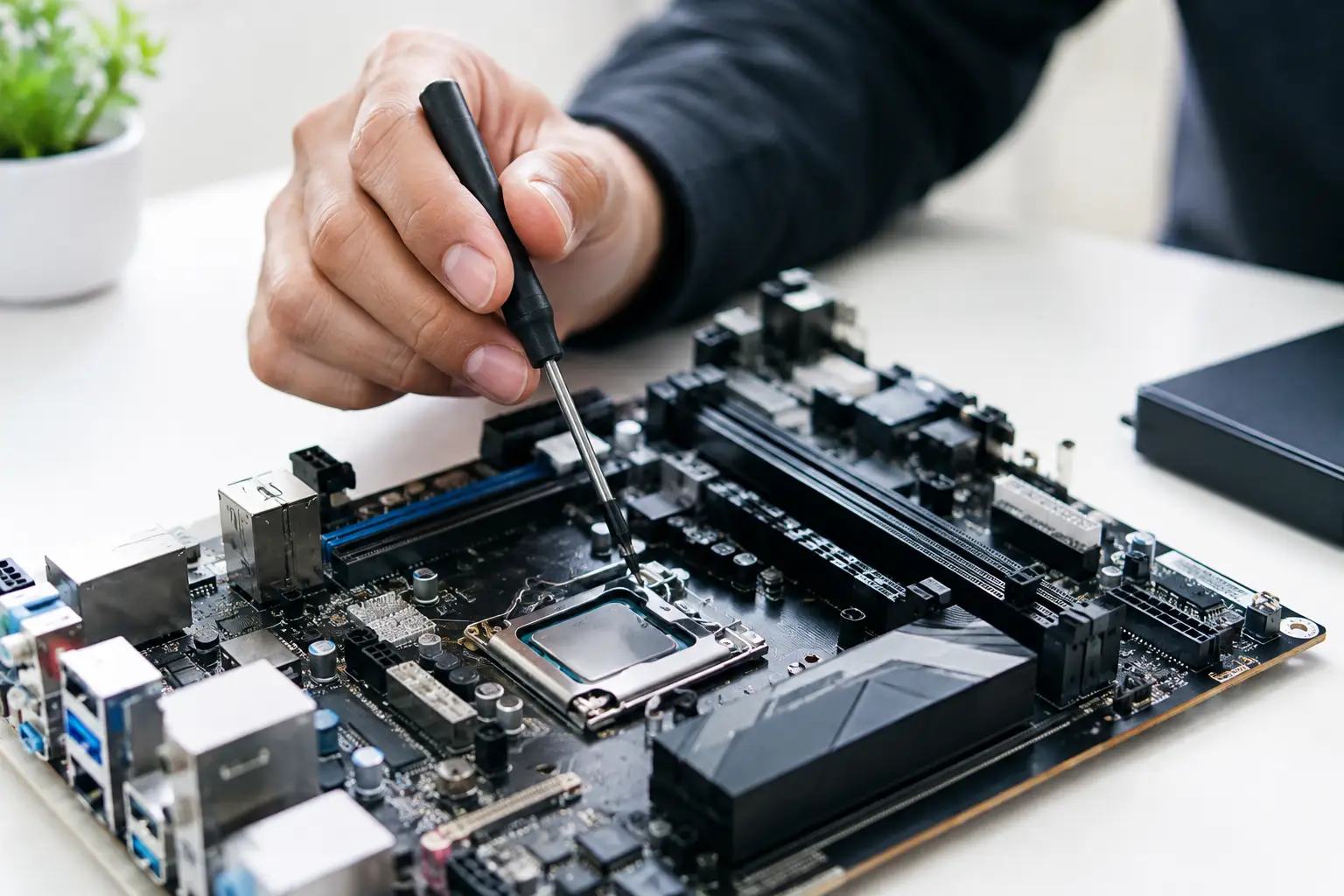
Board-level repair is different from swapping a complete part. A technician uses specialized tools to inspect the device, measure voltage and power draw, locate shorts, test circuits, and examine corrosion or damaged connectors under magnification.
Depending on the device, the repair may involve replacing a small charging chip, rebuilding a damaged connector, repairing a broken trace, or micro-soldering a component onto the board. In some cases, a full board replacement is more practical. In others, a targeted repair costs less and can preserve data that would otherwise be lost.
Data is a major factor. On many modern phones, tablets, and computers, storage is tied to the original motherboard. Replacing the entire board can mean losing locally stored photos, files, and app data. If the device contains data you need, say so before authorizing work. The repair approach may change.
At BuyCellFix, a free diagnostic is the practical first move when symptoms point beyond a battery, screen, or port. You get an upfront explanation of what failed, what can be repaired, and whether the cost makes sense. No vague promises and no parts replaced just to see what happens.
When Repair Makes Sense and When It Does Not
A motherboard repair can be worth it when the device is otherwise in good condition, replacement costs are high, or the data matters. It is often a smart choice for newer phones, MacBooks, premium tablets, and consoles with a specific fault such as a damaged HDMI circuit or charging system.
It may not make financial sense when the device has several major problems, extensive liquid corrosion, an aging battery and screen, or a repair cost close to the value of a tested replacement device. That does not make the device worthless. It may still have resale or parts value.
Do not keep forcing a failing device to charge, restart, or stay cool. Bring it in while the failure is limited, explain exactly when the symptoms started, and keep your passcode available if you want functional testing. A clear diagnostic can turn a “dead” device into a repairable one – and help you avoid paying for the wrong fix.