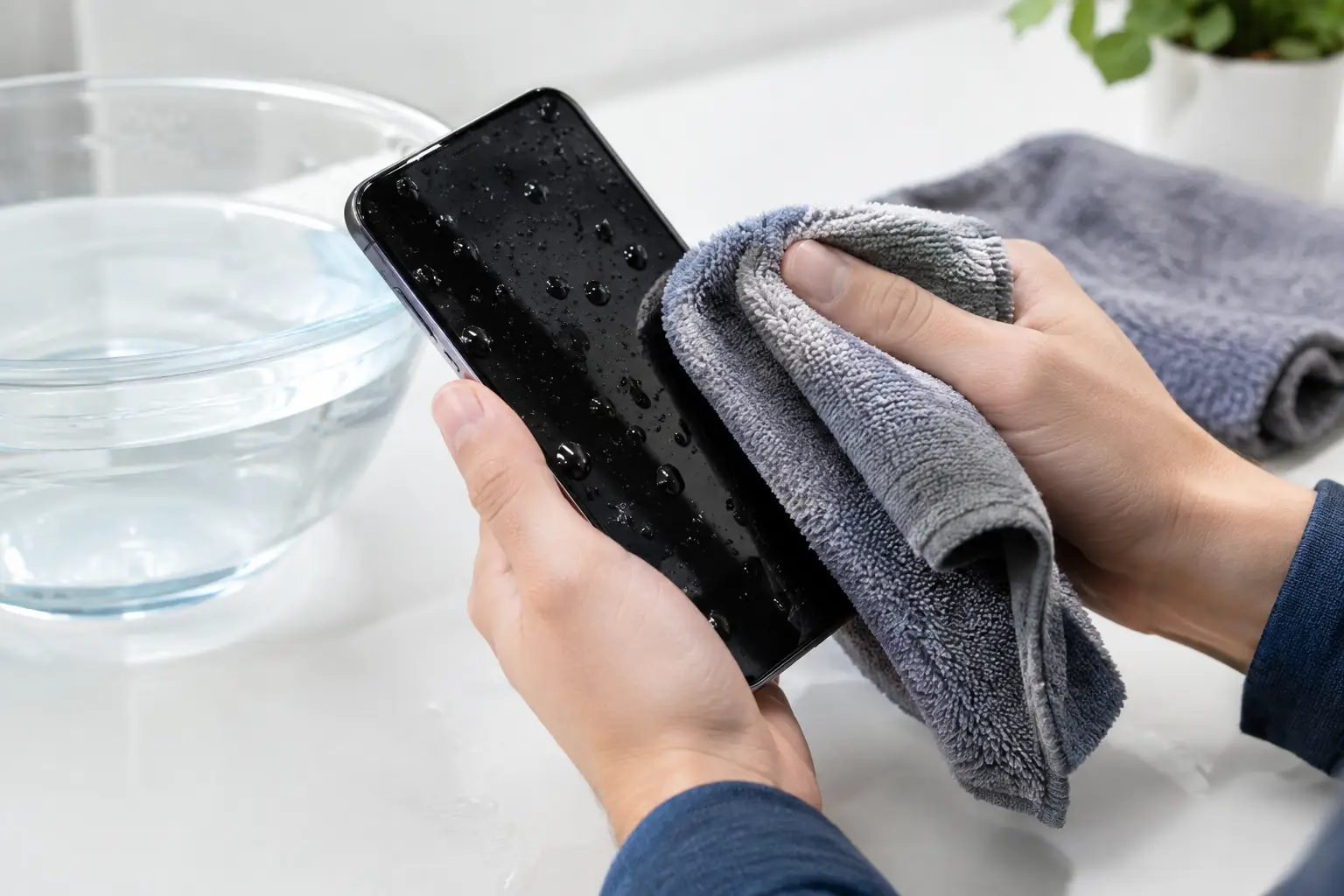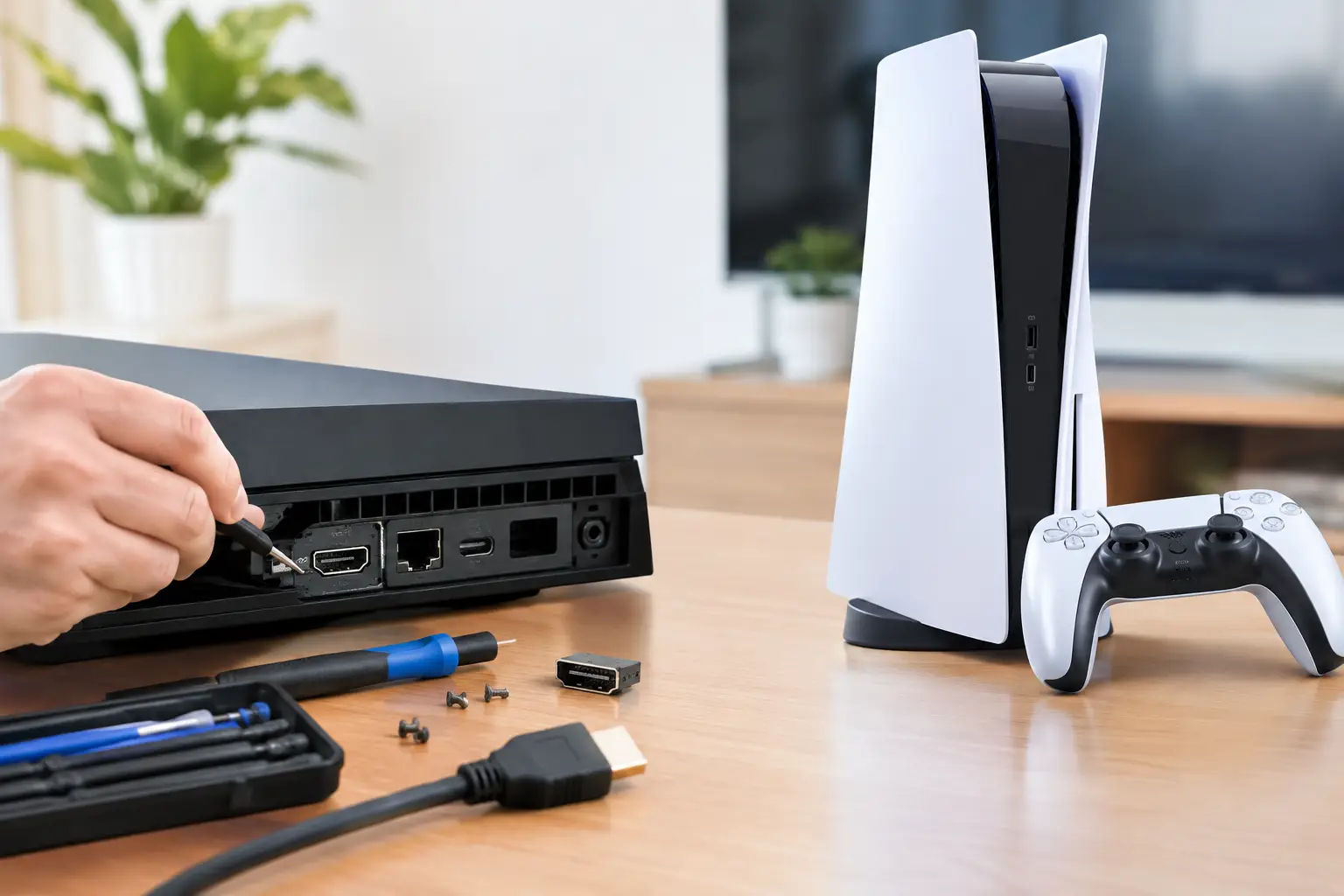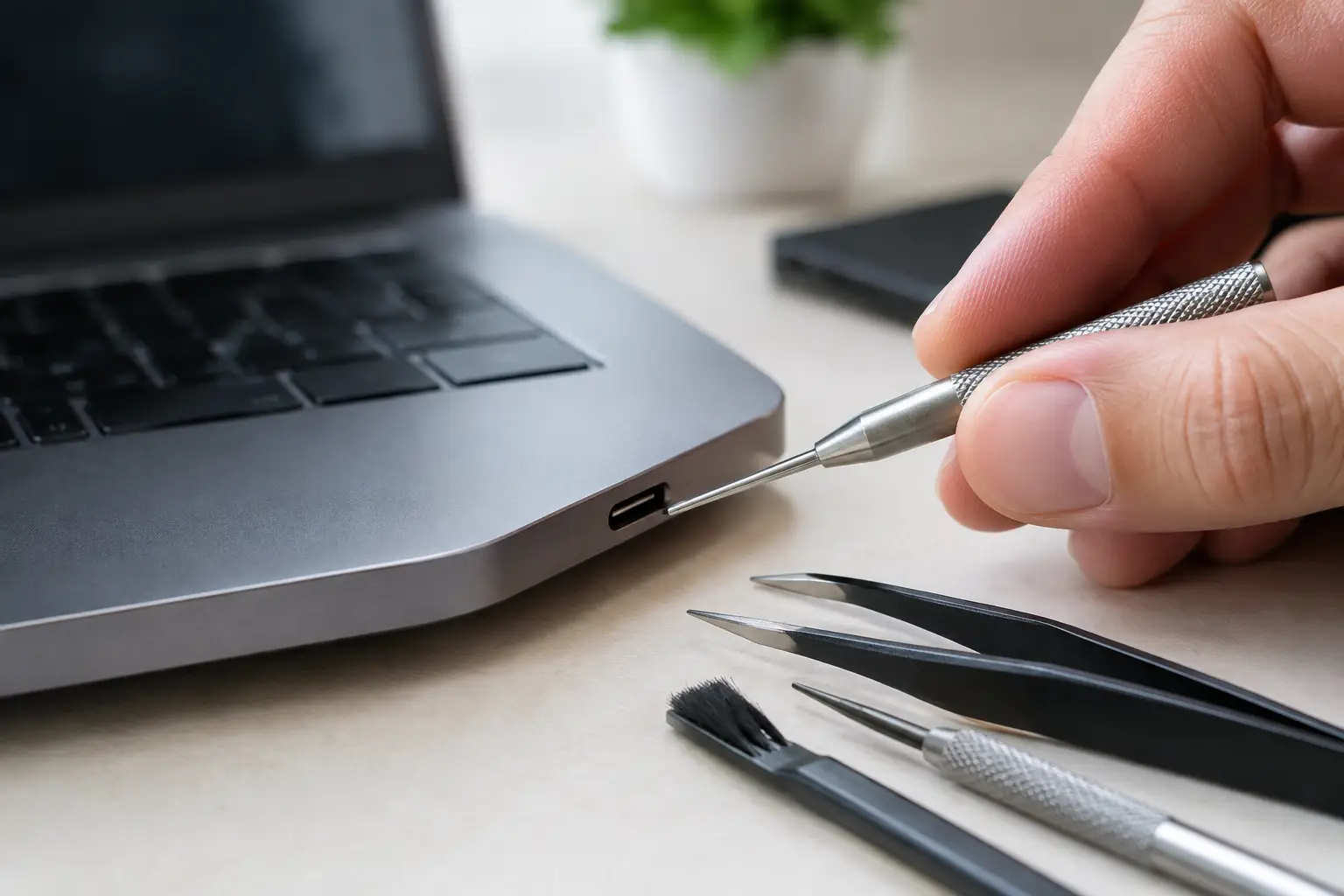


A factory reset is not a privacy plan if your accounts are still connected to the device. Photos, saved passwords, banking apps, text messages, and cloud access can remain exposed when the process is rushed. The question behind “effacer données avant revente” is simple: how do you hand over a device without handing over your digital life too?
Whether you are selling an iPhone, Android phone, iPad, laptop, smartwatch, or game console, the order matters. Back up what you need, sign out of the right accounts, remove activation locks, then erase the device using its built-in reset tools. Do it in reverse and you can create a problem for yourself or the next owner.
Why a factory reset alone can fail
Most modern devices use encryption, which is good news. When you erase them properly, the encryption keys are removed and old data becomes unreadable. But a reset does not always remove account-based protections such as Apple Activation Lock, Google Factory Reset Protection, Windows sign-in access, or device management profiles.
That means the buyer may turn on a freshly wiped phone and still see a prompt for your Apple ID or Google account. At that point, the device can look stolen, even when it is not. It also makes a private sale harder and can reduce what a trade-in store will pay.
The other risk is incomplete preparation. A phone may be wiped while its eSIM is still active. A laptop may be reset with personal files left on another partition. A console may be sold with a payment card, game account, or saved login attached. The goal is not just to delete files. It is to remove your identity, your access, and your ownership locks.
Before you erase data before resale, make a backup
Do not start by pressing Reset. Start by checking what you would miss next week.
For phones and tablets, confirm that your photos, contacts, messages, notes, authenticator codes, and app data are backed up. Cloud backup is convenient, but verify it completed recently. Open your photo library from another device if possible. If you use an authenticator app for work, banking, or social accounts, transfer those codes before wiping the old phone. Losing access to two-factor authentication is more frustrating than replacing a cracked screen.
For laptops, copy important documents to a trusted external drive or cloud account. Check your Downloads folder, desktop, local photo libraries, browser bookmarks, and password manager. Creative professionals should also look for local project files, fonts, plug-ins, and license keys that may not be included in a basic cloud backup.
Then remove anything physically attached to the device. Take out SIM cards, microSD cards, USB receivers, cases with cards inside, and external storage. If the phone uses eSIM, contact your carrier or use its transfer process before erasing. A factory reset does not always cancel cellular service.
Sign out before you reset
Account removal is the step people skip most often. It is also the step that protects the next owner from an unusable device and protects you from lingering access.
iPhone, iPad, and Apple Watch
On an iPhone or iPad, sign out of your Apple Account in Settings before erasing the device. This turns off Find My and removes Activation Lock when completed correctly. You may be asked for your account password. Do not skip that prompt.
For an Apple Watch, unpair it through the Watch app on the paired iPhone. Unpairing creates a backup and removes Activation Lock. Simply resetting the watch from its settings can leave the lock behind.
If the device no longer turns on or the screen is damaged, you can remove it from your Apple account using another trusted device or account settings. Confirm it is no longer listed under your devices before you sell it.
Android phones and tablets
On Android, remove your Google account before performing the factory reset. The exact menu varies by brand, but it is usually under Settings, Passwords & accounts, Accounts, or Google. Also sign out of Samsung Account on Samsung devices.
This matters because of Factory Reset Protection. If a Google account remains connected when certain Android devices are reset, the next user may need your previous account credentials during setup. That is a security feature, not a defect, but it is a major resale problem.
Before handing over the device, restart it after resetting. You should reach the welcome screen without seeing a request for your old Google or Samsung login.
Windows laptops
On a Windows laptop, first sign out of personal apps and remove the device from any work or school management system. If the computer belongs to an employer, school, or organization, do not sell it without written authorization. A managed laptop may remain enrolled even after a reset.
Next, use Windows Reset this PC and choose Remove everything. When selling to someone else, choose the option to clean the drive rather than the faster basic removal option. It takes longer, but it makes recovery of old files much less practical.
If BitLocker encryption is enabled, keep your recovery key until the reset is complete and you have confirmed the device starts at the Windows setup screen. Then remove the computer from your Microsoft account device list.
MacBooks and other Macs
For newer Macs, Erase All Content and Settings is usually the cleanest option. It removes user accounts, data, settings, and Find My-related ownership access while preserving the operating system for the next owner.
Older Intel-based Macs may require erasing the internal drive from macOS Recovery and reinstalling macOS. Sign out of your Apple Account and turn off Find My first. If you are unsure which process applies to your model, do not guess. An incomplete Mac erase can leave an activation issue or a failed operating system installation behind.
PlayStation, Xbox, and Nintendo Switch
Consoles hold more personal information than many owners realize. They can contain saved payment methods, chat history, screenshots, saved Wi-Fi passwords, and active game accounts.
On a PlayStation, deactivate the console as your primary system, then initialize it using the full reset option. On Xbox, remove your profiles and use Reset console with the option to remove everything. On Nintendo Switch, transfer your user and save data to your new console where supported, deregister the old console if needed, then initialize it.
A console reset can take time, especially with a large internal drive. Let it finish. Turning it off halfway through can cause storage errors that lower its resale value.
Check the clean setup screen
The best proof that you erased a device properly is the first-run setup screen. Power it on after the reset and stop before connecting a personal account.
For a phone or tablet, you should see the language or region selection screen. For a laptop, you should see the operating system setup flow. For a console, you should see its initial configuration screens. If it immediately opens your profile, displays your photos, or requests a previous owner’s account, it is not ready for resale.
This quick check catches the most common mistakes: forgotten accounts, incomplete resets, and devices still tied to a company or school. It also gives the buyer a cleaner experience, which helps you sell faster and avoid follow-up messages.
What to do with broken devices
A dead screen, charging fault, liquid damage, or motherboard issue can make it impossible to sign out and erase data the normal way. Do not assume the data is gone because the device will not power on. Storage may still be readable if the device is repaired.
For a device you plan to sell for repair or parts, tell the buyer whether you could remove your accounts and perform a reset. If it is an iPhone, remove it from Find My remotely if possible. For Android, remove the Google account from your account security page. For laptops, remove saved browser sessions and account access from another device, then change key passwords if you believe the machine could be repaired.
At BuyCellFix, sellers can ask to see the data-erasure process before handing over an eligible device. That is the right standard: clear communication, no vague promises, and a check that activation locks are removed before the device changes hands.
A clean handoff protects both sides
Erasing a device is not just a technical chore before you get paid. It prevents account lockouts for the buyer, reduces disputes after a sale, and keeps your private information where it belongs. Take the extra few minutes to back up, sign out, reset, and verify the setup screen. Your next device should get your attention, not your old one.