
A console that powers on but shows “No Signal” can turn a perfectly good gaming system into an expensive-looking paperweight. When deciding whether to repair an HDMI port or replace your console, the right answer usually comes down to the actual fault – not the age of the system or a guess based on what appears on screen.
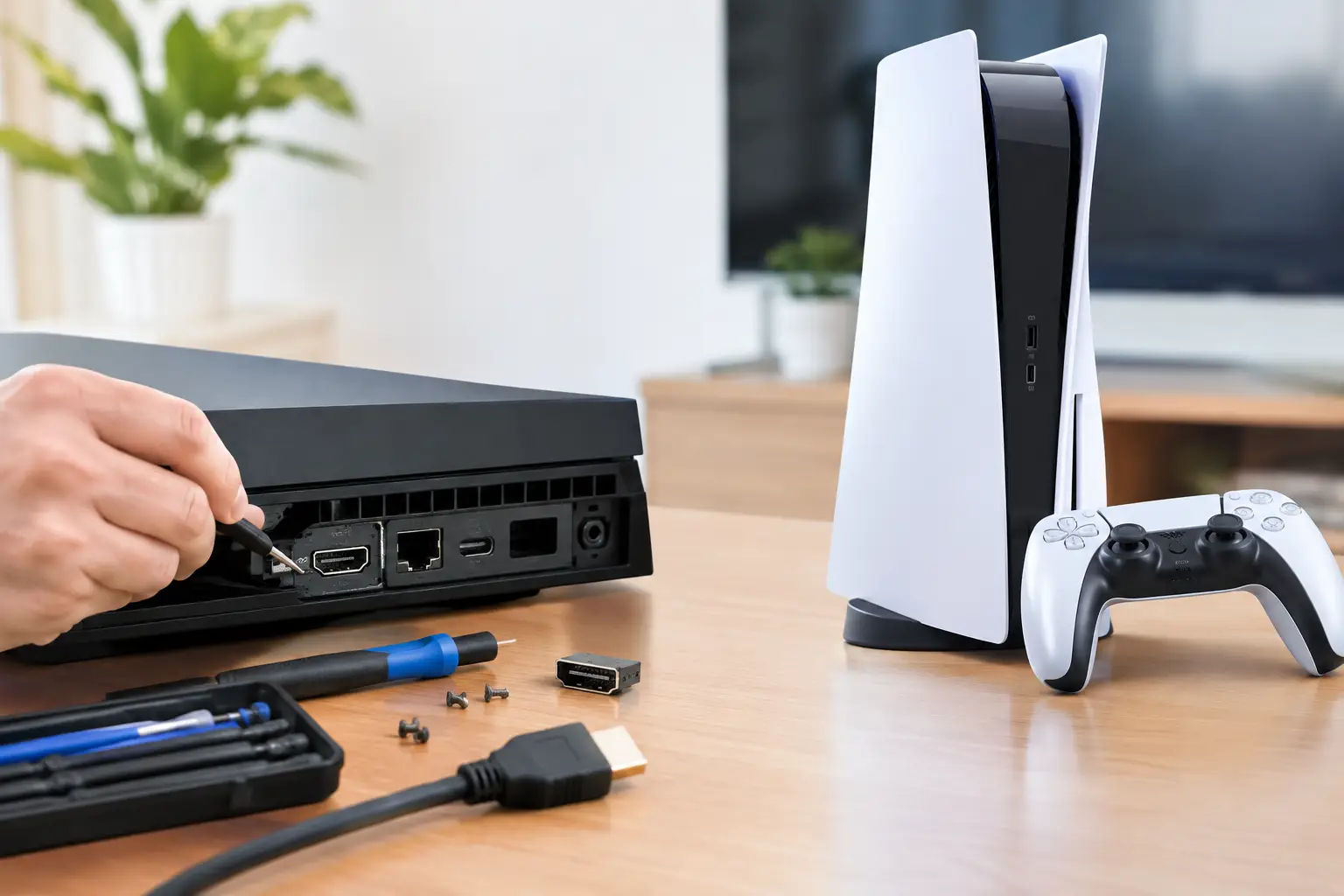
A damaged HDMI port is one of the most common console problems we see on PS5, PS4, Xbox Series X|S, Xbox One, and Nintendo Switch systems used in docked mode. It is also one of the most misunderstood. A loose cable, bent port pins, a blank screen, or flickering video does not automatically mean you need a new console. In many cases, the console itself is fine and the HDMI connection needs a proper component-level repair.
Repair HDMI or replace your console: start with the real problem
Before spending money, rule out the simple issues. Test the console with a known-good HDMI cable and a different TV or monitor. Try another HDMI input on the display. On a PS5 or Xbox, inspect the port with a flashlight without forcing anything into it. If the port looks bent, pushed inward, loose, or damaged, stop plugging and unplugging cables. Repeated force can turn a repairable port into a larger board-level issue.
A failed HDMI connection can come from several places: the cable, the TV input, the port itself, the HDMI retimer or encoder chip, nearby filters, or damage to the board traces that carry the signal. That distinction matters. A shop that only swaps parts may replace the port and still leave you with no picture if the actual fault is on the board.
A proper diagnostic identifies whether the port is the problem and checks the surrounding circuit before work begins. That is the difference between paying for a guess and paying for a repair that addresses the failure.
Signs your HDMI port is likely damaged
Physical HDMI damage often has a clear pattern. The cable may feel loose, need to sit at a certain angle, or fall out with little pressure. You might hear the console start normally but get a black screen or an intermittent signal. The image may flash, show colored lines, drop out during gameplay, or work only after several restarts.
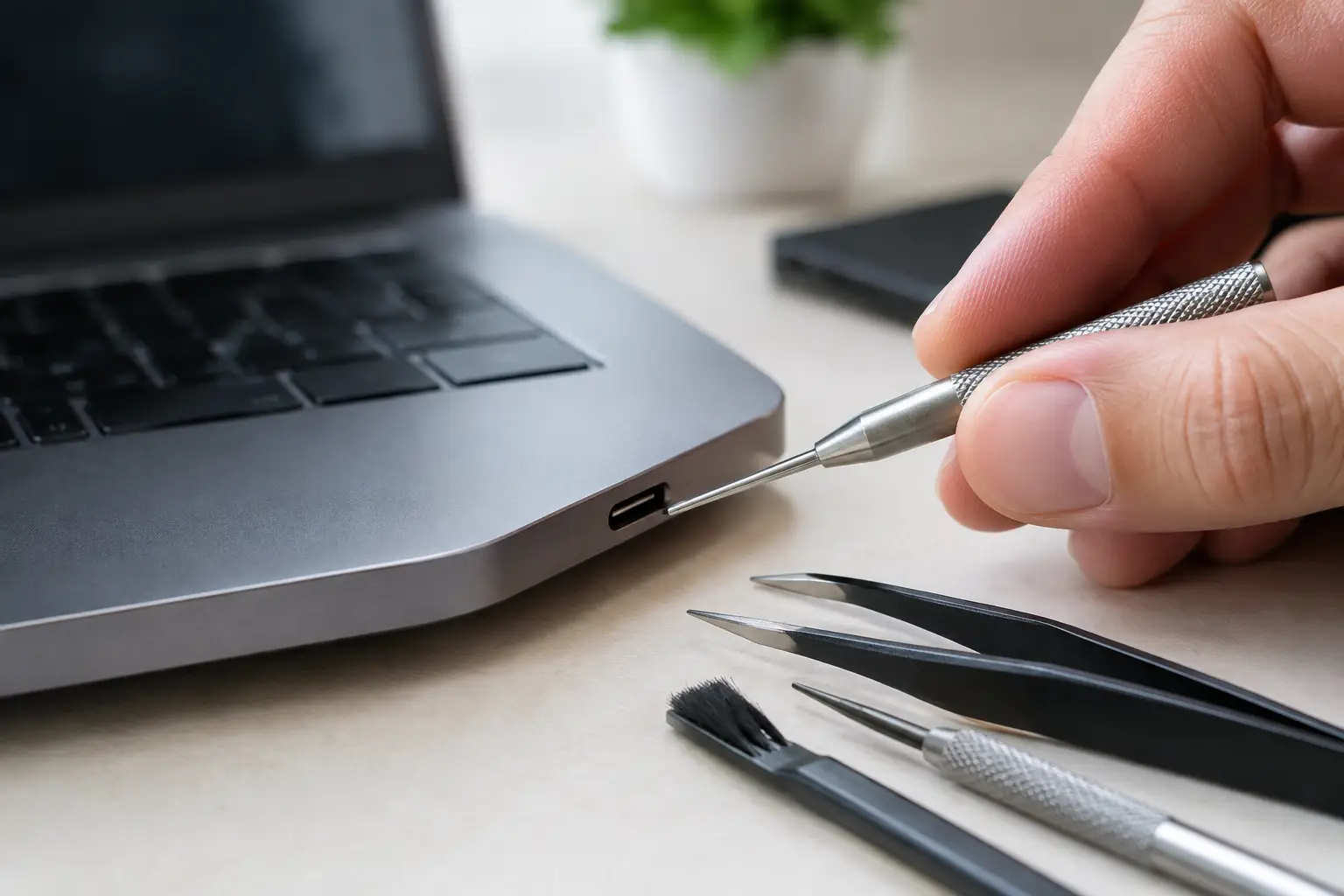
If you see bent pins inside the port, do not try to straighten them with a needle, paper clip, or tweezers. HDMI pins are small, and one mistake can short connections or rip pads from the motherboard. A damaged port can also damage a good cable, so it is worth checking both before testing again.
Not every no-signal issue is a broken port. A console that displays Safe Mode but not normal video may have a software or video-setting issue. A console with no power, no fan activity, or repeated shutdowns may have a separate power, overheating, or board fault. This is why a free diagnostic is more useful than ordering a port repair based on symptoms alone.
When HDMI repair makes financial sense
HDMI repair is usually the smart move when the console is otherwise working normally. It powers on, accepts discs or games, connects to controllers, and shows signs of booting, but video output is unreliable or missing. Replacing one damaged connection is generally far less wasteful than replacing an entire current-generation console.
This is especially true for a PS5 or Xbox Series X. These systems still hold significant value, and a properly repaired HDMI port can restore full use without forcing you to rebuy a console, reinstall games, set up accounts again, or hunt for a replacement with an unknown history.
Repair also makes sense when your system contains saved data that has not been backed up. Replacing the console does not automatically recover local saves. If the original system can be repaired, you may regain access to games, captures, and data that would otherwise be difficult or impossible to move.
At BuyCellFix, console HDMI work is handled as more than a quick port swap. The port must be removed without overheating the board, replacement connections must be soldered accurately, and the video circuit needs to be tested afterward. That micro-soldering capability matters when pads, traces, or nearby components have been damaged.
When replacing the console is the better call
There are situations where replacement is reasonable. If your console has a failed HDMI port plus major liquid damage, severe overheating, a dead power supply, storage failure, and motherboard corrosion, repair costs can add up quickly. The question is no longer whether one port can be fixed. It is whether the full repair estimate makes sense against the value of a tested replacement system.
Replacement can also be the better option when you already planned to upgrade. Moving from an older console to a newer generation may offer performance improvements that a repair cannot provide. Still, do not throw away the damaged unit. A broken console may retain trade-in or cash value for parts recovery, especially if the board, controller, storage, or casing is usable.
Be careful with cheap online replacement consoles. A low price can hide bans, liquid damage, overheating history, missing accessories, or a console that was never properly tested under load. A technician-tested refurbished console with a warranty costs more than a mystery listing for a reason: you know it has been inspected and you have somewhere local to return if there is a problem.
The hidden cost of replacing a working console
A replacement price is not just the number on the listing. Add sales tax, controllers, cables, storage upgrades, game transfers, and the time required to reset everything. If you buy used from a private seller, there is also the risk that the system has an intermittent issue that does not appear during a quick test.
A port repair has its own trade-off. It requires opening the console and performing precision work on the motherboard, so it should not be treated as a do-it-yourself cable fix. But when the rest of the system is healthy, it keeps a device you already know in service and can be the lower-cost choice.
The best decision comes from comparing a clear repair quote to the true cost of replacement, not the lowest advertised console price. Ask what caused the failure, what parts are being replaced, how the repair is tested, how long the warranty lasts, and whether there are additional board issues. Straight answers matter.
Why component-level repair changes the decision
Some repair shops respond to board damage by recommending full motherboard replacement. That can be expensive, and in some cases it can affect data, pairing, or system-specific components. Component-level repair takes a different approach: locate the damaged port, chip, filter, pad, or trace and repair the affected area when practical.
For an HDMI issue, this can mean replacing the physical port, restoring damaged solder pads, repairing traces, or diagnosing video-circuit components beyond the port. It is specialized work, but it can prevent a repairable console from being written off too early.
That does not mean every board can or should be saved. Burned sections, extensive corrosion, or prior unsuccessful repair attempts can limit repair options. A trustworthy technician will explain that before proceeding, provide an upfront quote, and avoid turning a diagnostic into a surprise bill.
What to do before bringing in your console
Do not keep testing a visibly damaged HDMI port. Power the console down, remove the cable gently, and bring the console with the cable you normally use if possible. If you have noticed specific behavior – such as video cutting out after the console warms up, a port that only works when pressed, or a recent drop – mention it during the diagnostic. Those details help narrow down the fault.
If the console still displays video occasionally, back up your saves before the problem gets worse. Avoid factory-resetting the system unless you are specifically dealing with a software issue and know your data is backed up. A reset will not repair broken HDMI hardware.
The practical move is simple: get the console diagnosed before you replace it. If it is a port-level problem, you may be much closer to getting back in the game than you think.