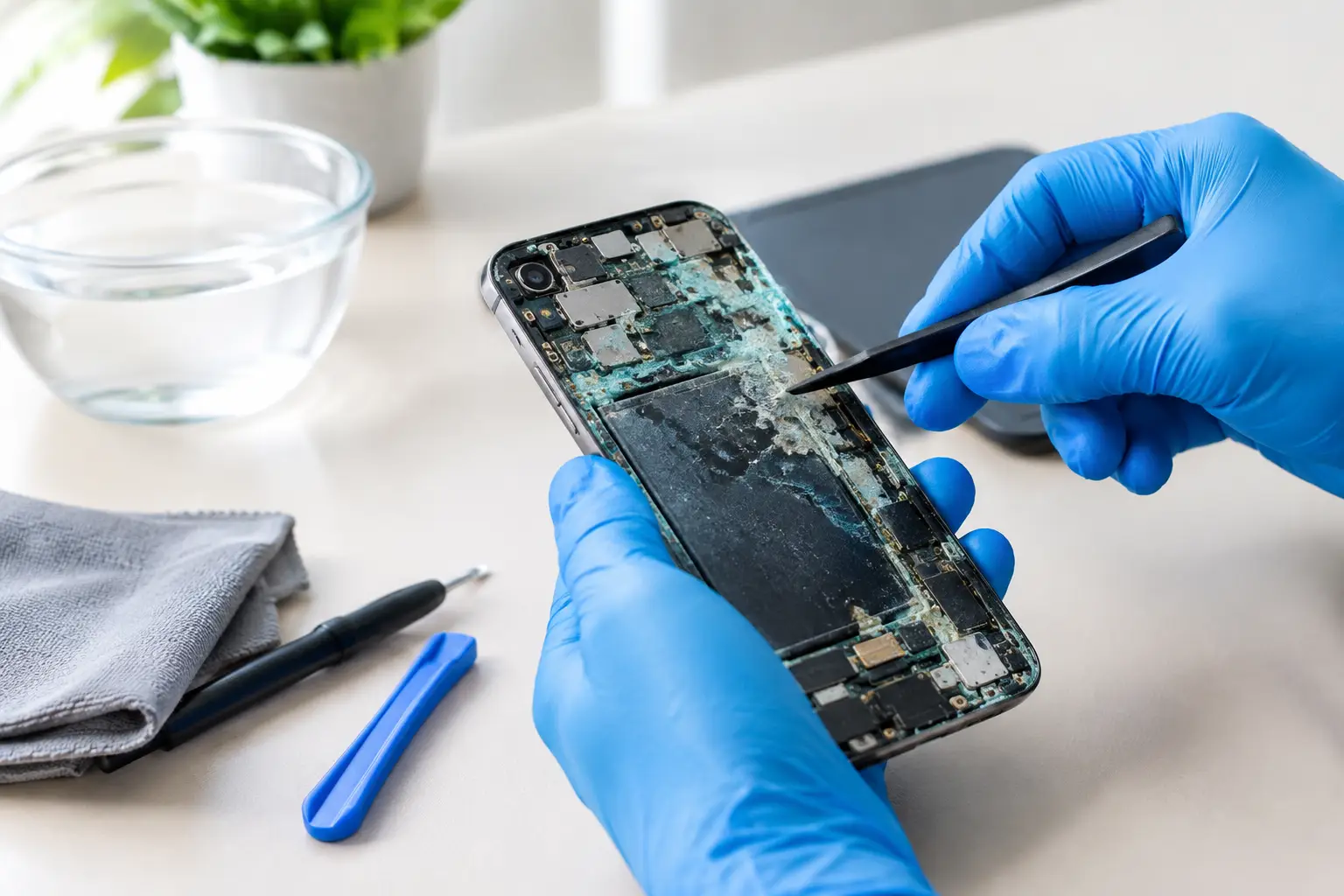

A phone can look fine after a spill, charge normally for a day, then suddenly stop recognizing the SIM card or refuse to turn on. That delay is the problem. If you searched for a guide réparation appareil oxydé, the device may already be dealing with corrosion left behind after moisture reaches its internal components. Fast action gives you the best chance of saving the device, your data, and the cost of replacing it.
Oxidation is not limited to a phone dropped in a pool. Rain, a wet counter, steam in a bathroom, a drink in a backpack, sweat, humidity, and condensation can all introduce moisture. Even devices marketed as water-resistant can be vulnerable after a drop, worn seals, or previous repair work.
What oxidation does inside a device
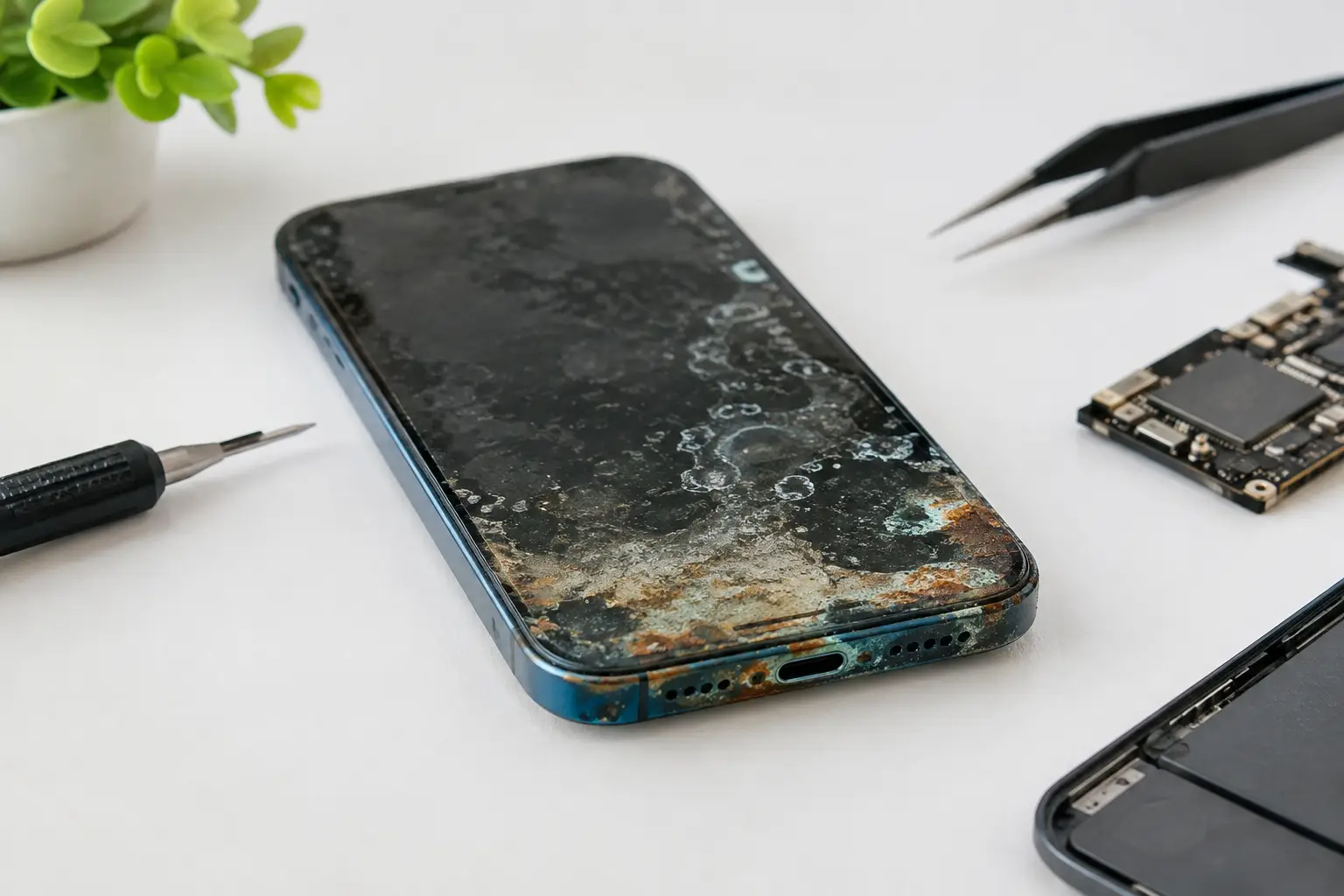
When liquid enters a phone, tablet, laptop, smartwatch, or console, it can create an immediate short circuit. But the more common issue is what happens after the liquid dries. Minerals and contaminants remain on connectors, charging circuits, batteries, and the motherboard. They react with metal contacts and begin corroding them.
That is why a device may appear to recover after being dried off. It can still develop random restarts, weak charging, no audio, camera errors, screen flickering, overheating, or a complete no-power failure days or weeks later. Plain water can cause damage, but coffee, soda, juice, saltwater, and cleaning products are often worse because they leave more conductive residue behind.
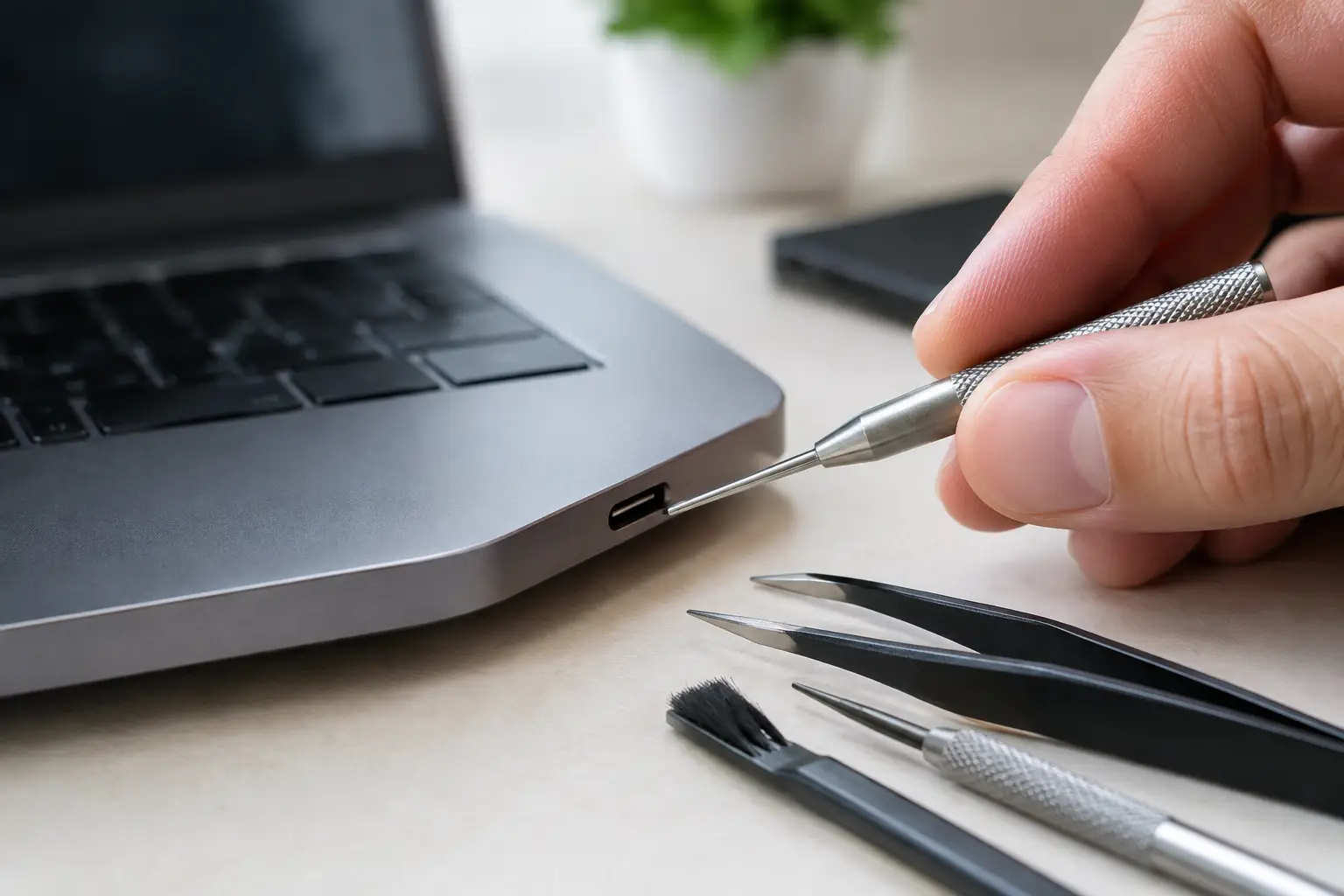
A charging port is a frequent trouble spot. Green, white, or dark buildup around the port can prevent a cable from making a stable connection. On a laptop or game console, corrosion can affect power rails or tiny board components that are not visible from the outside. Replacing one obvious part without inspecting the board can leave the real problem untouched.
Guide réparation appareil oxydé: what to do first
Your first moves matter more than any home remedy. If the device is still on, power it off immediately. Do not test it repeatedly, plug it in, connect accessories, or press buttons to see whether it still works. Electricity plus moisture is how a manageable spill becomes a board-level failure.
Remove the case, cable, SIM tray, detachable battery, and removable accessories if you can do so without forcing anything. Gently blot the outside with a lint-free cloth. Keep the charging port facing downward so trapped liquid has a route out. For a laptop, disconnect the charger and any USB devices, then shut it down instead of leaving it in sleep mode.
Do not use a hair dryer, oven, radiator, or direct heat. High heat can damage batteries, adhesives, displays, and plastic components while pushing moisture deeper into the device. Do not put it in rice, either. Rice does not remove mineral residue or corrosion, and loose dust can clog ports.
If you need the data urgently and the device is still working, the safest decision is usually to leave it powered down until a technician has assessed it. A backup is useful only if it can be done without charging or stressing a wet device. There is no universal answer here: a few drops on an intact exterior are different from a device that was submerged or has liquid visible in the charging port.
Why drying alone is not a repair
Air drying may remove moisture, but it does not remove residue. Think of a spilled drink on a countertop: once the liquid evaporates, the sticky material is still there. Inside electronics, that residue can bridge contacts, corrode solder joints, and keep eating away at metal after the device seems dry.
Proper liquid-damage repair starts with disassembly and inspection. A technician checks moisture indicators, connectors, cameras, screens, battery terminals, ports, and the board itself. Corrosion is cleaned with the right tools and solutions, then the device is tested before and after reassembly.
Sometimes the fix is straightforward. A corroded charging port, battery, screen connector, or speaker module can be replaced. Other times, corrosion has reached the motherboard. That is where board-level diagnosis matters. Instead of declaring the entire device dead or replacing a costly full board, a technician can trace the failed circuit and repair damaged components when the board is a good candidate.
When micro-soldering can save the device
Modern electronics pack critical functions into tiny components on the motherboard or logic board. On an iPhone, Samsung phone, iPad, MacBook, PS5, Xbox, or Nintendo Switch, liquid damage can affect charging circuits, display lines, Wi-Fi, touch functions, audio, power management, or data-related components.
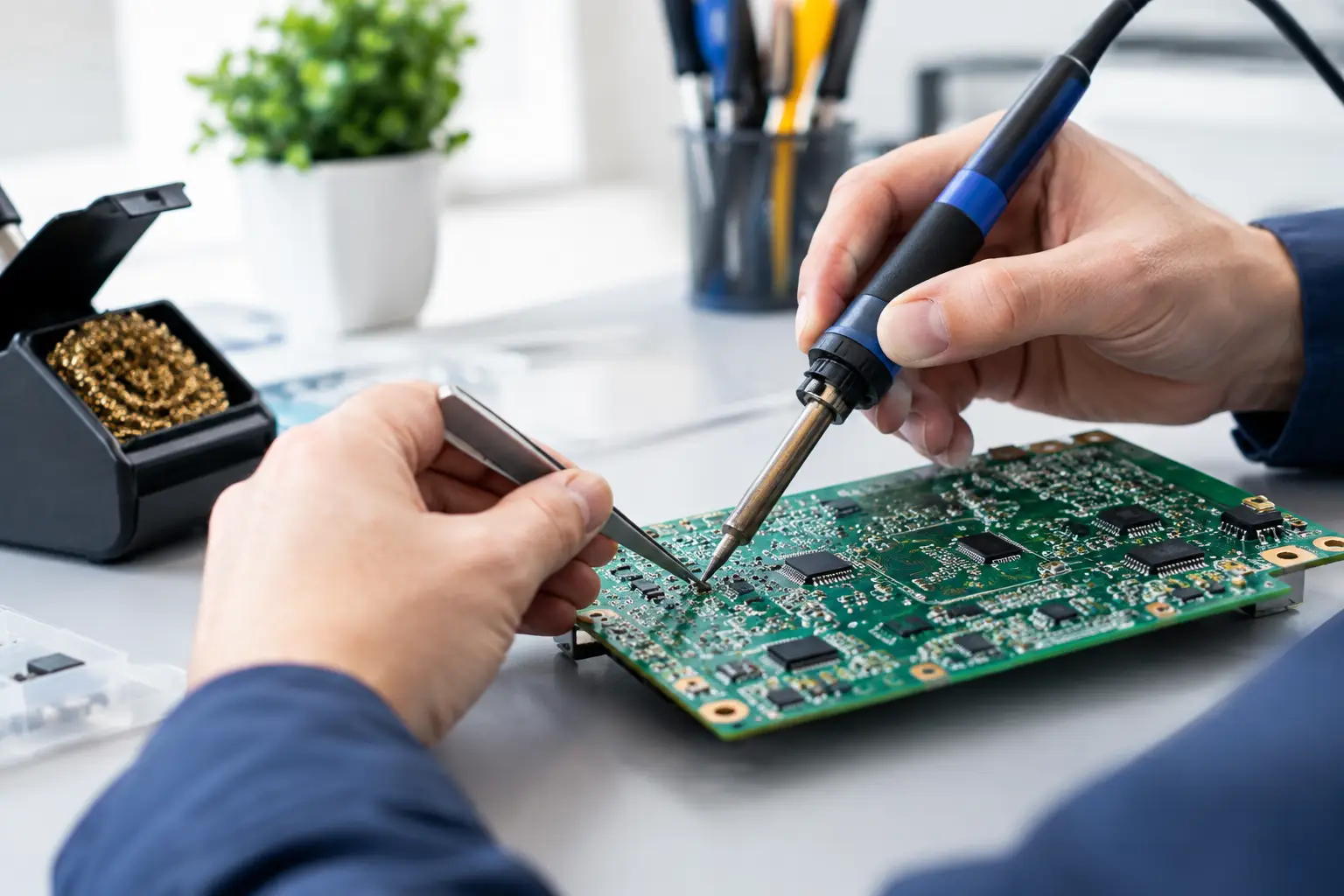
Micro-soldering is component-level work performed under magnification. It can involve removing corrosion, rebuilding damaged pads, replacing small chips, and repairing broken traces. It is not a magic fix, and no honest shop should promise a successful repair before seeing the board. Severe corrosion, battery damage, and damage to multiple layers of a board may make repair uneconomical.
Still, a board-level assessment can be the difference between replacing an entire device and repairing the specific failure. This is especially valuable when the device holds important photos, work files, game saves, or data that has not been backed up. The goal is not to sell the biggest repair. It is to determine whether the repair makes financial sense and whether your data has a realistic path to recovery.
Signs you should stop using the device now
A device with liquid exposure should not be treated as normal if it gets unusually hot, smells burnt, has a swollen battery, shows screen lifting, restarts repeatedly, or charges only at certain cable angles. Stop charging it if the port feels hot, shows discoloration, or gives moisture warnings that do not clear after the device has had time to dry.
Battery swelling is a safety issue, not a cosmetic one. Do not press the screen back into place, puncture the battery, or keep the device in a pocket, car, or enclosed drawer. Place it on a nonflammable surface away from heat and bring it in for service.
For gaming consoles, sudden shutdowns after a spill, no HDMI output, fan behavior that changes unexpectedly, or failure to power on can all point to more than a simple external issue. A console may need internal cleaning and board diagnostics, not just a new cable or power supply.
Repair, replacement, or selling it as damaged?
The right choice depends on the device’s age, condition, value, and the extent of corrosion. A newer phone with a single damaged port is often worth repairing. A laptop with a healthy screen and solid battery may justify board-level work because replacement costs are high. An older device with widespread corrosion and several failed functions may be better replaced.
Ask for a diagnostic and an upfront quote before authorizing major work. You should know what failed, what repair is being recommended, whether data recovery is part of the goal, and what warranty applies to the completed repair. Be cautious of shops that diagnose every liquid-damaged device as needing a full motherboard replacement without explaining the failure.
At BuyCellFix, technicians assess liquid damage before recommending a path forward. If the device is repairable, the focus is on the actual failed component or circuit. If repair is not worth the cost, you can make a clear decision instead of paying for guesswork. For devices beyond repair, selling them as damaged can also help recover value while keeping electronics out of a drawer.
Protect the next device from the same problem
A waterproof pouch is useful near pools, beaches, boats, and job sites, but daily protection is usually simpler: keep drinks away from charging areas, avoid leaving devices in steamy bathrooms, and replace cracked screens or bent housings that compromise seals. If your phone takes a hard drop, do not assume its original water resistance is unchanged.
Backups matter just as much. Automatic cloud backups, a computer backup, or both can turn a liquid accident from a data emergency into a repair decision. The best time to protect your photos and work files is before the spill.
If moisture has reached your device, do not wait for the next restart or charging failure. Keep it powered off, skip the rice, and get a proper diagnostic while corrosion is still limited.