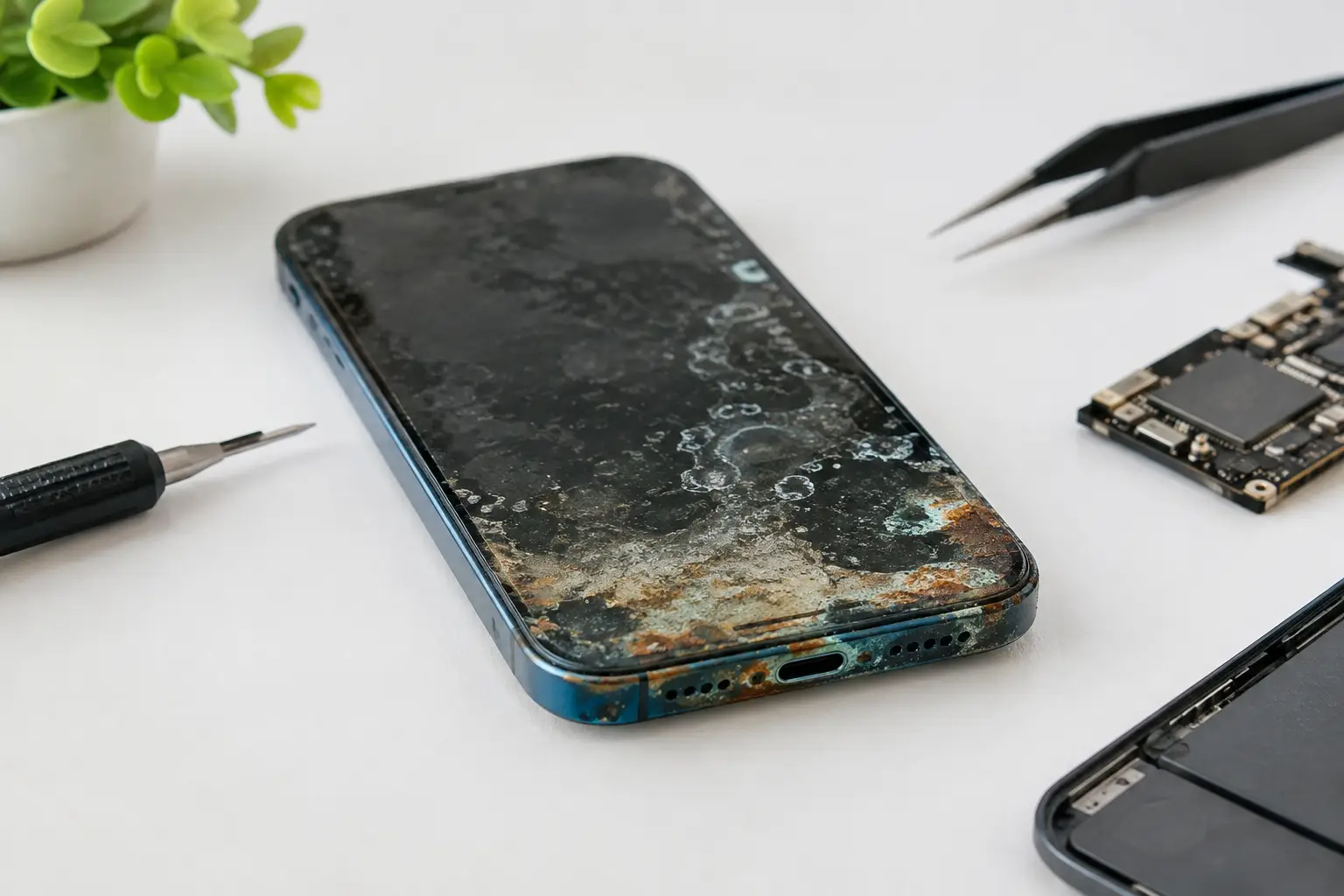

A phone can look completely dry on the outside and still be failing inside. That is the problem behind the question, un téléphone oxydé réparable. Water does not need to fill the device to cause damage. A splash near the charging port, a wet pocket, rain, a bathroom counter, or a dropped drink can start corrosion on connectors and the motherboard.
The good news: oxidation does not automatically mean your phone is done. The bad news: waiting, charging it, or trusting it because it turns on once can turn a repairable issue into a failed board. Fast action and a real diagnostic make the difference.
Is un téléphone oxydé réparable?
Often, yes. A corroded phone may be repairable when damage is limited to a charging port, battery connector, screen connector, camera connection, or a small section of the motherboard. A technician can open the device, inspect it under magnification, clean affected areas, and test the components that matter.
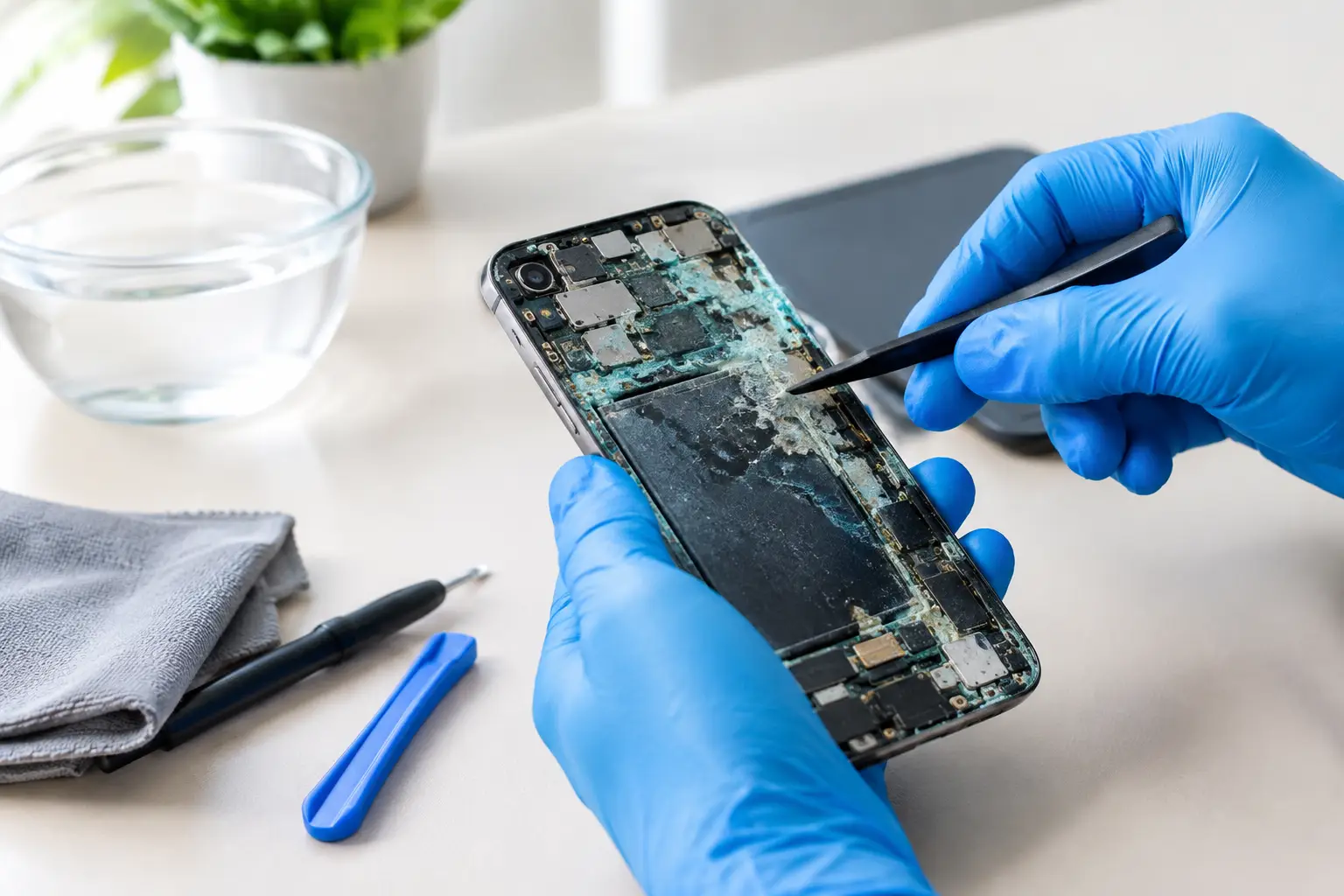
But oxidation is not one simple problem. It is a chemical reaction left behind after moisture reaches metal contacts. Minerals in tap water, sugar in soft drinks, salt from sweat or seawater, and residue from coffee can all speed it up. Even after the moisture evaporates, the residue can keep attacking tiny components and solder joints.
That is why a phone may work after getting wet, then fail days or weeks later. It may stop charging, drain its battery quickly, reboot randomly, lose touch response, show a dim or flickering display, or lose cellular service. These symptoms can point to a damaged part, but they can also point to corrosion on the board itself.
Water-resistant phones are not immune. Seals wear down, adhesives weaken after a screen repair, and water resistance is not the same as waterproofing. A newer iPhone or Samsung can survive a brief splash, but it still needs attention if charging, audio, cameras, or the display start acting strange afterward.
What to do before damage spreads
Your first move should be simple: power the phone off. Do not keep checking whether it works. Every attempt to boot it sends electricity through areas that may still be wet or contaminated.
Do not plug it in. Charging a wet phone can create a short around the charging circuit, battery connector, or motherboard. If the phone shows a liquid detection alert, take it seriously. Do not try to force a cable into the port or override the warning just because your battery is low.
Skip the rice. Rice does not remove corrosion or clean residue from inside the phone. It can also leave dust in ports and openings. A fan and dry air may help surface moisture evaporate, but they do not fix contamination under shields or on board components.
If you can safely remove a case, do so, then gently dry the outside with a clean, lint-free cloth. Keep the phone in a dry, ventilated place and get it diagnosed as soon as possible. Do not use a hair dryer, oven, radiator, or direct heat. High heat can damage the battery, warp seals, and push moisture deeper into the device.
If the battery is swollen, the phone becomes unusually hot, smells burnt, or shows smoke, move it away from flammable materials. Do not charge or continue using it. A damaged lithium-ion battery is a safety issue, not a DIY project.
A proper corrosion repair is more than a cleaning
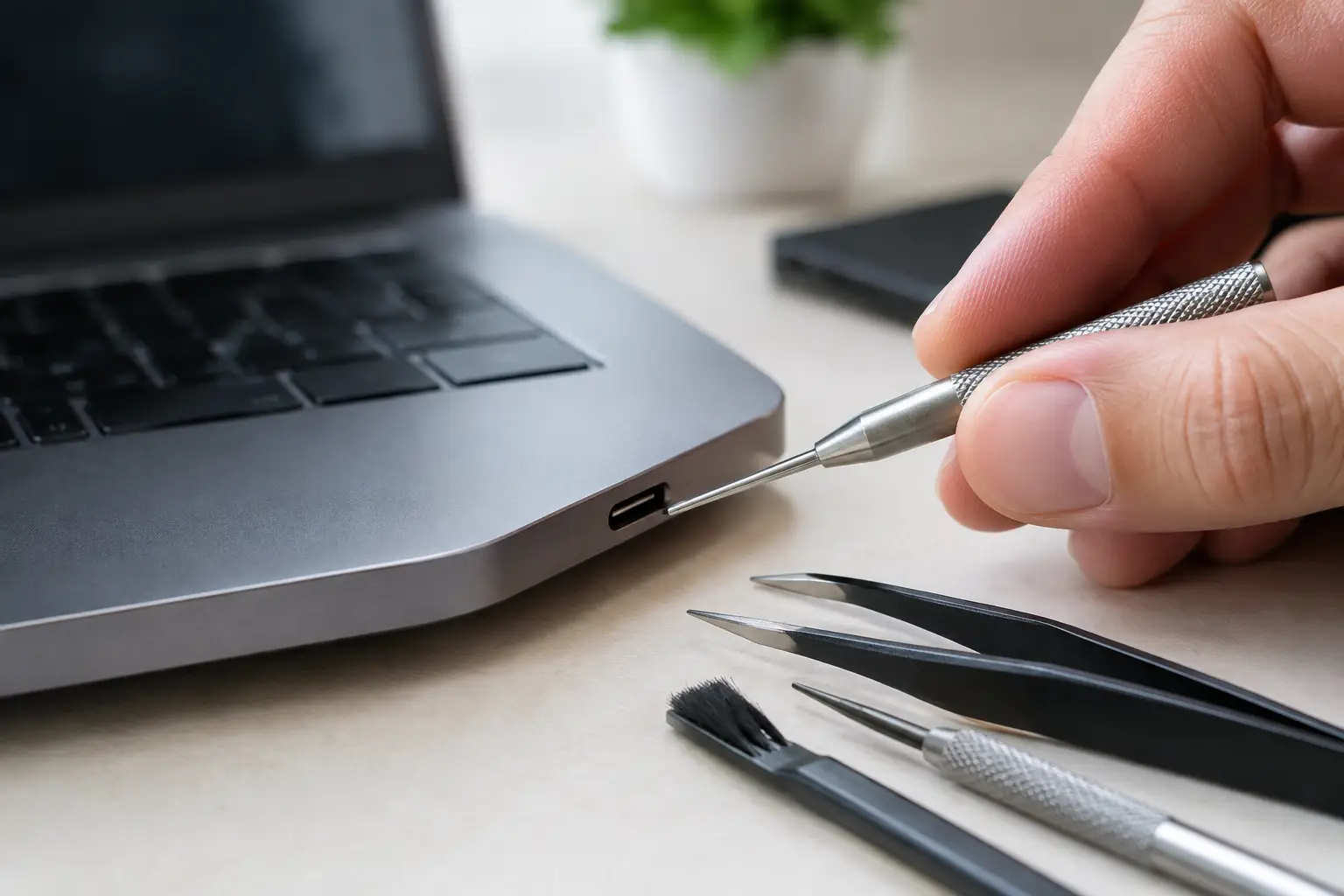
A serious liquid-damage repair starts with disassembly and inspection, not a guess from the outside. The technician checks liquid indicators, connectors, cameras, charging assemblies, screens, batteries, and the motherboard for residue or corrosion. The device may need to be disconnected from power before testing can begin safely.
Sometimes the solution is straightforward. A corroded charging port can be replaced, or a contaminated screen connector can be cleaned and restored. If the battery was exposed or is no longer stable, replacement may be the safer choice.
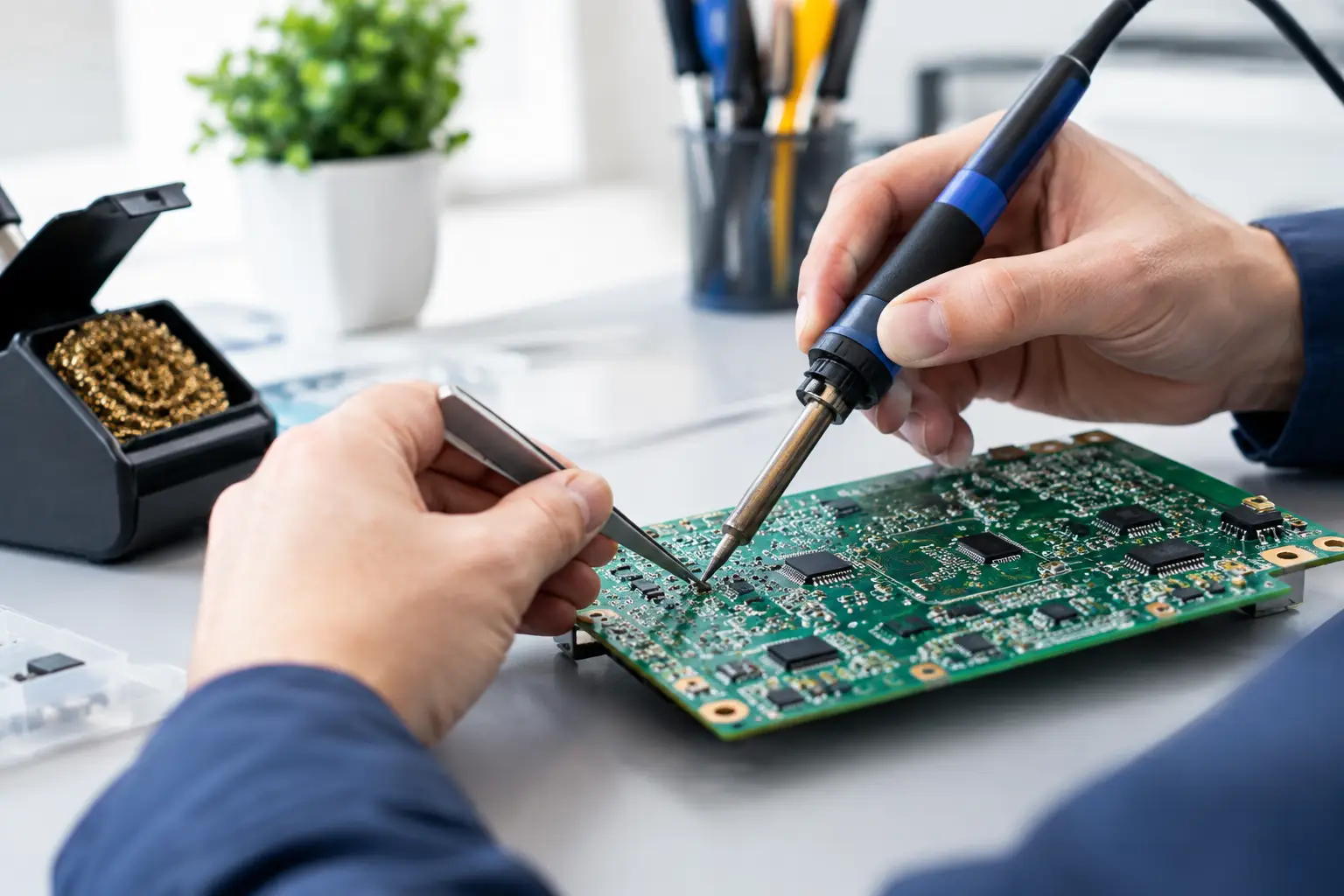
More complicated cases involve the motherboard. This is where standard parts-swapping stops being enough. Corrosion can damage a tiny filter, capacitor, power line, display circuit, charging circuit, or data path. Replacing the whole board may be expensive and can mean losing the data stored on it. Component-level micro-soldering can target the failed area instead, preserving the original board when the damage is repairable.
That work requires diagnosis under magnification, board-level testing, and precise soldering equipment. It is not the same as spraying cleaner into a port or replacing a screen because the display is black. A black screen might be a bad display, but it might also be a board issue caused by liquid. The right repair depends on the actual fault.
At BuyCellFix, a free diagnostic helps separate a replaceable part problem from board-level corrosion before you are asked to spend money. You get an upfront quote based on what is found, not a vague promise that the phone will probably be fine.
When repair makes financial sense
Repair is usually worth considering when the phone is recent, has a good screen, has no major frame damage, and still holds meaningful value. It is also worth considering when the data matters. Photos, messages, school files, work apps, authenticator access, and notes may be far more valuable than the phone itself.
A board repair can also make sense when the alternative is a full device replacement. For example, a phone that only needs charging-circuit work may cost much less to repair than replacing a flagship model. If a repair restores normal charging, display function, cameras, and cellular service, it can extend the device’s useful life significantly.
There are cases where replacement is the smarter call. Heavy corrosion across multiple board areas, a failed battery plus damaged screen plus bad charging port, or a device that was submerged for a long time may not be a good investment. Older budget phones can also reach a point where repair costs approach the price of a tested refurbished replacement.
That does not mean the diagnostic was wasted. Knowing what failed lets you make a clear choice: repair it, recover important data if possible, or move to another device without throwing money at the wrong part. If replacement is the better route, a technician-tested refurbished phone can be a more practical option than buying an unknown used phone from a marketplace.
Can your data still be saved?
Possibly, especially if the phone has not been repeatedly powered on or charged after exposure. Data recovery depends on whether the original motherboard can boot, recognize the storage, and pass the security checks required by the device. On many modern phones, data is encrypted and tied to the original board. Moving the storage chip to another phone is not a simple shortcut.
This is another reason not to keep testing a wet device at home. If your photos or work data are not backed up, tell the technician before any repair starts. The goal may be to stabilize the original board long enough to unlock the phone and back it up, even if long-term repair is not practical.
After the repair, protect the device differently
A repaired phone can work reliably, but past liquid damage deserves common-sense care. Use a protective case, keep it away from sinks and drinks, and avoid charging it in humid places. If the charging port has been repaired, make sure the cable is clean and fully dry before connecting it.
Watch for repeat symptoms in the days after service: charging interruptions, random restarts, weak signal, camera fogging, or touch issues. Report them promptly. Corrosion can reveal hidden damage over time, which is why clear repair terms and a warranty matter.
If your phone got wet, do not wait for it to fail completely. Turn it off, keep it unplugged, and have it checked while there is still a realistic path to save the device and the data you rely on.