
A device can look completely dead and still have a repairable problem the size of a grain of rice. That is what people are usually asking when they search for réparer circuit imprimé: can the board inside a phone, laptop, tablet, or game console be fixed without replacing the whole device? Often, yes. But the answer depends on the fault, the device’s value, and whether a technician actually diagnoses the board instead of guessing.
A circuit board repair is not the same as replacing a screen, battery, or charging port. It means tracing a failure on the device’s main board, then repairing or replacing the failed component. This work can save a device that another shop has written off. It can also be the wrong investment if corrosion is widespread, the board is physically cracked, or the repair cost approaches the value of a reliable replacement.
What it means to réparer circuit imprimé
The printed circuit board is the control center of your device. On a phone, it is commonly called the motherboard. On a MacBook, it is the logic board. In a PS5 or Xbox, it is the main board that manages power, video, storage, and communication between components.
These boards contain tiny filters, capacitors, resistors, charging chips, power-management chips, connectors, and data lines. A damaged component can stop the entire device from turning on, charging, displaying an image, connecting to Wi-Fi, or reading a SIM card. Replacing the whole board may work, but it can be expensive and may not preserve your original data.
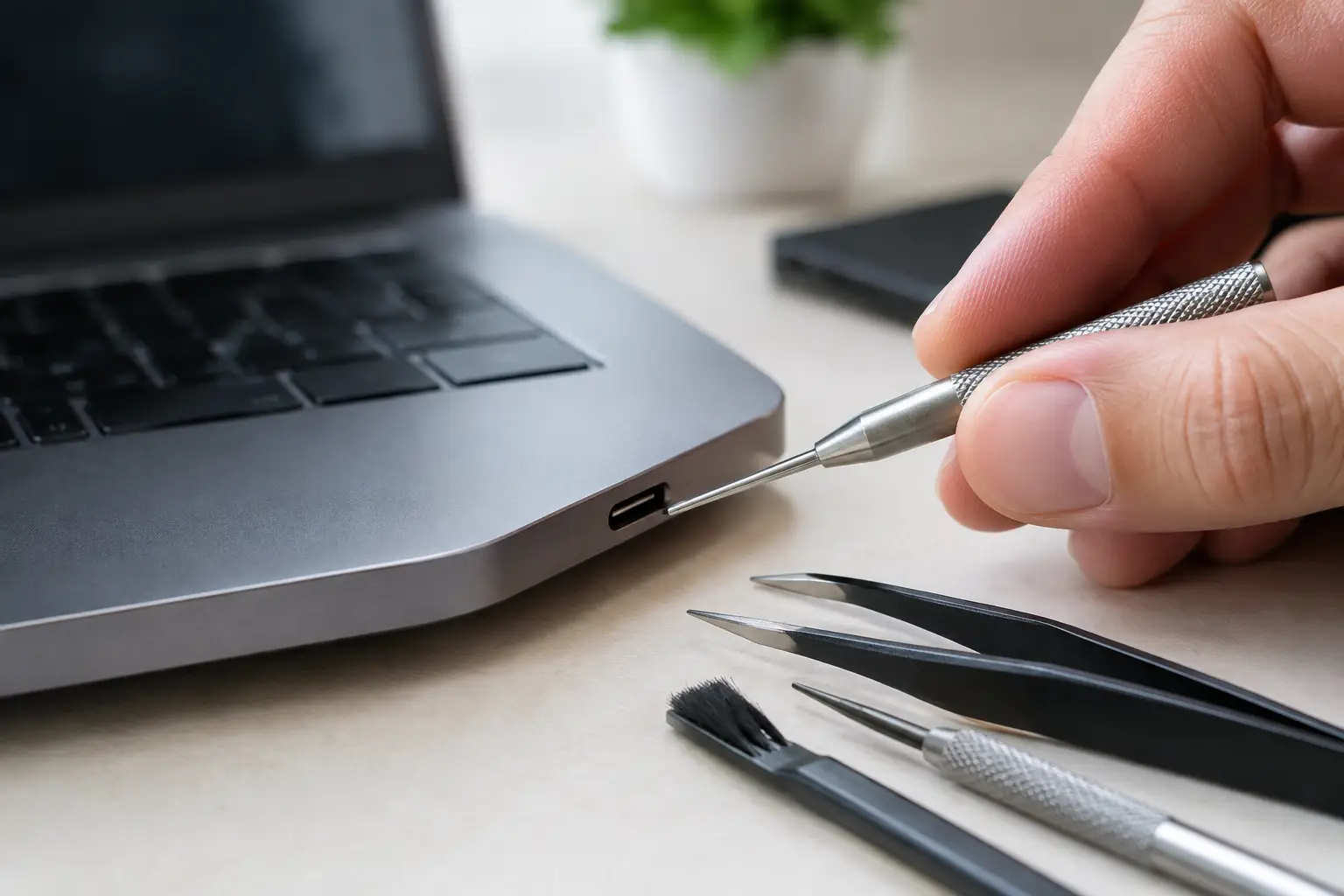
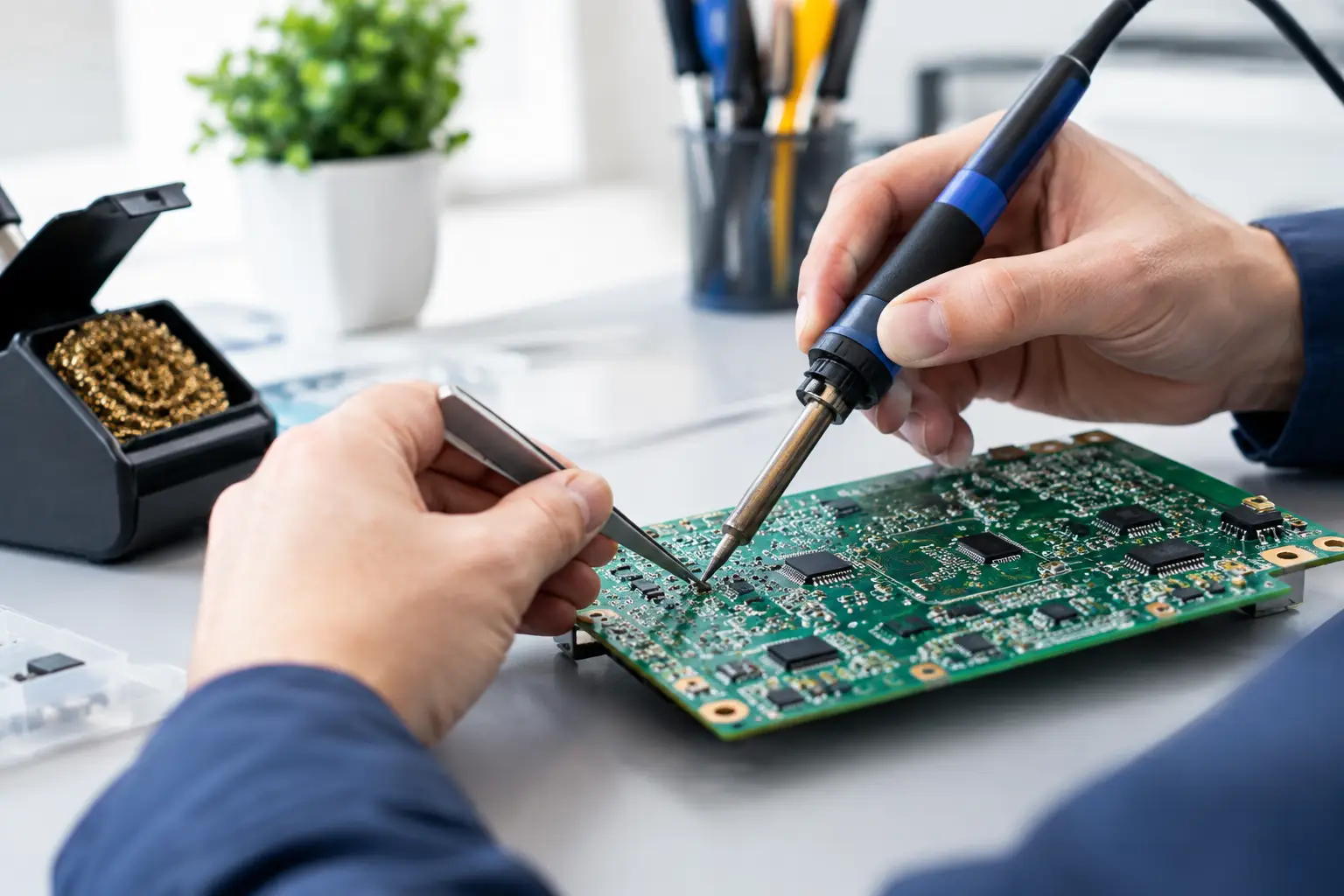
Board-level repair targets the actual failure. A technician uses a microscope, multimeter, bench power supply, thermal camera, and micro-soldering tools to test circuits and replace components safely. This is precision work. It is not a job for a heat gun, a random online part, or a quick solder touch-up on the kitchen table.
Problems that may point to a board failure
A bad board is not always obvious. Many symptoms overlap with simpler repairs, which is why a proper diagnostic matters. A phone that will not charge may need only a charging-port replacement. It may also have a failed charging IC, damaged connector pads, or a short on a power line.
The same applies to laptops and consoles. A MacBook that will not power on can have a bad battery, damaged USB-C port, liquid damage, or a fault on the logic board. A PS5 with no picture may need an HDMI port, but damaged HDMI circuitry can cause the same symptom even after the port itself is replaced.
Board-level diagnostics are worth considering when you see issues such as:
- The device has no power after liquid exposure or a power surge.
- It powers on but will not charge, boot, or hold a charge.
- It is stuck in a boot loop with no clear software cause.
- Face ID, touch functions, cameras, Wi-Fi, or cellular service fail after a drop or prior repair.
- A console has no HDMI signal, shuts down under load, or overheats despite a clean cooling system.
- A laptop shows signs of life but has no display, no charging response, or no keyboard and trackpad communication.
These signs do not automatically mean the board is bad. They mean the device should be tested before anyone sells you a major repair or tells you to replace it.
Why board repair can be the better option
Replacing a main board is often treated as the default solution because it is straightforward. Swap the board, test the device, move on. The downside is cost. A replacement board can be pricey, hard to source, and tied to another device’s history. On some phones, it also means losing the data stored on your original board.
Component-level repair can be more targeted. If a single power component is shorted, replacing that component may restore the device at a lower cost than a full board replacement. The repair keeps the original board in place, which can matter for photos, messages, notes, app authentication, and other data that was never backed up.
There is also an environmental benefit. Repairing one failed chip instead of replacing a working device reduces e-waste. That should not be the only reason to proceed, but it is a practical upside when the repair is economically sensible.
At BuyCellFix, this is where micro-soldering capability matters. A technician can inspect and test the board instead of stopping at a parts-swapping diagnosis. You get a clearer answer: repairable, not worth repairing, or better solved with a replacement device. No vague promises and no surprise upsell after the work starts.
When circuit board repair is not the right call
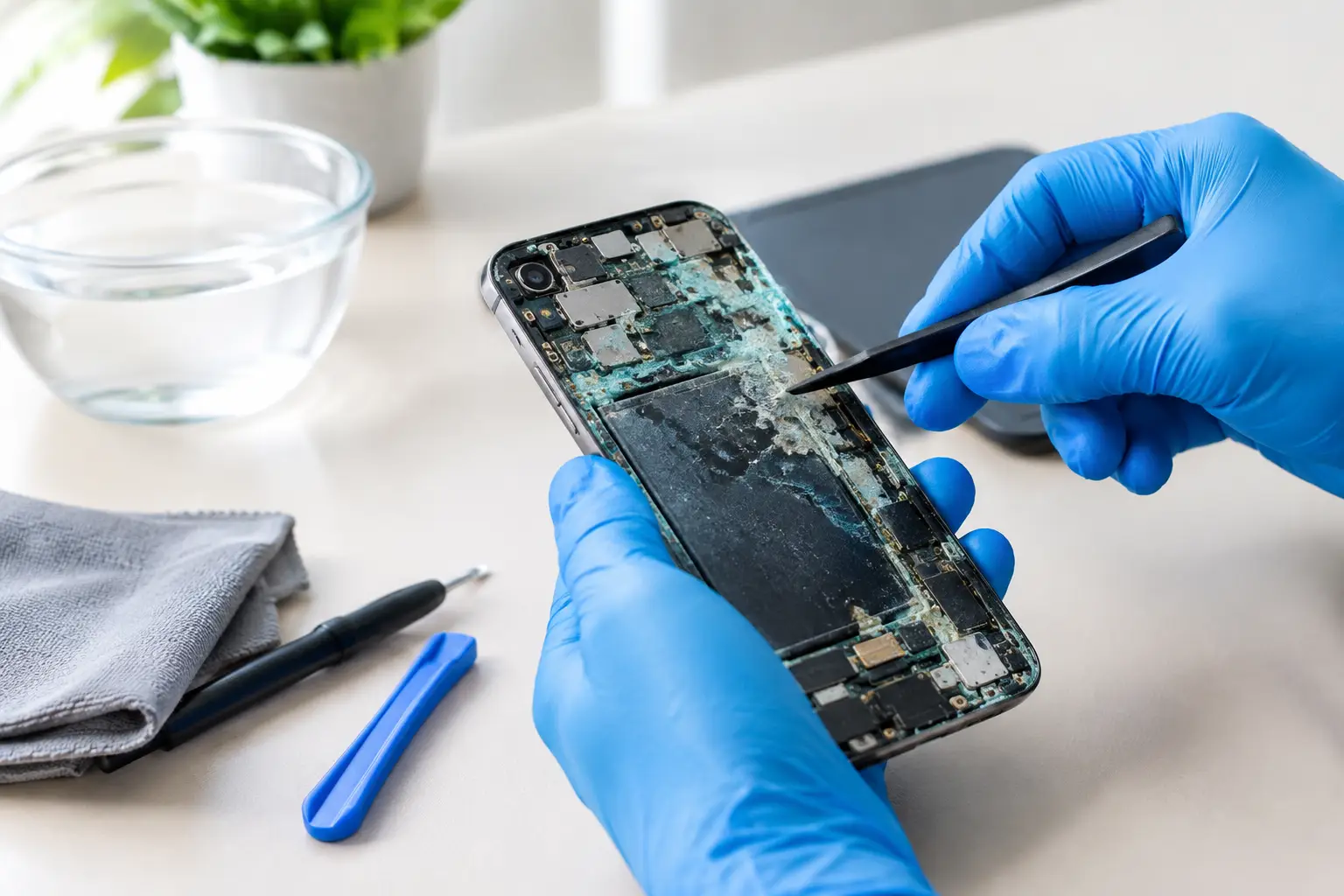
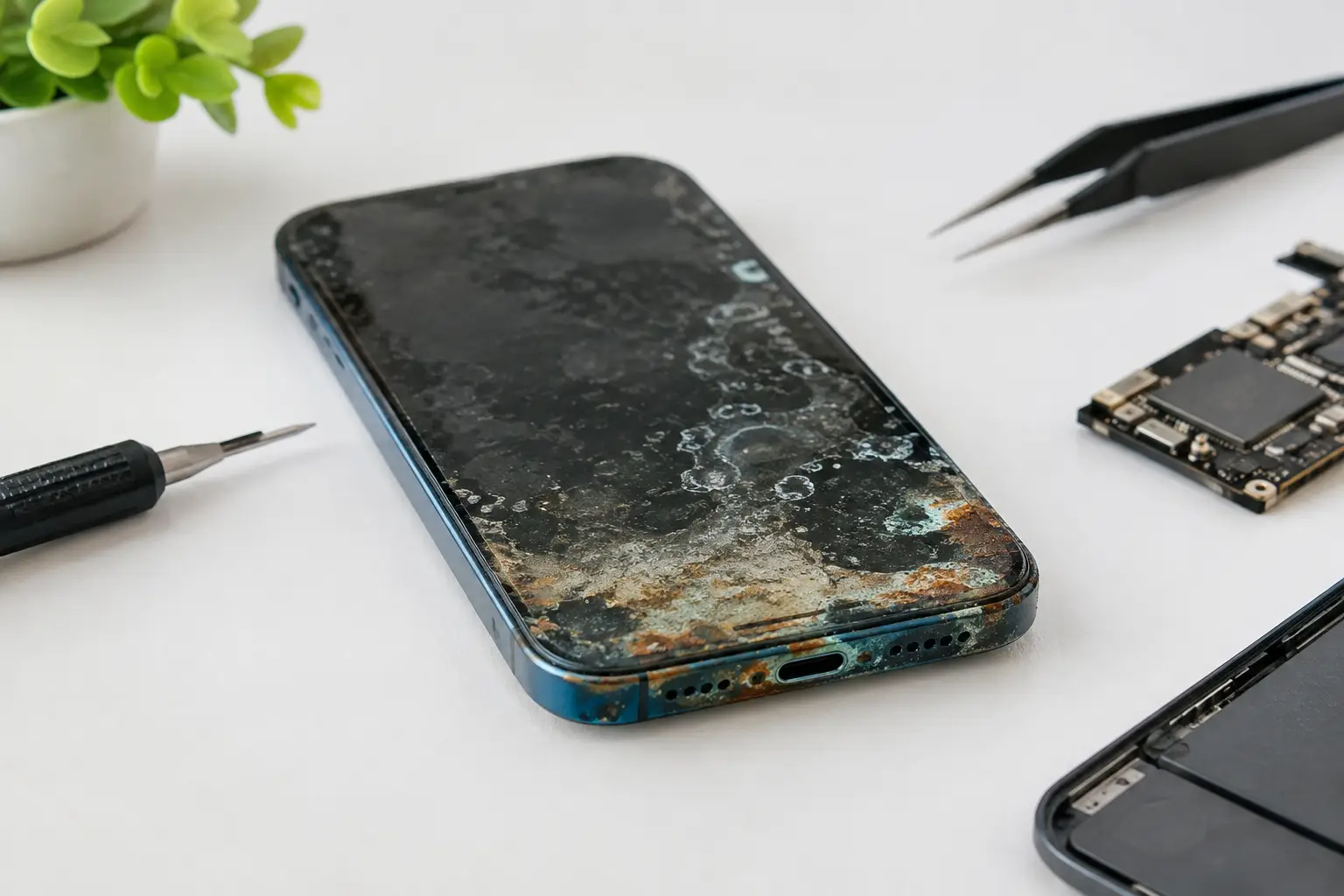
Good repair advice is not always “fix it.” Severe liquid damage is the biggest example. Moisture can corrode components and traces long after a device first appears to recover. One repaired area may expose another weak point later. A technician should explain that risk before work begins, especially if the corrosion reached multiple layers of the board.
A snapped or heavily warped board can also be difficult or impossible to repair reliably. Modern boards are layered, densely packed, and built with fine traces between those layers. If internal paths have been torn, the time required to rebuild them may exceed the value of the device.
Age matters too. Spending heavily on a board repair for an older phone with a weak battery, limited software support, and a damaged screen may not be the best value. In that case, a tested refurbished replacement can make more sense. The right choice is the one that gets you back to a dependable device, not the one with the most dramatic repair story.
What a real board diagnostic should include
A useful diagnostic starts with the device history. Did it get wet? Was it dropped? Did it fail after an update, a charger issue, or another repair? Those details help narrow the test path, but they should not replace measurements.
Next, the technician checks the basics: battery health, ports, visible damage, current draw, and power rails. Under a microscope, they look for corrosion, cracked solder joints, missing components, or torn pads. Thermal testing can reveal a shorted component that heats up when power is applied. This is how a technician separates a failed charging port from a fault deeper on the board.
You should receive a plain-language explanation of the result. Ask what failed, what repair is being proposed, whether your data is likely to remain intact, and whether there is a warranty. A quote should be given before repair work moves ahead. If a shop cannot explain the diagnosis beyond “the motherboard is bad,” get another opinion.
Protect your device before bringing it in
If the device still powers on, back it up immediately. Board failures can worsen without warning, particularly after liquid exposure. Do not keep charging a wet device, do not put it in rice, and do not repeatedly force it to restart. Power and moisture are a bad combination.
Remove cases, accessories, and any cards you need to keep. If your device contains sensitive data, ask how the shop handles privacy and whether they need your passcode. Some testing requires access to verify cameras, touch functions, wireless connections, and other features. A professional shop should explain why access is needed and handle your device responsibly.
For a console, bring the power cable and HDMI cable if the issue is intermittent. For a laptop, bring the charger that was being used when the issue appeared. A failing third-party charger or cable can imitate a deeper hardware fault.
The goal is a reliable repair, not a temporary fix
A board repair should restore normal operation and be tested under real conditions: charging, booting, network connection, video output, cameras, controls, or whatever functions were affected. The smallest component can cause a major failure, but replacing it correctly takes the right diagnosis, tools, and experience.
If your device is worth saving, do not settle for a blanket recommendation to replace it. Get a clear diagnostic, an upfront quote, and a repair decision based on the actual fault. The best outcome is simple: walk out with a working device and a realistic understanding of what was fixed.