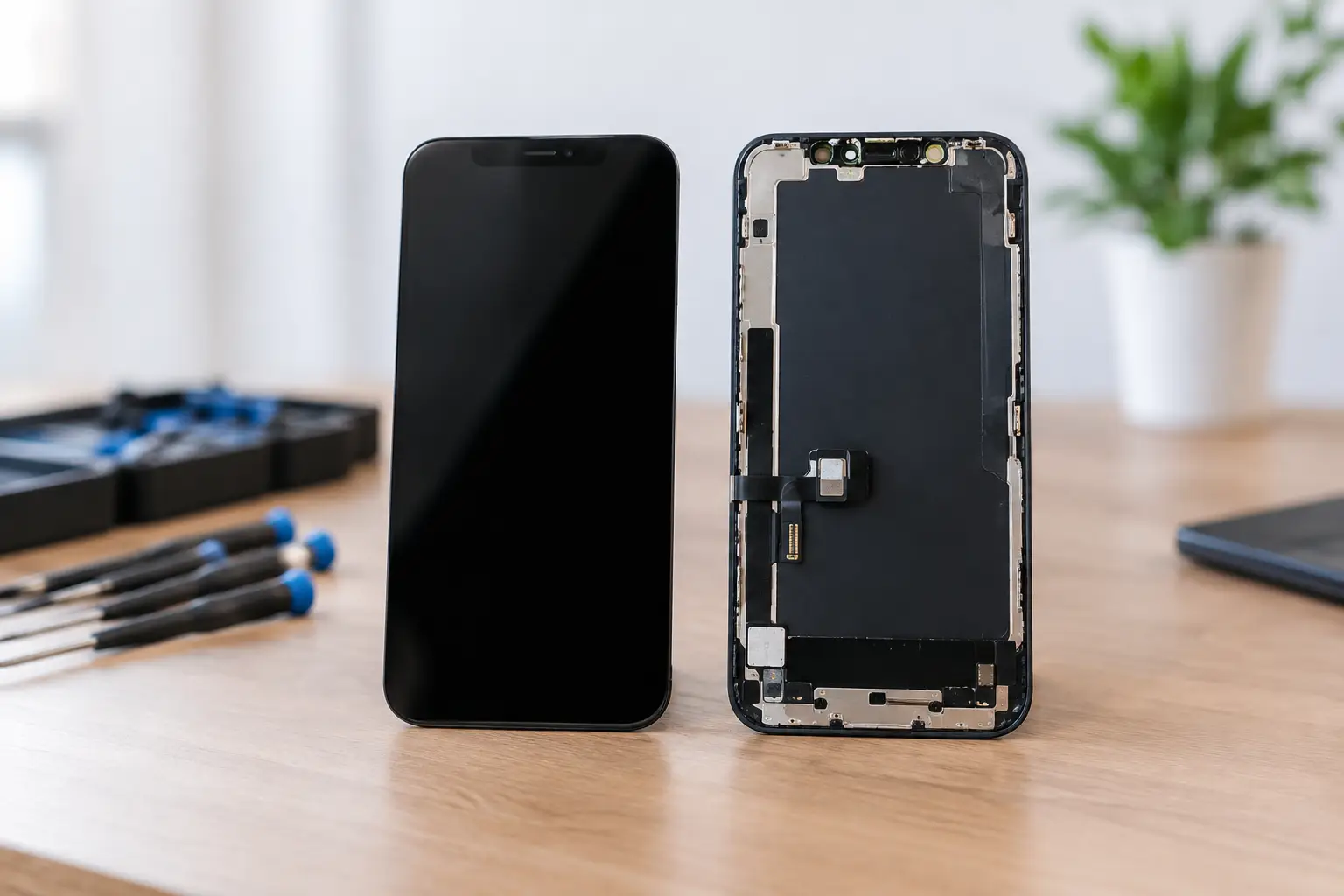
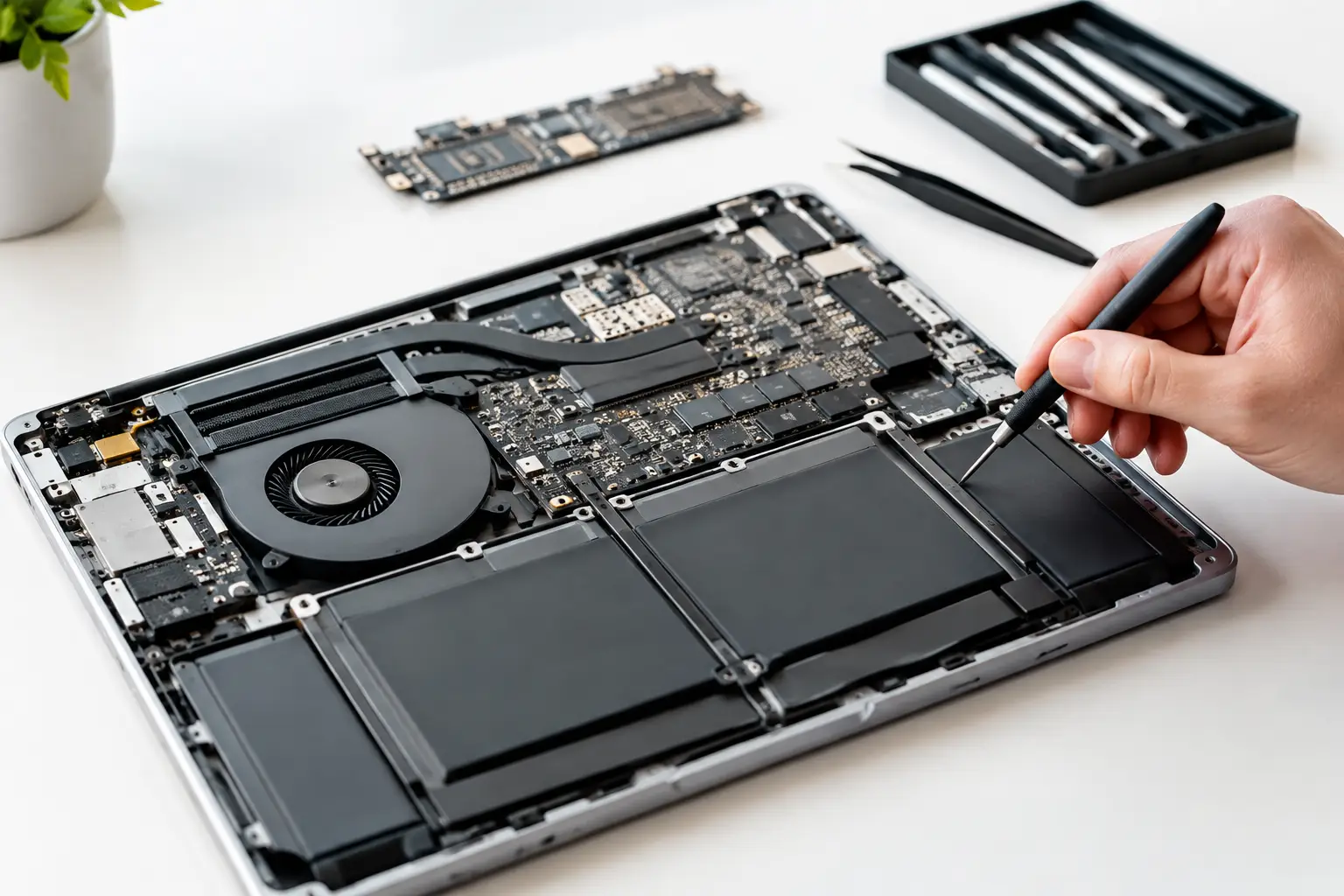

A MacBook that will not turn on after a spill, charges only at a certain angle, or suddenly loses its display is not automatically a dead laptop. This MacBook logic board repair guide explains what can be repaired, what needs proper diagnosis, and when paying for board-level work is the smarter move than replacing the entire machine.
The logic board is the MacBook’s central circuit board. It manages power, charging, storage communication, display output, USB-C or MagSafe functions, keyboard input, and more. When it fails, the symptoms can look random: no power, repeated restarts, a black screen with a working keyboard, or a battery that refuses to charge. That is why a real diagnosis matters. Swapping a battery or charging port without testing the board can turn into wasted money fast.
Start With the Symptoms, Not the Assumption
A logic board fault is possible when your MacBook shows one or more serious symptoms, especially after liquid exposure, a power surge, a drop, or an attempted repair. But many issues that feel like a motherboard problem are caused by a worn battery, failed charger, damaged display, bad cable, or corrupted software.
A MacBook that powers on but has no picture may have a display assembly issue instead of a board failure. A machine that only works while plugged in may need a battery replacement. A USB-C MacBook that does not charge through one port might have port damage, while failure across every port points more strongly toward the charging circuit on the logic board.
Watch for patterns. Does the charging light change? Does the trackpad click? Do you hear the startup sound? Does an external display work? Does the Mac get hot in one area even when it will not boot? Those details help a technician isolate the problem instead of guessing.
Common signs of a logic board issue
Logic board repair becomes more likely when a MacBook has no power with a known-good charger, shuts down at random, shows liquid corrosion, has no backlight, or fails to recognize its internal storage. Other warning signs include an unusually hot charging area, a fan running at full speed, kernel panics that continue after software troubleshooting, and ports that stop working together.
No single symptom proves the board is bad. The goal is to rule out the simpler, lower-cost causes first.
Protect Your Data Before MacBook Logic Board Repair
If your MacBook still turns on, back up your files before doing anything else. Use Time Machine, cloud storage, or an external drive. Intermittent failures can become complete no-power failures without much warning.
If the device was exposed to liquid, shut it down immediately. Do not keep trying to charge it, and do not turn it on repeatedly to see whether it recovered. Electricity moving through a wet board can cause additional shorts and corrosion. Leave the charger disconnected and bring the MacBook in as soon as possible.
Skip the rice, heat guns, hair dryers, and internet tricks. Rice does not remove corrosion from under chips or connectors. Heat can warp plastics, damage batteries, and make a repair harder. Liquid damage needs internal inspection and cleaning, not a countertop remedy.
For a MacBook that will not boot, do not erase it or reinstall macOS until the hardware has been checked. Software recovery will not fix a failing power rail, corroded board, or damaged charging controller. It may also make data recovery more complicated if the actual issue is hardware related.
What Board-Level Diagnosis Actually Looks Like
Many repair shops handle laptops by replacing large parts: battery, screen, trackpad, keyboard, or the entire logic board. That approach is useful for straightforward faults, but it is expensive when one small component is the real problem.
Board-level repair starts with measurements. A technician checks whether the charger is negotiating power correctly, whether the board is receiving the right voltage, and where power stops moving through the circuit. They inspect for corrosion, burnt components, damaged connectors, and signs of previous repair attempts. On models with USB-C charging, diagnosis often includes the charging controller, power-management circuits, and the rails that feed the processor and storage.
Micro-soldering is the repair method used when a failed component on the board needs to be replaced or rebuilt. This can mean replacing a tiny capacitor, diode, fuse, charging chip, connector, or backlight component. It requires magnification, controlled heat, schematic-level knowledge, and the right test equipment. It is not the same as opening a MacBook and replacing a battery.
This approach can save a board that would otherwise be replaced as a complete unit. It can also preserve access to data on certain MacBooks where storage is tied closely to the board. That said, not every board is recoverable. Severe liquid damage, cracked board layers, destroyed CPU-related circuits, or extensive corrosion can make replacement the safer option.
Why model and damage history matter
MacBook generations are built differently. Older models may have separate charging components and removable storage. Newer models often integrate more hardware onto the logic board, which raises the stakes when the board fails. Apple silicon machines also have different architecture and repair considerations than older Intel-based models.
The history matters just as much. A MacBook that stopped charging after a frayed cable is a different case from one left in a wet backpack for two days. Be direct about spills, drops, previous repairs, and chargers used. Good information speeds up diagnosis and helps avoid the wrong repair.
Repair or Replace? Make the Decision With Real Numbers
The right answer depends on the MacBook’s age, configuration, condition, and the specific fault. A board-level repair often makes sense when the laptop is otherwise in good shape, has a high-value configuration, or contains files you need. It can also be a better value than replacing the logic board, which may be costly and can affect data access.
Replacement may be the better call when there is widespread liquid damage, multiple major failures, a cracked display plus board damage, or an older entry-level MacBook with a repair estimate close to its current value. There is no benefit in putting significant money into a machine that will still need several other expensive repairs next month.
Ask for a clear diagnostic result and an upfront quote. You should know whether the proposed work is a component-level repair, a full board replacement, or a separate issue such as a battery or screen. You should also know what warranty applies to the completed repair. No vague “motherboard issue” explanation, no surprise charges after the work starts.
Avoid These Costly Mistakes
Do not use random third-party chargers or damaged USB-C cables to test a charging issue. Poor-quality accessories can create unstable power behavior and confuse diagnosis. Use a known-good, compatible charger when possible.
Avoid opening the MacBook unless you have the tools and experience to do it safely. Modern batteries can be damaged during removal, delicate flex cables tear easily, and disconnecting or reconnecting parts in the wrong order can create new faults. A missing screw, bent connector pin, or punctured battery can turn a targeted repair into a larger bill.
Be cautious with shops that immediately recommend a full logic board replacement without testing. Sometimes replacement is absolutely necessary. But a proper evaluation should explain why the board cannot be repaired, not simply treat every no-power MacBook as a parts-swapping job.
Bring the Right Details to the Diagnostic
Bring the MacBook, its charger, and any accessories involved when the problem started. If it only fails with a specific dock, external display, or cable, include that information. Write down when the issue began, whether there was liquid exposure, and what changed just before the failure.
At BuyCellFix, technicians can inspect MacBook faults at the component level and provide a clear path forward before repair begins. The point is simple: fix the actual failure when it makes financial sense, protect your data where possible, and avoid replacing an entire laptop over one failed circuit.
A MacBook that looks finished may still have a repairable problem. Get it diagnosed early, keep it off after liquid exposure, and make the next decision based on evidence instead of a guess.