
A phone that will not charge at 8 a.m. can turn into a missed work call, a lost school assignment, or a long day without maps and payments. If you searched diagnostiquer panne smartphone, the first goal is simple: separate a small, fixable issue from a failure that needs a technician. Do not guess, and do not keep forcing a damaged device to work.
Start with the symptom, not the assumed repair
People often arrive asking for a new battery when the real problem is a clogged charging port. Others ask for a screen replacement when the display is fine but the phone is not booting. A good diagnosis starts with what the phone actually does.
Does it show any sign of life? Does it vibrate, make notification sounds, or ring when someone calls? Does the screen light up but stay black, flicker, show lines, or respond only in certain spots? Does it charge only at a specific angle? These details point to different parts: the battery, charging system, screen assembly, software, or the board inside the phone.
Write down when the problem started and what happened immediately before it. A drop, water exposure, a recent update, an aftermarket cable, or a battery that had been draining for weeks all matter. Clear information saves diagnostic time and helps avoid replacing a part that was never the source of the failure.
Rule out the simple causes safely
Before assuming the phone has a serious hardware problem, test the accessories around it. Use a known-good wall adapter and cable, preferably one that works with another device. Leave the phone connected for 20 to 30 minutes if it has been completely drained. A deeply discharged battery may not turn on immediately.
Check the charging port under bright light. Pocket lint can get packed into the bottom of the port until the cable no longer makes proper contact. Do not use a metal pin, knife, or paper clip to dig inside. Those tools can bend the internal contacts and turn debris removal into a charging-port repair. A soft, nonmetal tool and gentle pressure are safer, but stop if the debris is packed tightly or the port looks damaged.
Next, force restart the phone using the button combination for its model. This can clear a frozen operating system without deleting your data. If the phone turns back on but repeatedly freezes, restarts, or gets hot, the issue may still be software-related, but it could also be a failing battery or board-level fault.
A factory reset is not a first diagnostic step. It can erase photos, messages, authentication apps, and work files while doing nothing for a physical failure. Back up the device first if it is stable enough, then consider software troubleshooting.
How to diagnose common smartphone failures
The phone will not charge
Start by testing another cable and adapter. If a different charger works, you have found the problem without opening the phone. If the cable only works when held at an angle, the port may be dirty, worn, or loose.
A phone that shows a charging icon but loses power quickly may have a battery problem. A phone that gets unusually hot near the port, refuses all known-good chargers, or charges inconsistently after liquid exposure may have damage beyond the port itself. The charging circuit on the motherboard can fail too. Replacing the port without testing the circuit is parts swapping, not diagnosis.
The screen is black, cracked, or unresponsive
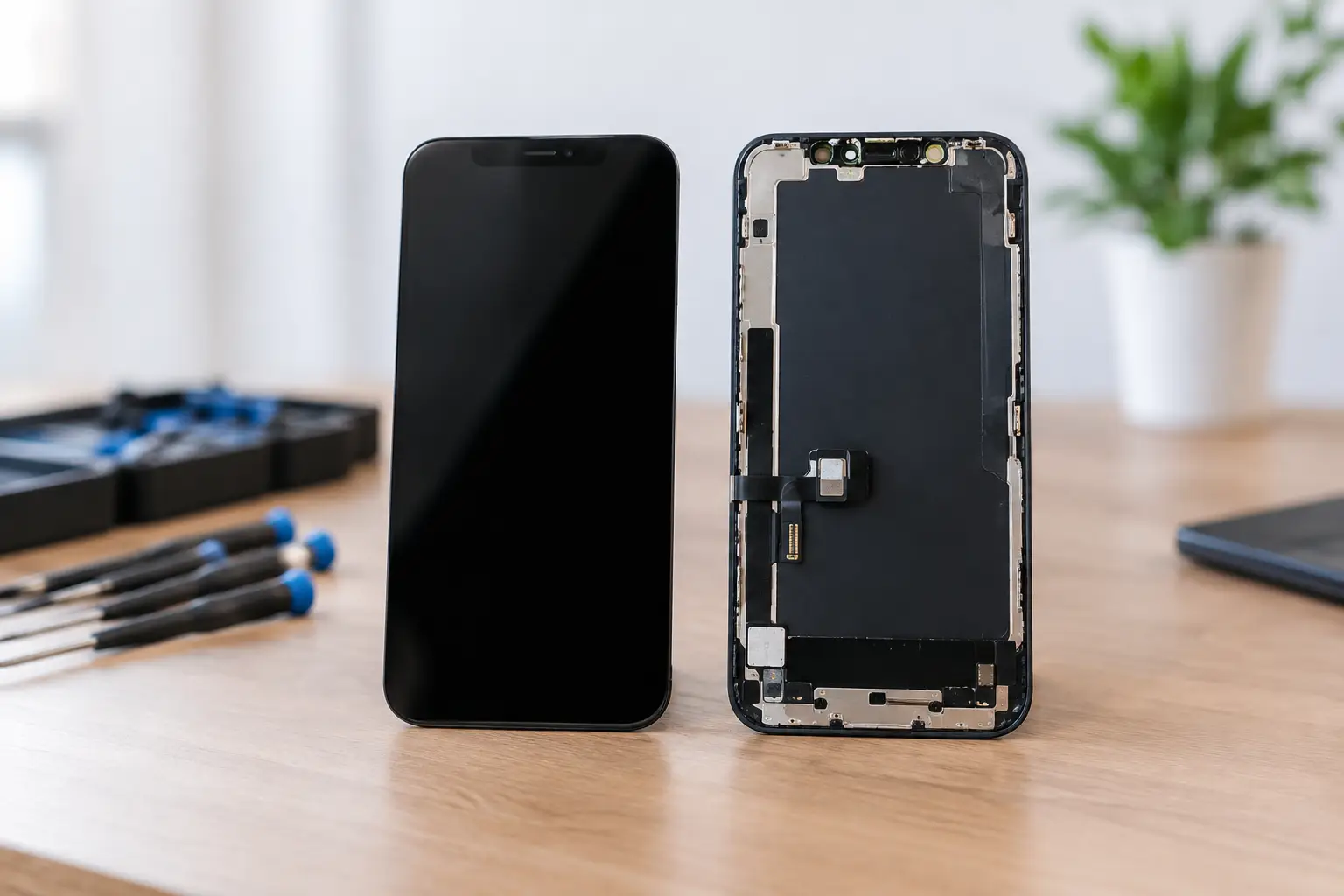
A cracked screen can still display an image and register touch, but a hard impact can also damage the display underneath the glass. Watch for green or white lines, black ink-like blotches, flashing, dead touch zones, or a display that stays black while the phone still rings.
If you hear alerts or feel vibration, the device may be running normally with a failed screen. That is usually a display repair. If there is no vibration, no sound, and no computer recognition, the impact may have affected the battery connection, motherboard, or other internal components.
Do not keep pressing a lifting or shattered display back into the frame. Broken glass can worsen, and a screen that is separating from the phone can also be a warning sign of battery swelling.
The battery drains fast or the phone shuts down
Battery aging is normal. A battery that runs down much faster than it used to, drops from 30 percent to zero, or shuts down under load may need replacement. Heavy gaming, video calls, weak cellular signal, and extreme temperatures can also drain power faster, so the pattern matters.
If the phone is hot while idle, restarts constantly, or drains rapidly after water damage, do not assume a new battery will solve it. A short on the board can pull power even when the phone is doing very little. That calls for deeper testing.
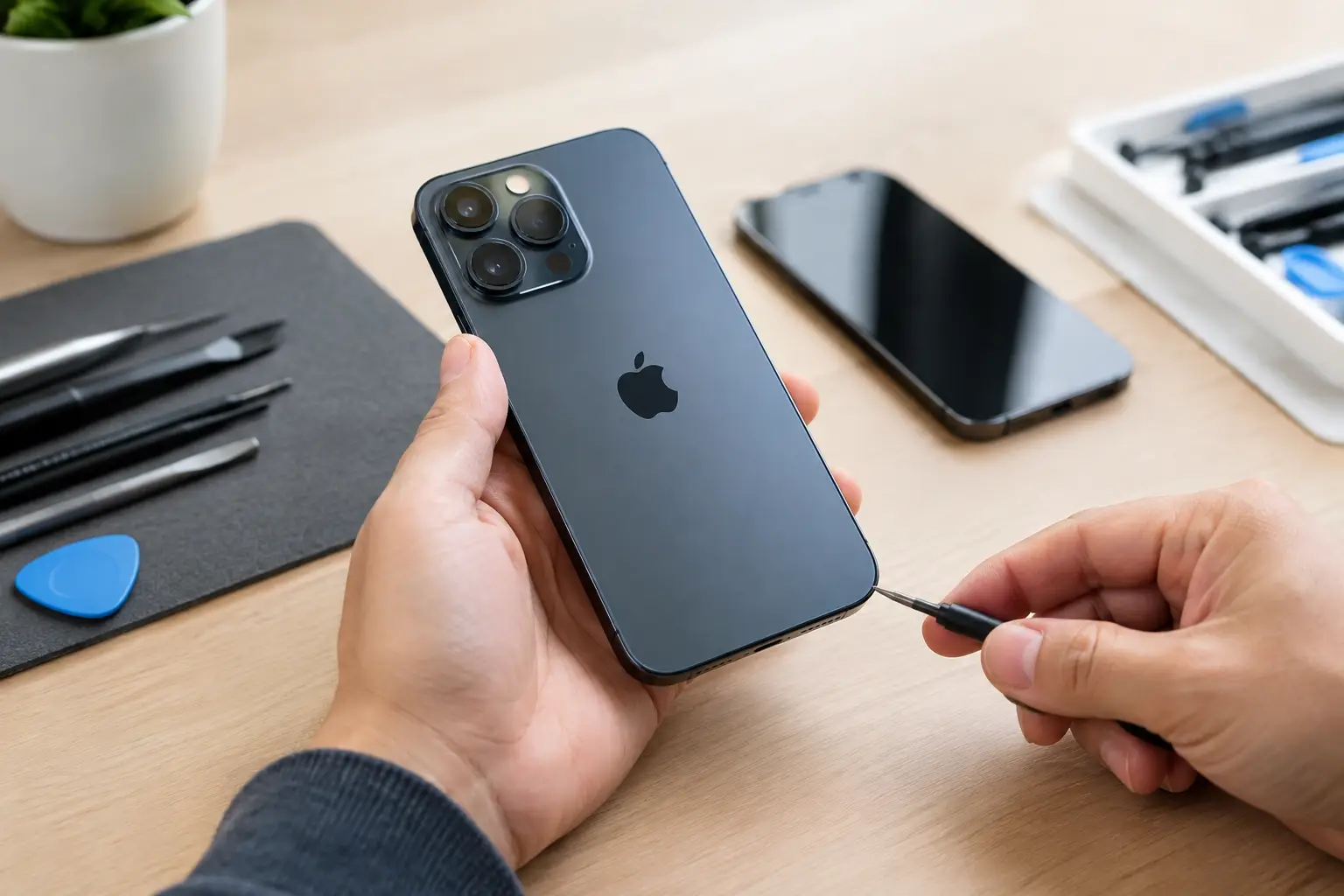
Stop using the device if the back cover is lifting, the screen is being pushed outward, or the phone smells chemical or gets hot while charging. A swollen battery needs prompt professional handling. Do not puncture it, squeeze it, or leave it charging overnight.
The phone was exposed to water
Water damage is time-sensitive. Power the phone off if possible, disconnect it from charging, remove the case, and keep it dry. Do not put it in rice. Rice does not remove corrosion from connectors or components, and small particles can create a new problem in the charging port.
The phone may seem normal at first and fail days later as corrosion develops. The best chance of saving it is a professional inspection and internal cleaning as soon as possible. If the device contains photos, business files, or two-factor authentication apps, tell the technician that data preservation is a priority before any repair begins.
When the failure is inside the board
Most shops can replace a battery, screen, or charging port. Those repairs are valuable when the failed part is obvious. But some faults live on the motherboard: damaged charging circuits, failed power-management components, broken data lines, corrosion, or damage from a drop near a critical chip.
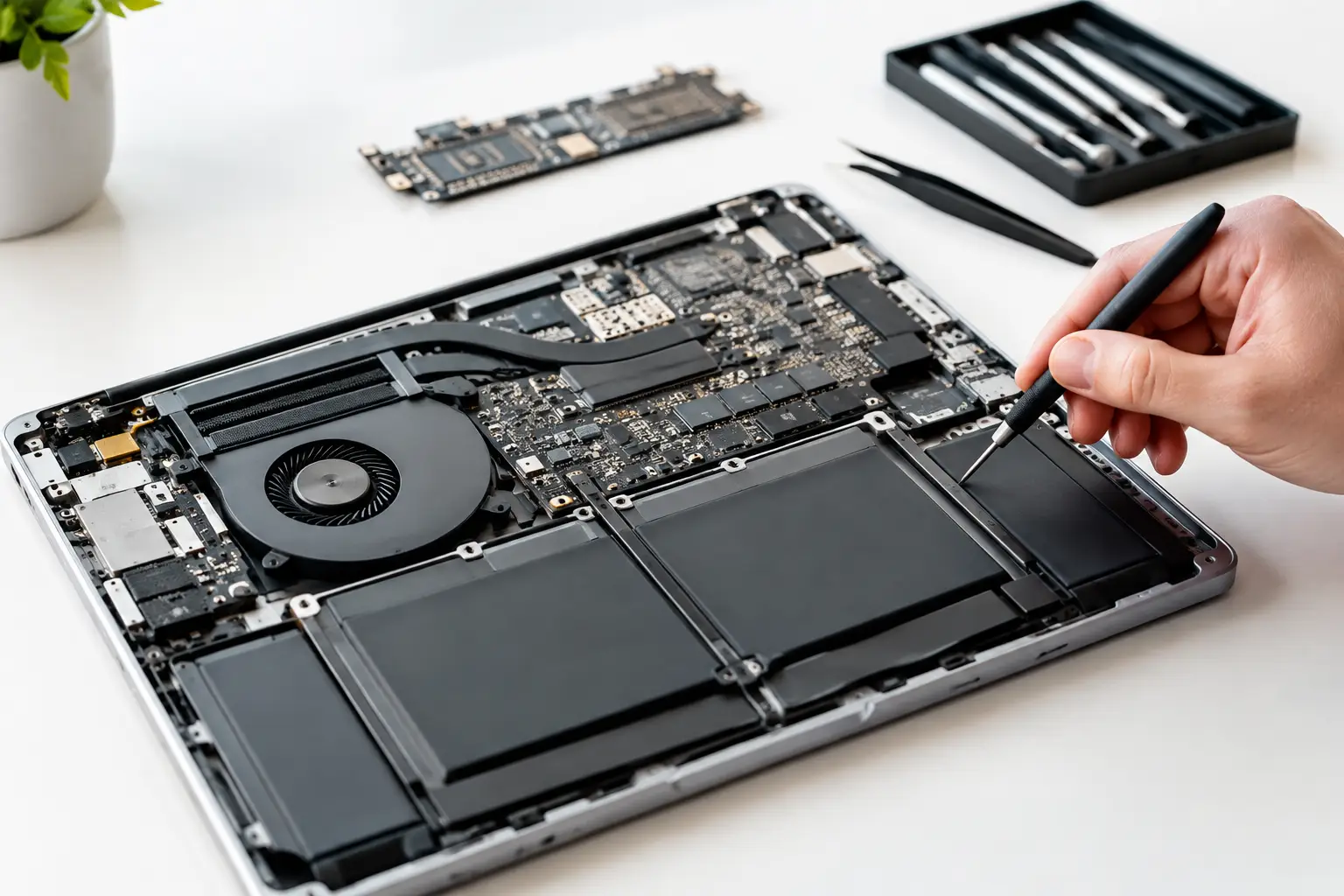
This is where board-level diagnosis matters. Instead of replacing an entire board and losing the data stored on it, a qualified technician can inspect the board under magnification, measure power flow, identify a short, and repair a failed component through micro-soldering when the device and repair economics make sense.
Not every phone is worth board repair. An older entry-level device with extensive damage may cost more to repair than it is worth. A newer phone with important data, a good screen, and a localized board fault can be a strong candidate. The right answer depends on the exact model, the damage, replacement value, and whether your data is recoverable.
Protect your data before handing over the phone
A responsible repair process includes more than fixing hardware. If the phone still turns on, back it up over Wi-Fi or to a computer before service. Remove payment cards from digital wallets if you can. Know your passcode, because many tests require the device to be unlocked after repair.
Do not share your account password. A technician may need the passcode to test Face ID, cameras, touch response, calls, and charging, but they should not need your personal login credentials. If the phone cannot be unlocked due to a dead screen, explain that upfront so the repair plan can focus on restoring access without unnecessary resets.
Get a real diagnosis before approving a repair
The difference between a quick fix and a repeat problem is testing. A proper diagnostic checks charging behavior, battery condition, screen function, cameras, microphones, speakers, buttons, network connection, and signs of liquid or board damage. It also confirms that the repair is appropriate before money is spent.
At BuyCellFix, customers in Laval, Montreal, and Vaudreuil-Dorion can bring in a phone for a free diagnostic and an upfront quote. That matters when a device needs more than a standard part replacement. If a charging port is not the actual cause, or a dropped phone needs board-level micro-soldering, you should know before approving work. No vague promises, no surprise upsells.
If repair is not the practical choice, a tested refurbished replacement or selling the damaged device can make more sense than paying for work that exceeds its value. A clear diagnosis gives you that choice.
Your phone does not need a random repair. It needs the right one. Bring it in with the symptoms, the history, and any charging accessories involved, and let the evidence decide the next step.