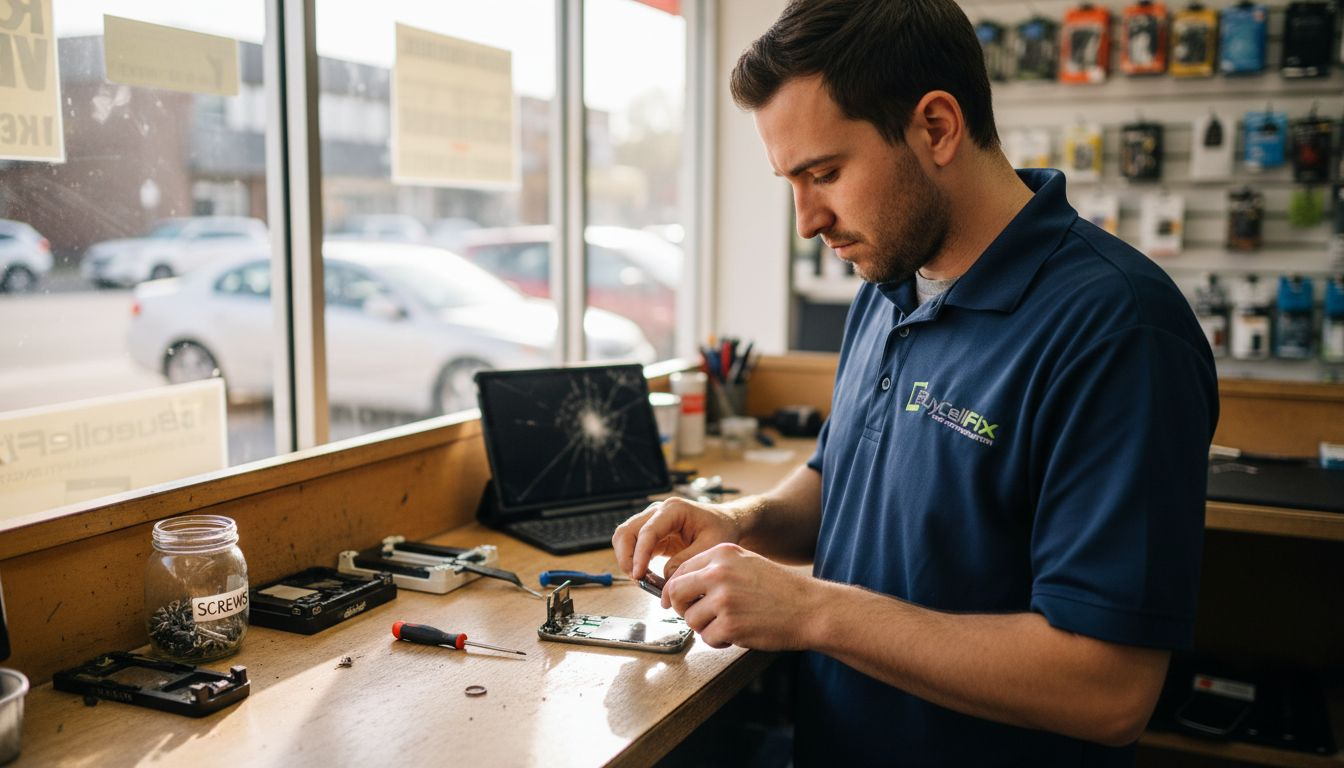

Your smartphone freezes during an important call, your tablet refuses to charge, or your gaming console overheats mid-game. These common frustrations waste precious time and disrupt daily life for residents across Laval and Montreal. This guide delivers practical troubleshooting steps and repair solutions to get your devices working quickly, whether you tackle simple fixes yourself or need professional help for complex hardware issues.
Table of Contents
-
Common Quick Fixes For Smartphones, Tablets, And Gaming Consoles
-
Expected Results And Outcomes From Troubleshooting And Repairs
Key takeaways
| Point | Details |
| Preparation prevents data loss | Back up all data before troubleshooting to protect personal information and files |
| Quick diagnostics save time | Simple tests identify software versus hardware issues within minutes |
| DIY fixes resolve most problems | Restarting devices and cleaning ports fix approximately 60% of common issues |
| Professional repair protects devices | Complex hardware problems require expert micro-soldering to prevent permanent damage |
| Local services offer speed | Same-day walk-in repairs in Laval and Montreal minimize downtime |
Understanding your device and preparation
Smartphones, tablets, and gaming consoles each present unique troubleshooting challenges due to different operating systems and hardware designs. Smartphones typically run iOS or Android with touch interfaces, tablets share similar software but feature larger screens and batteries, while gaming consoles use proprietary systems with specialized cooling requirements. Recognizing these differences helps you apply the right troubleshooting approach for each device type.
Backing up data stands as the most critical preparation step before any troubleshooting or repair attempt. Cloud services like iCloud, Google Drive, or OneDrive automatically sync photos, contacts, and documents, while local backups to computers provide complete device snapshots. Regular backups protect against permanent data loss if troubleshooting requires factory resets or if hardware failures escalate during DIY attempts.
Gather basic tools before starting troubleshooting to make the process smoother and safer. You need a soft microfiber cloth for cleaning screens and ports, compressed air for removing dust from charging ports and vents, and manufacturer-certified charging cables to eliminate faulty accessory variables. These simple items prevent accidental damage during cleaning and help isolate whether problems stem from devices or accessories.
Pro Tip: Take photos of error messages and unusual device behavior before troubleshooting, creating a visual record that helps technicians diagnose problems faster if professional repair becomes necessary.
Initial diagnostics for mobile devices
Free diagnostic services help users identify battery and charging issues quickly, often within 30 minutes, ensuring no unnecessary repairs are done. Built-in diagnostic tools on iOS and Android devices check battery health, storage capacity, and system performance through settings menus. These native tools reveal if batteries hold proper charge, if storage space causes slowdowns, or if specific apps consume excessive resources.
Battery and charging behavior provides clear diagnostic clues about device health. If your device charges slowly or drains rapidly despite light use, battery degradation likely causes the problem. Watch for devices that only charge with specific cables or positions, indicating dirty charging ports or damaged connectors rather than battery failure. Testing with known-good chargers and cables isolates whether accessories or device hardware creates charging problems.

Software glitches typically manifest as app crashes, interface freezes, or random restarts without physical damage signs. Hardware faults show physical symptoms like cracked screens, liquid damage indicators turning red, or devices failing to power on entirely. Understanding this distinction prevents wasting time on software fixes when hardware replacement becomes necessary, or vice versa.
Many BuyCellFix troubleshooting resources offer free initial consultations to help residents determine whether issues require professional intervention. Running diagnostic tests takes just minutes but saves hours of frustration by accurately identifying root causes. Document diagnostic results to track whether problems worsen over time or respond to initial fixes.
Common quick fixes for smartphones, tablets, and gaming consoles
Restarting or force restarting frozen devices resolves approximately 60% of freezing issues by clearing temporary memory problems and resetting software processes. For iPhones, press volume up, volume down, then hold the side button until the Apple logo appears. Android devices typically require holding power and volume down buttons simultaneously for 10 seconds. Gaming consoles reset by holding power buttons for 10 to 15 seconds until complete shutdown occurs.
Cleaning charging ports and cables eliminates many power problems without professional repair. Use compressed air in short bursts to blow dust from ports, holding devices at angles that let debris fall out rather than deeper in. Inspect charging cables for fraying or bent pins that prevent proper connections. Replace damaged cables immediately, as they cause intermittent charging that mimics hardware failures.
Installing latest software updates and performing resets restores performance degraded by outdated code or corrupted settings. Updates fix known bugs and security vulnerabilities that cause crashes or slowdowns. Factory resets erase all data but eliminate software corruption completely, making them powerful last-resort fixes before considering hardware replacement. Regular maintenance includes monthly update checks and quarterly cache clearing to prevent performance degradation.
Pro Tip: Enable automatic updates to receive critical security patches and bug fixes immediately, preventing many common software issues before they start disrupting device performance.
Residents seeking immediate assistance can explore Laval quick fix tips or Montreal device quick fixes for location-specific support resources. These simple steps cost nothing and take minutes, making them ideal first responses to device problems. Track which fixes work for recurring issues to build troubleshooting knowledge over time.
When to opt for professional repair services
DIY hardware repairs risk permanent damage that renders devices unrepairable, while professionals minimize this risk through proper tools and training. Opening sealed devices without experience often breaks delicate ribbon cables, strips tiny screws, or cracks fragile internal components. Professional technicians use specialized equipment like heat guns, suction cups, and precision screwdrivers designed specifically for modern device construction.
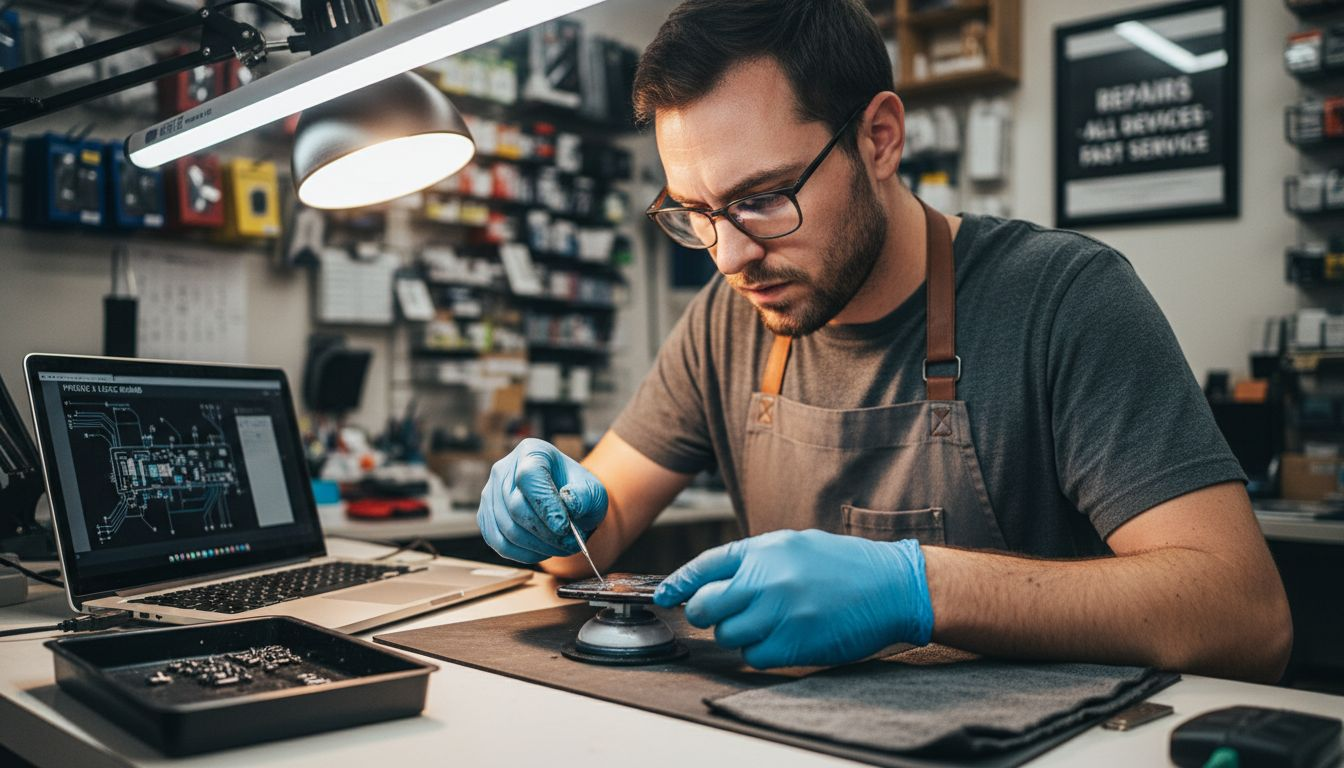
Micro-soldering and board-level repairs enable fixing of complex hardware failures in mobile devices that screen replacements alone cannot resolve. These advanced techniques repair charging circuits, recover data from water-damaged devices, and restore functionality to seemingly dead phones or tablets. Board-level work requires microscopes, soldering stations, and deep knowledge of circuit design that exceeds typical consumer capabilities.
Professional repair ensures warranty coverage and uses proper original or certified replacement parts for lasting fixes. Authorized service providers source genuine components that match original specifications, preventing compatibility issues or premature failures. Warranties typically cover repairs for 90 days to one year, protecting against defective parts or workmanship problems. DIY repairs with aftermarket parts void manufacturer warranties and often create new problems requiring additional expensive fixes.
Recognize limits by assessing problem complexity honestly. Simple issues like cracked screens or dead batteries fall within professional repair scope but exceed safe DIY attempts for most users. Any problem involving liquid damage, motherboard issues, or complete power failure requires diagnostic equipment beyond consumer access. Attempting complex repairs without expertise transforms repairable devices into total losses.
Local mobile repair services provide expert diagnostics that identify exact failure points, preventing unnecessary part replacements and reducing total repair costs. Professionals complete in minutes what might take inexperienced users hours of risky work. Investing in professional service protects device value and extends usable life far beyond DIY attempts.
Choosing local repair services for quick turnaround
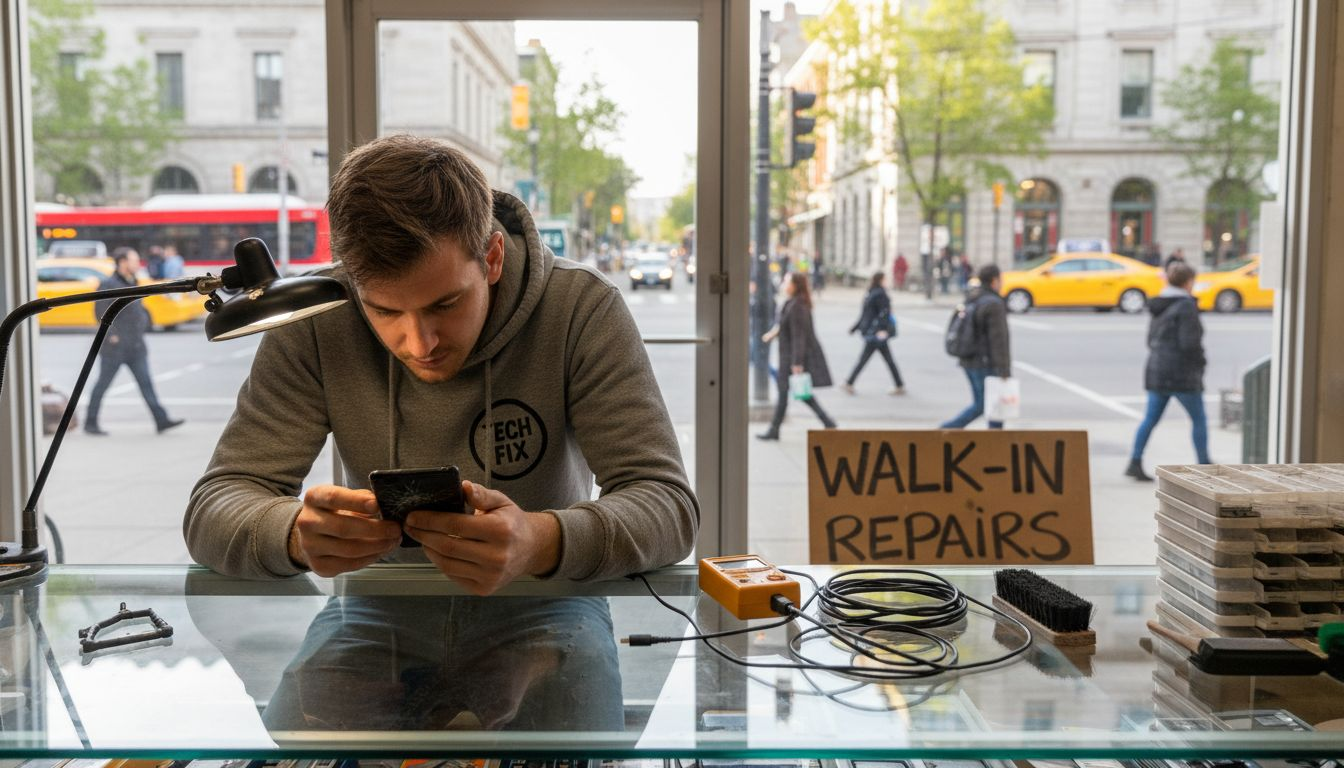
Same-day walk-in services minimize downtime by completing repairs while you wait or within hours of drop-off. This convenience proves critical for professionals relying on devices for work or parents needing tablets for children’s education. Local shops in Laval and Montreal eliminate shipping delays that mail-in services require, often reducing total turnaround from days to hours. Walk-in options also allow direct communication with technicians, clarifying exactly what repairs involve and their necessity.
Walk-in customers can expect completion within 2 hours for many common screen and battery repairs, enabling near immediate device reuse. Typical repair timelines vary by complexity: screen replacements take 30 to 90 minutes, battery swaps require 45 to 60 minutes, and charging port repairs finish within 60 to 120 minutes. More complex board-level work may need 24 to 48 hours for proper diagnosis and component-level repair. Costs in Laval and Montreal range from $80 for simple battery replacements to $300 for screen repairs on newer flagship devices.
Evaluate customer satisfaction through online reviews focusing on repair quality, turnaround accuracy, and post-repair support. Look for patterns in feedback rather than isolated complaints, as consistent praise or criticism reveals true service quality. Service guarantees matter significantly: reputable shops warrant repairs for at least 90 days, demonstrating confidence in workmanship and parts quality. Ask about warranty terms before authorizing repairs to understand what protection you receive.
| Service Type | Average Time | Typical Cost | Best For |
| Walk-in local repair | 30 min to 2 hours | $80 to $300 | Immediate needs, common issues |
| Mail-in repair | 3 to 7 days | $70 to $280 | Non-urgent, rare devices |
| Manufacturer service | 5 to 14 days | $150 to $400 | Warranty coverage, latest models |
Local options at Laval repair services and Montreal repair services provide convenient walk-in access without appointment requirements. Compare multiple local providers on response time, part quality, and total cost transparency before choosing. Premium mobile repair options often justify slightly higher costs through superior warranties and faster service.
Common troubleshooting mistakes and how to fix them
Skipping software updates leaves devices vulnerable to known bugs and security flaws that cause crashes and performance problems. Manufacturers release updates specifically to fix reported issues, so ignoring them perpetuates solvable problems. Enable automatic updates or check manually every two weeks to ensure devices run optimal code. Updates also improve battery life and app compatibility, delivering benefits beyond bug fixes.
Ignoring device resets prolongs problems unnecessarily when simple software corruption causes issues. Many users avoid resets fearing data loss, but proper backups eliminate this risk entirely. Soft resets clear temporary problems without erasing data, while factory resets solve persistent software issues that updates cannot fix. Attempt soft resets first, escalating to factory resets only after backing up completely.
Using counterfeit parts increases failure rates and often creates new problems worse than original issues. Aftermarket screens frequently feature poor touch sensitivity, incorrect colors, or incompatible connectors that damage device circuits. Counterfeit batteries pose fire risks and rarely deliver advertised capacity, dying faster than worn original batteries. Always verify parts come from certified suppliers or original manufacturers to ensure safety and compatibility.
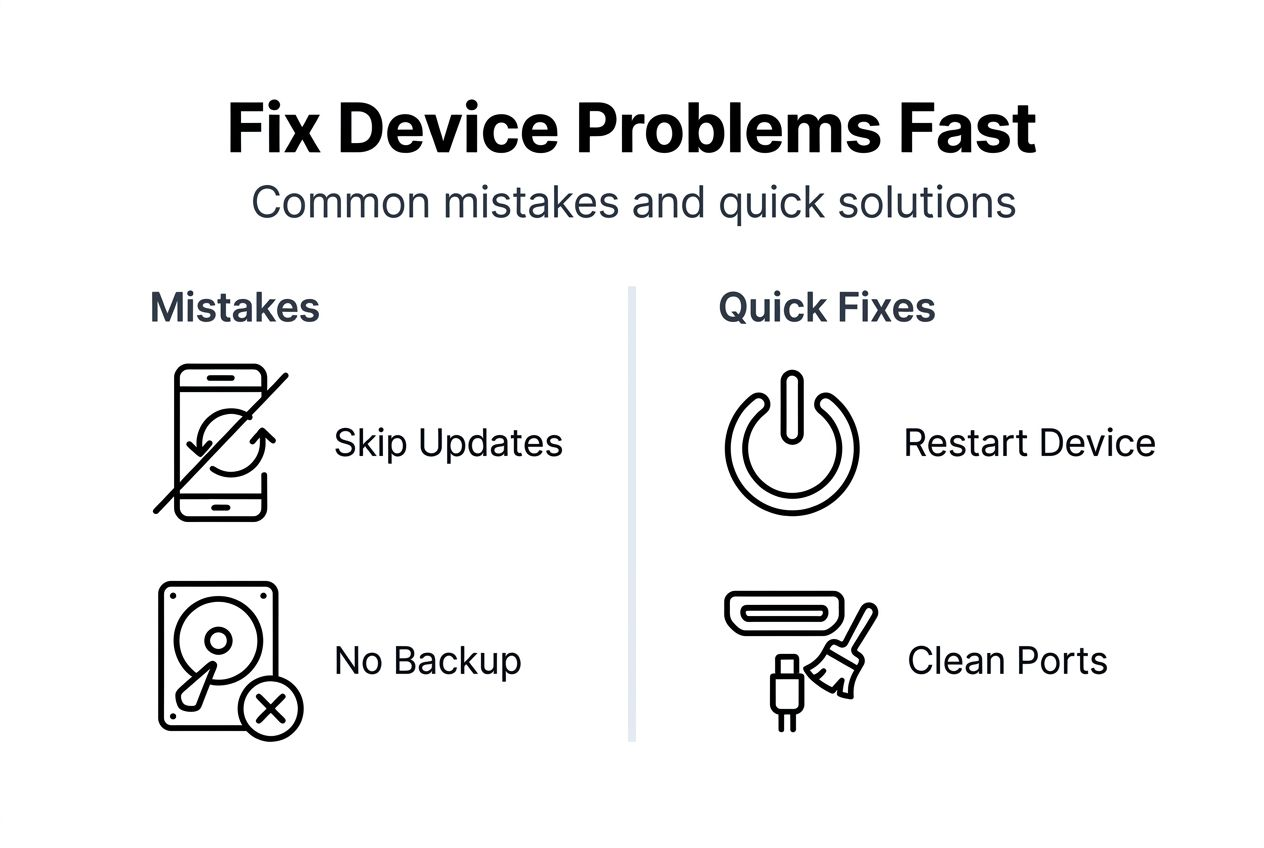
Not backing up data risks permanent loss of photos, contacts, messages, and documents accumulated over years. Cloud backups run automatically and cost little or nothing through services like iCloud or Google Photos. Local backups to computers provide redundant protection and faster restore times. Schedule weekly automatic backups to prevent losing irreplaceable personal data during repairs or device failures.
Trying complex repairs without expertise causes damage that transforms fixable problems into total device losses. Opening devices without proper tools strips screws, tears cables, and cracks internal components. Watch for warning signs that repairs exceed your skill level: specialized tools required, tiny components, or procedures involving heat or adhesives. Professionals complete these repairs safely with proper equipment and experience.
Expected results and outcomes from troubleshooting and repairs
Typical completion times for repairs vary by issue complexity and technician workload. Screen replacements on common smartphones finish within 30 to 90 minutes for walk-in service. Battery swaps complete in 45 to 60 minutes including testing and calibration. Charging port repairs require 60 to 120 minutes due to soldering work and connection testing. Water damage recovery and board-level repairs extend to 24 to 48 hours for thorough diagnostics and component replacement.
Success rates of common quick fixes reach approximately 60% for software resets and restarts addressing freezing or slowdown issues. Cleaning charging ports resolves connection problems in roughly 40% of cases where physical debris blocks contacts. Software updates fix known bugs with 70% to 80% effectiveness when applied to affected devices. Professional screen repairs succeed in over 95% of cases with proper parts and experienced technicians.
Identify properly repaired devices through comprehensive testing of all functions. Screens should respond accurately to touch across entire surfaces without dead spots or ghost touches. Batteries must hold charge for expected durations based on usage patterns, typically lasting full days with moderate use. Cameras should focus properly, speakers produce clear sound, and all buttons respond consistently. Request technicians demonstrate full functionality before accepting completed repairs.
| Repair Type | Success Rate | Typical Duration | Warranty Period |
| Screen replacement | 95% to 98% | 30 to 90 minutes | 90 days to 1 year |
| Battery replacement | 97% to 99% | 45 to 60 minutes | 90 days to 6 months |
| Charging port repair | 85% to 92% | 60 to 120 minutes | 90 days |
| Water damage recovery | 60% to 75% | 24 to 48 hours | 30 to 90 days |
| Board-level repair | 70% to 85% | 24 to 72 hours | 90 days |
Recurring issues after repair often indicate incomplete fixes or underlying problems not addressed initially. Screens that develop new cracks quickly may signal deeper structural damage or improper installation. Batteries draining rapidly post-replacement suggest software problems or other components drawing excessive power. Warranty coverage protects against defective parts and workmanship failures, providing free re-repair or replacement within coverage periods. Always clarify warranty terms before authorizing repairs to understand your protections.
Get expert mobile device repair in Laval and Montreal today
When quick fixes fail and complex problems require professional expertise, BuyCellFix delivers fast, reliable solutions across Laval and Montreal. Expert technicians handle everything from simple screen replacements to advanced micro-soldering and board-level repairs that restore seemingly dead devices. Same-day service gets your smartphone, tablet, or gaming console back in your hands quickly, minimizing disruption to work and personal life.
Convenient walk-in options at both locations eliminate appointment hassles, while transparent pricing ensures you know exact costs before authorizing any work. Every repair includes warranty coverage, demonstrating confidence in workmanship and parts quality. Whether you need immediate mobile repair services, want to visit Laval repair locations, or prefer Montreal repair locations, experienced technicians stand ready to solve your device problems efficiently.
FAQ
How do I know if my device issue is software or hardware related?
Software issues typically cause freezing, slowdowns, failed updates, or app crashes without physical damage signs. Hardware problems involve visible damage like cracked screens, devices failing to power on, or charging issues that persist across multiple cables. Run built-in diagnostics and attempt simple resets to differentiate between the two problem types.
What safety precautions should I take before attempting repairs?
Always back up all data to cloud services or local computers before starting any troubleshooting or repair work. Use only proper tools designed for electronics to avoid damaging delicate components. Never attempt to open devices without technical knowledge, as internal ribbon cables and connectors break easily under inexperienced handling.
How fast can I expect local repairs to be completed?
Many common repairs like screen replacements and battery swaps complete within 30 minutes to 2 hours at local Laval and Montreal walk-in shops. Complex issues requiring board-level work or specialized diagnostics may need 24 to 48 hours. Same-day service availability depends on shop workload and specific device model.
Is it safe to use third-party repair kits for hardware fixes?
DIY hardware repairs carry up to 40% risk of permanent damage without proper expertise and specialized tools. Third-party kits often include counterfeit parts that fail quickly or damage device circuits. Using certified parts through professional services proves safer and more cost-effective long-term, protecting device value and functionality.